30
Adjusting On Screen Displays (OSD)
Adjusting Settings:
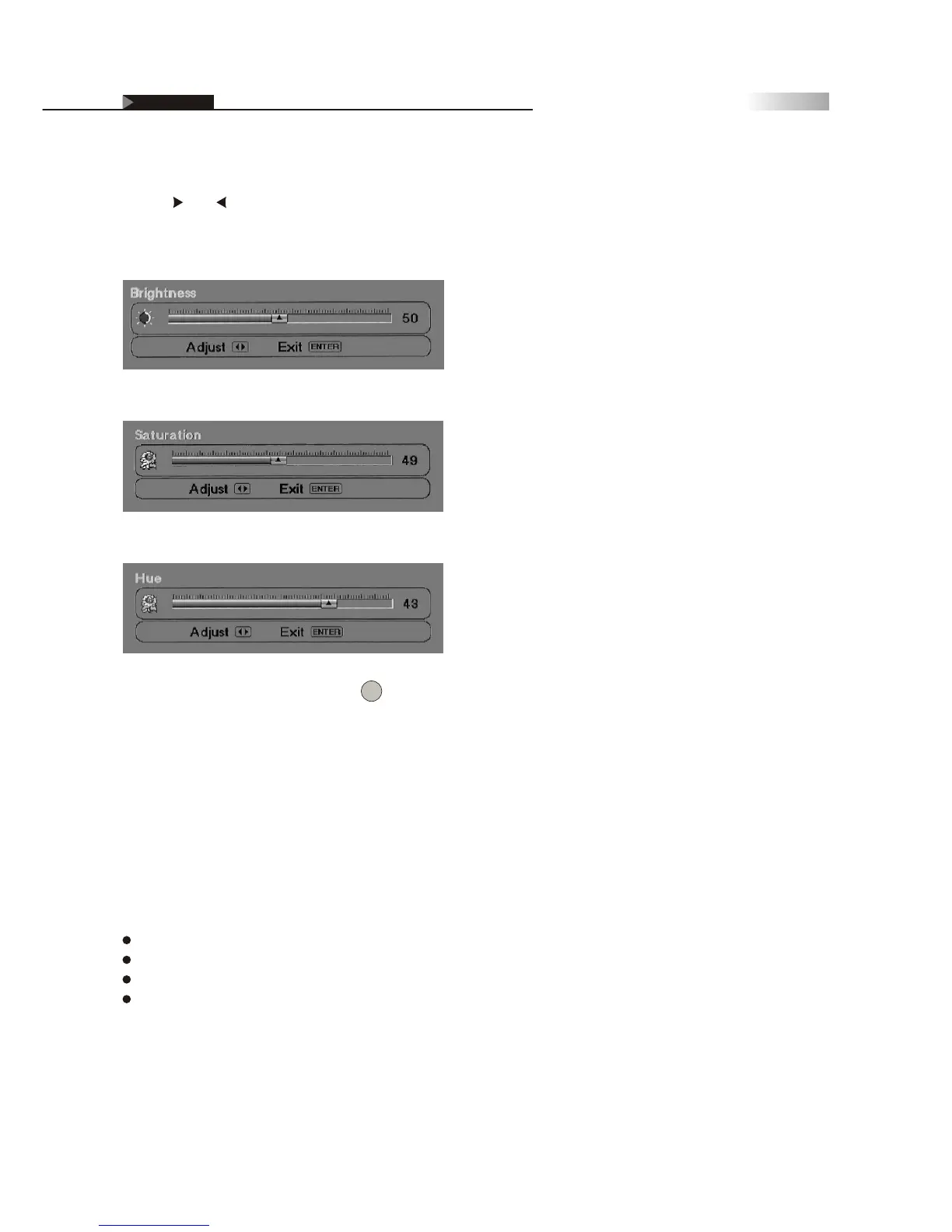
Use the and remote buttons to adjust each Video picture setting,
as seen below:
To return to the main menu, press the Button.
Returning to Default Factory Settings
If, at any time, you wish to go back to original factory setting, you may
do so by choosing the Default setting in the OSD Picture and Audio Sections.
Selecting "Default," will reset all OSD settings to the original
manufacture settings. The only items which will remain unaffected, are:
Clock
Auto Scan Channels
Edited Channels
Parental Control Password
Brightness
Saturation
Hue
OSD-Video
Enter



 To Next Page