34
Adjusting On Screen Displays (OSD)
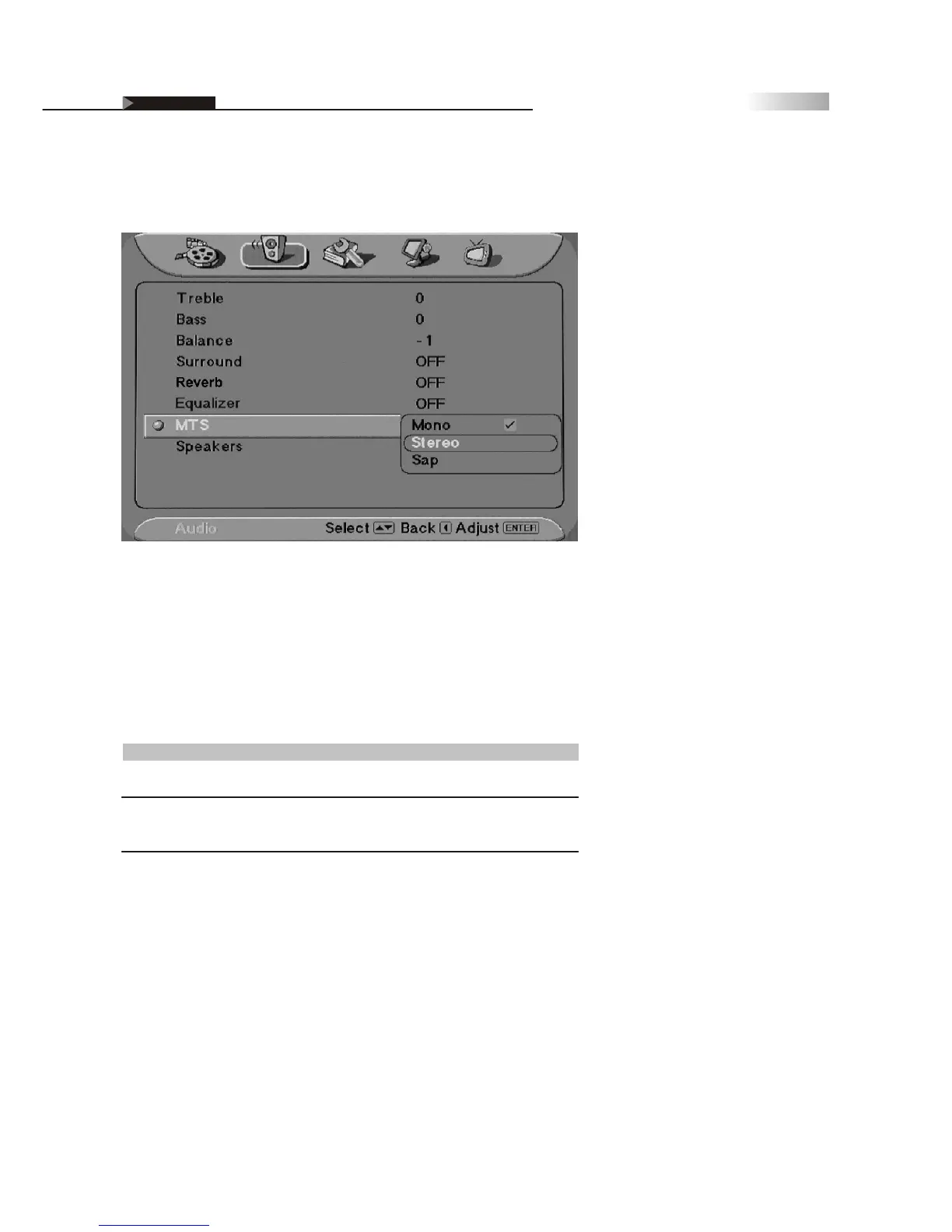
MTS System for Stereo TV
You can enjoy stereo, bilingual and mono programs.
Additionally, you can press the hotkey "MTS" until the desired sound in
dication appears. Each time you press the button, the sound indication
changes as follows:
Sound Effect
Stereo
SAP
Mono
Description
Select for stereo reception when viewing a program broadcast
in stereo
Select to automatically switch the TV to Secondary Analog
Program when a signal is received.
(If no SAP signal is present, the TV remains in Stereo Mode)
Select for mono reception.
(Use to reduce noise during weak stereo broadcasts)
OSD-Audio
Mono, Sap, Stereo
Definifion of Terms



 To Next Page