44
Adjusting On Screen Displays (OSD)
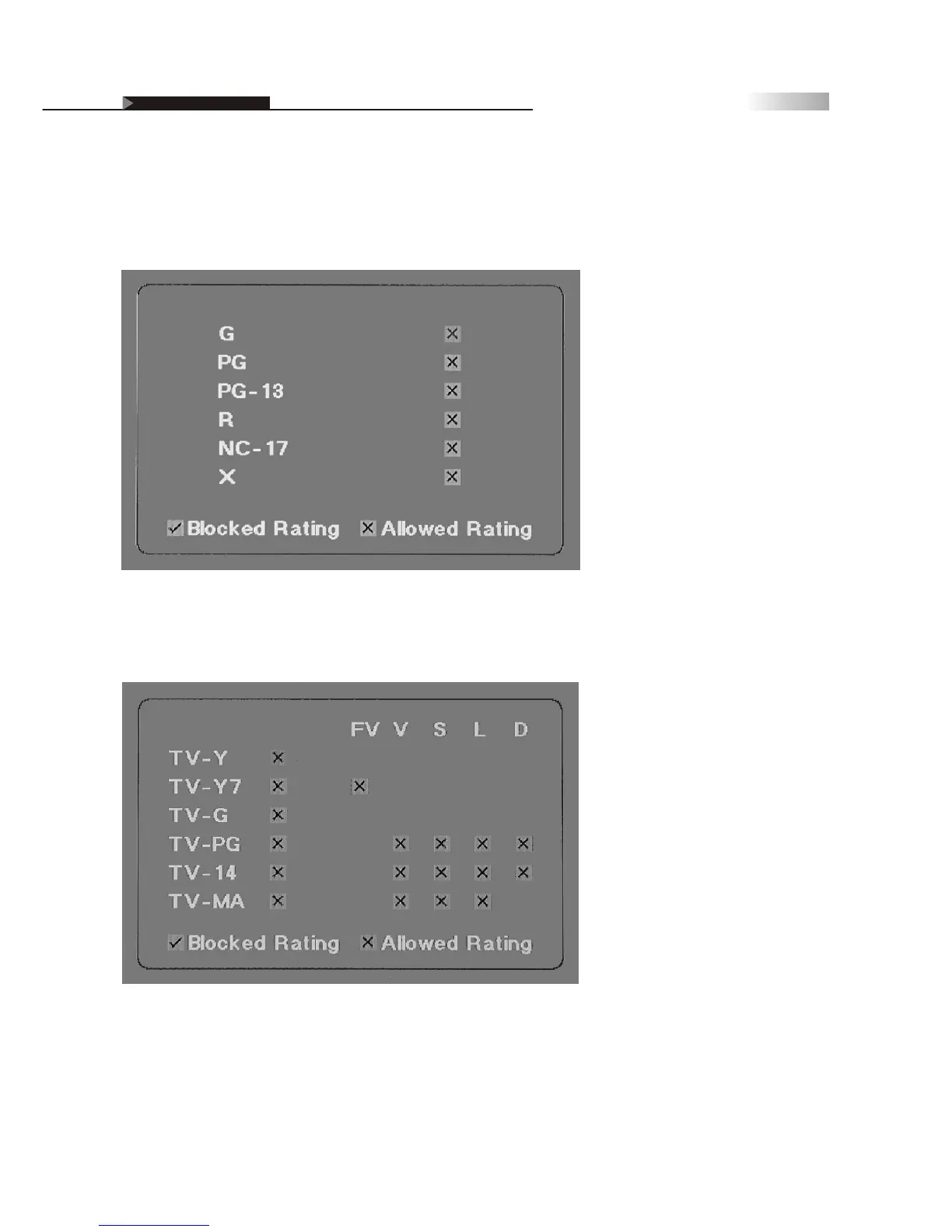
TV Rating controls channels and movies that have been rated from TV-Y,
TV Y-7, TV-G, TV-PG, TV-14, and TV-MA.
Blocking Unrated Channels
You may choose "YES" for Block MPAA Unrated and Block TV None
Rating. This will lock you from accessing any channels that do not
contain MPAA or TV Ratings. To watch unrated channels, re-activate
Block MPAA Unrated and Block TV None Rating to "NO".
OSD-Miscellaneous
MPAA Rating controls channels and movies that are rated from G,
PG-13, R, NC-17, and X.



 To Next Page