29
Adjusting On Screen Displays (OSD)
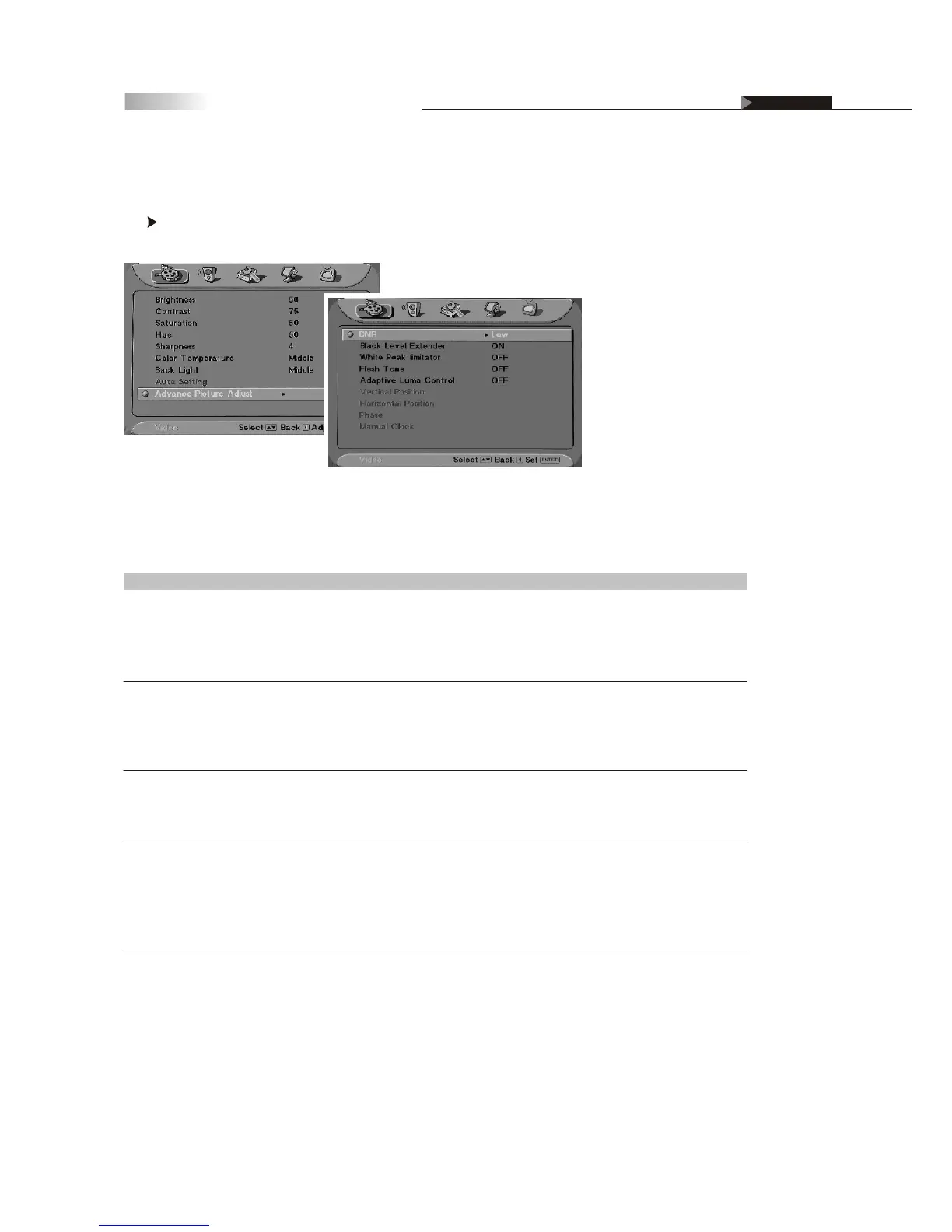
Advance Picture Adjust
Definition of Terms
Advance Picture Adjust
To further adjust specific picture settings, enter this function by pressing
the button.
Item
DNR
Black Level Extender
White Peak Limitator
Flesh Tone
Adaptive Luma Control
Status
Off/Low/Middle/Strong
On/Off
On/Off
On/Off
On/Off
Description and Function
DNR-Dynamic Noise Reduction. Reduces high frequency
noise dynamically.
Off- Dynamic Noise Reduction is disabled.
Low/Middle/Strong---Set the DNR in low/medium/strong
degree.
Black Level Extender -Extends "grays" to black so a
more accurate picture is produced with a wider contrast
scale.
On-The Black Level Extender is enabled.
Off-The Black Level Extender is disabled.
White Peak Limitator-Limit the signal amplitude varying
degree resulted in brightness over saturation.
On-The White Peak Limitator is enabled.
Off-The White Peak Limitator is disabled.
Most LCD HDTV's video processing solutions have a red push
to the their color matrix. With the FleshTone Control option,
it helps to tone down these strong reds and produce more
naturalistic color tones.
On-Flesh tone adjustment is enabled.
Off-Flesh tone adjustment is disabled.
Control the luminance adaptively.
On-The Adaptive Luma control feature is enabled.
Off-The Adaptive Luma control feature is disabled.
OSD-Video



 To Next Page