45
Adjusting On Screen Displays (OSD)
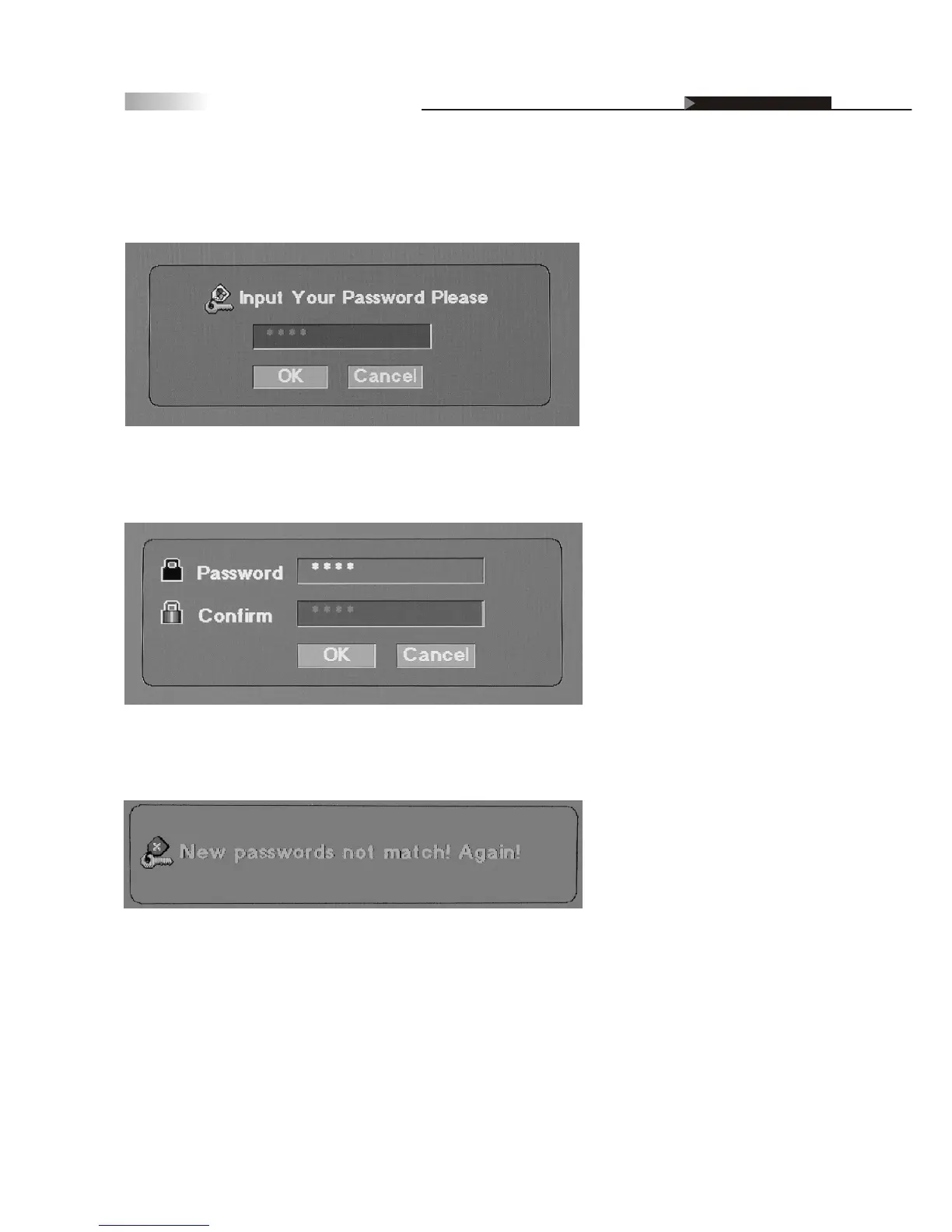
You will have to enter and confirm your password before changing to a
new password. Please keep password within 4 numbers.
If you enter the incorrect password, you will see an error page.
Please re-enter the new password and confirmation password again.
Note: If you forget the password, press "9999" to lift the Password lock
and change to a new preferred password.
OSD-Miscellaneous
Setting up Parental Control Password
Enter the password sub-page. Enter the current password. If this is the
first time, you do not have to enter a password.



 To Next Page