39
Adjusting On Screen Displays (OSD)
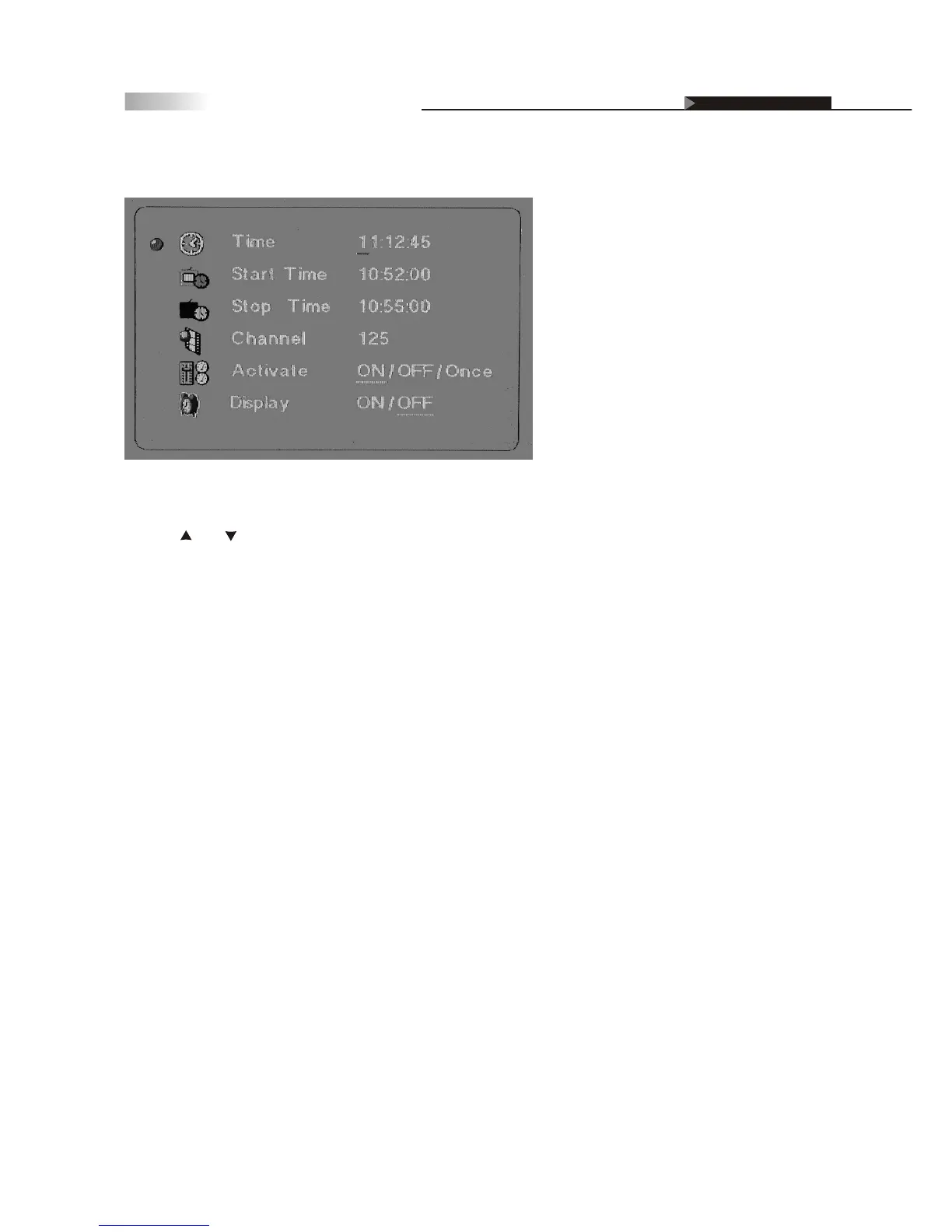
Setting up the TV Timer
To setup the time on the TV:
1.Using and keys, enter in HH: MM: SS. Enter the time using the
number keys found on the remote.
2.press "Enter" when complete.
NOTE: Clock will NOT BE affected when Factory Default settings are
reset. Under Activate, "ON" allows the start/stop time to be ongoing
whereas, "ONCE" allows it to only function once.
However, when the power cord is not connected to the TV, you will lose
all previous time adjustments.
OSD-Miscellaneous



 To Next Page