58
Adjusting On Screen Displays (OSD)
OSD-DTV
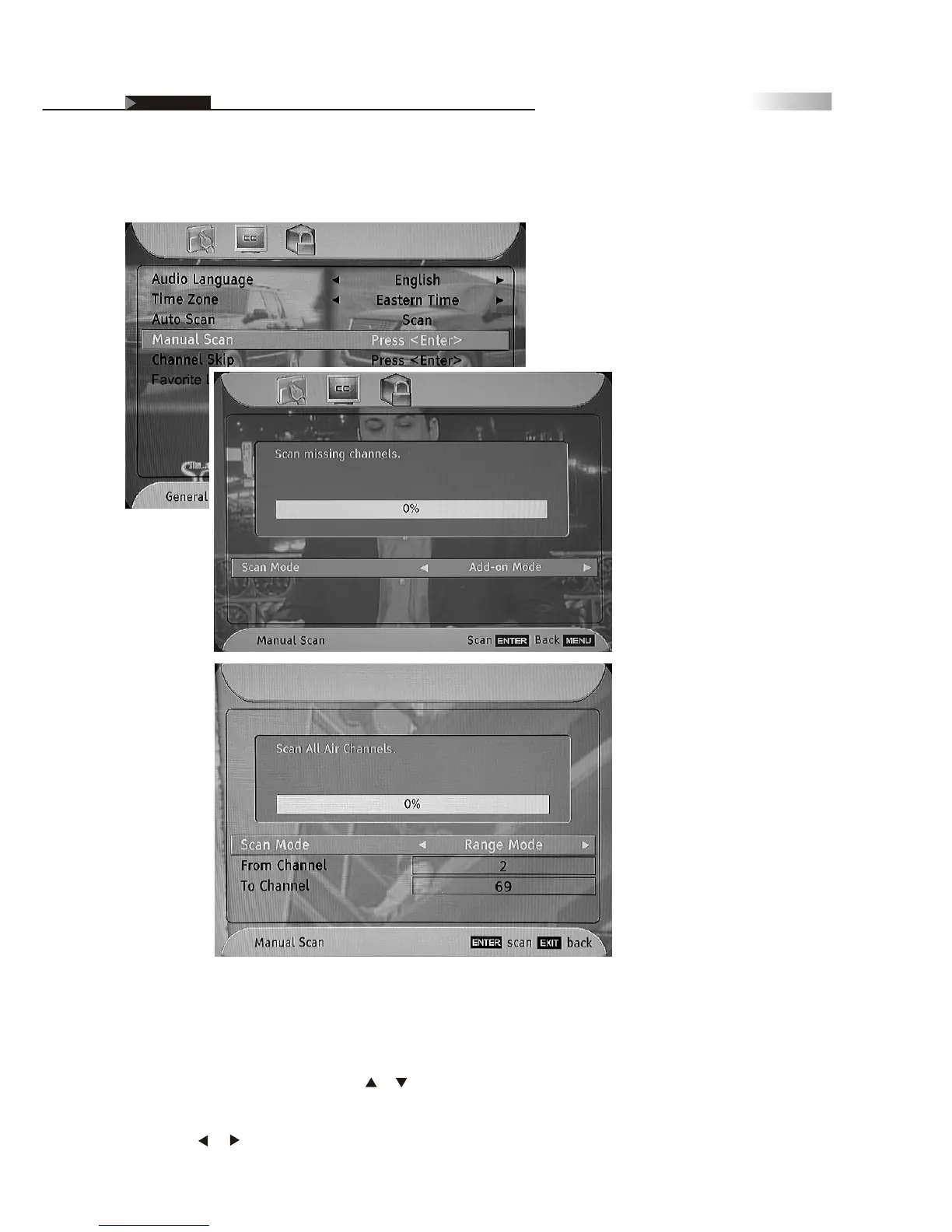
Range Mode:
The receiver scans Off-Air channels searching for both NTSC analog and
ATSC digital signals from channel 2 to channel 69. The percentage bar
shows the progress being made.
1. On the "General" menu page, press or button to select "Manual
Scan", and then press the "ENTER" button to enter the sub-menu.
2. Press the or button to select "Range Mode".
4. Press the "EXIT" button to return to the main menu or press the "MENU"
button to exit the menu system.
(Range Mode)
(Add-on Mode)



 To Next Page