63
Adjusting On Screen Displays (OSD)
OSD-DTV
5. Press the "EXIT" button to return to the main menu or press the "MENU"
button to exit the menu system.
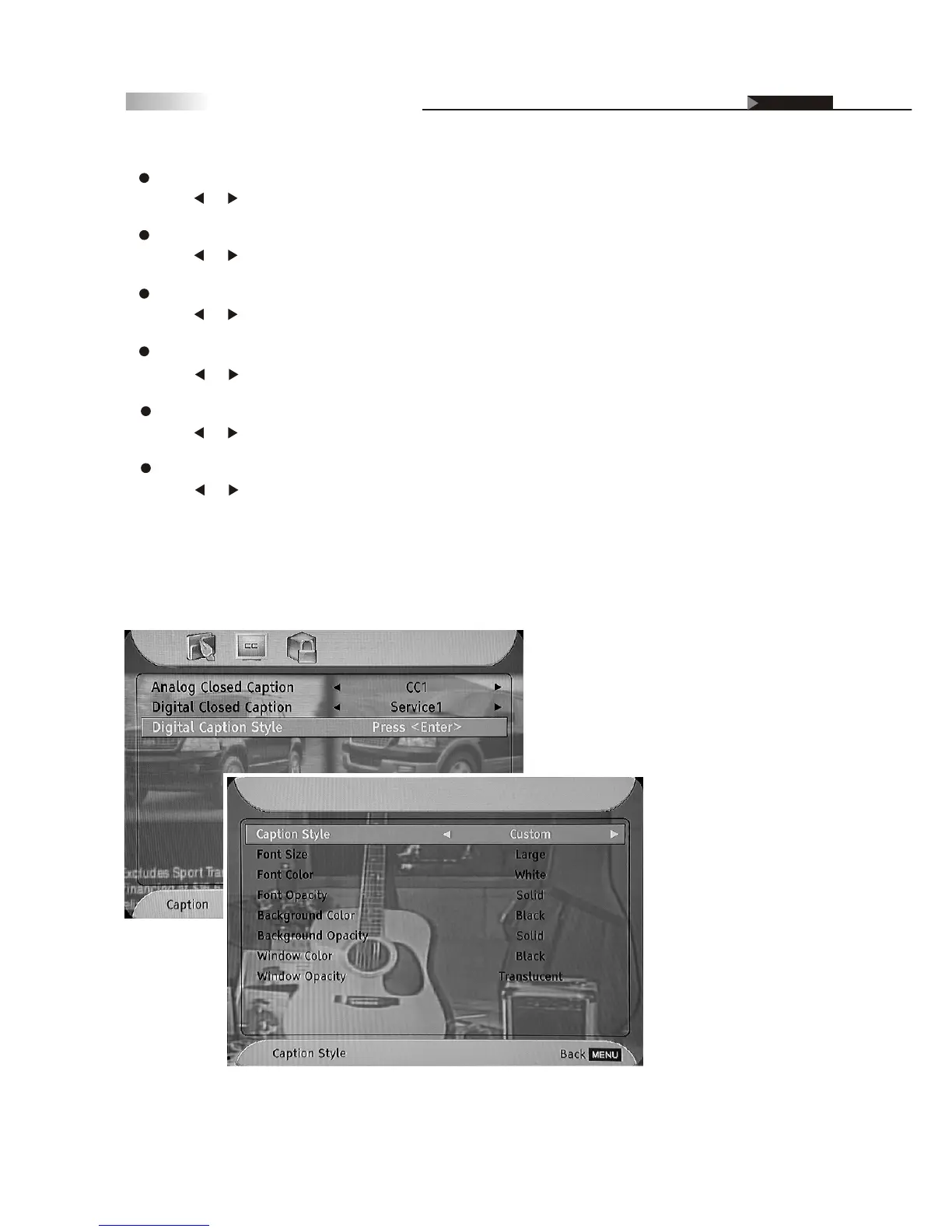
Font Color:
Press or button to select the font color of Closed Caption.
Font Opacity:
Press or button to select the font opacity degree of Closed Caption.
Background Color:
Press or button to select the background color of Closed Caption.
Background Opacity:
Press or button to select the background opacity degree of Closed Caption.
Window Color:
Press or button to select the edge color of Closed Caption.
Window Opacity:
Press or button to select the edge opacity degree of Closed Caption.



 To Next Page