3-21
Preparation before Use > Loading paper
7
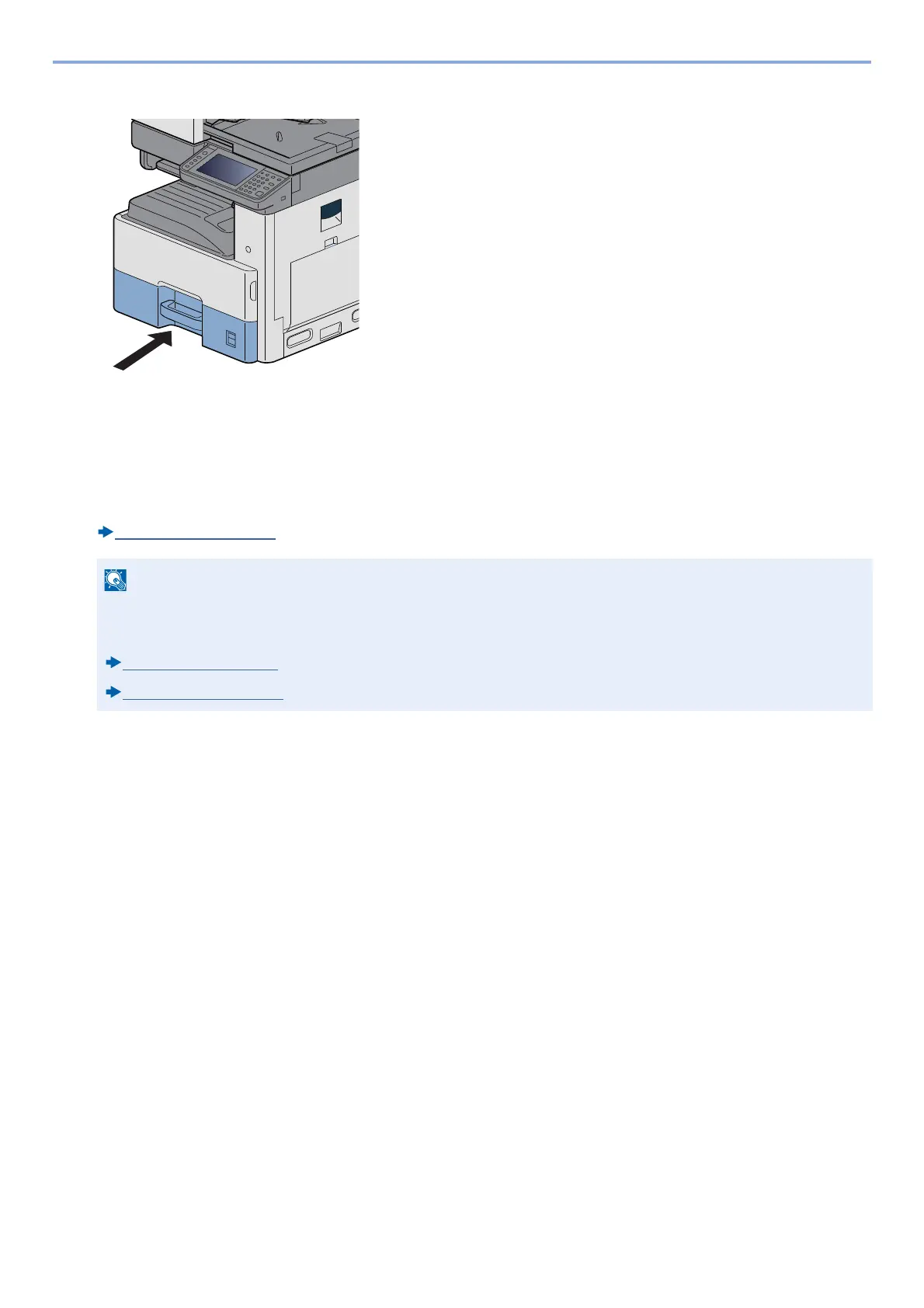
Inserting a Sheet of the Paper Size.
8
Display a screen.
[System Menu / Counter] key > [Cassette/MP Tray Settings] > [Cassette 1]
9
Configure the function.
Select the paper size and paper type.
[Cassette 1 (to 3)]
(8-9)
• If the size label is required, please contact your dealer or our sales and service representative.
• Paper size is automatically detected. Refer to the information below.
[Paper Selection]
(6-5)
[Cassette 1 (to 3)] (8-9)










 To Next Page