8-3
System Menu > [Quick Setup Wizard]
[Quick Setup Wizard]
For FAX functions, Energy Saver functions and network settings, the following settings can be configured in a wizard-
style screen.
Quick Setup Wizard
(2-25)
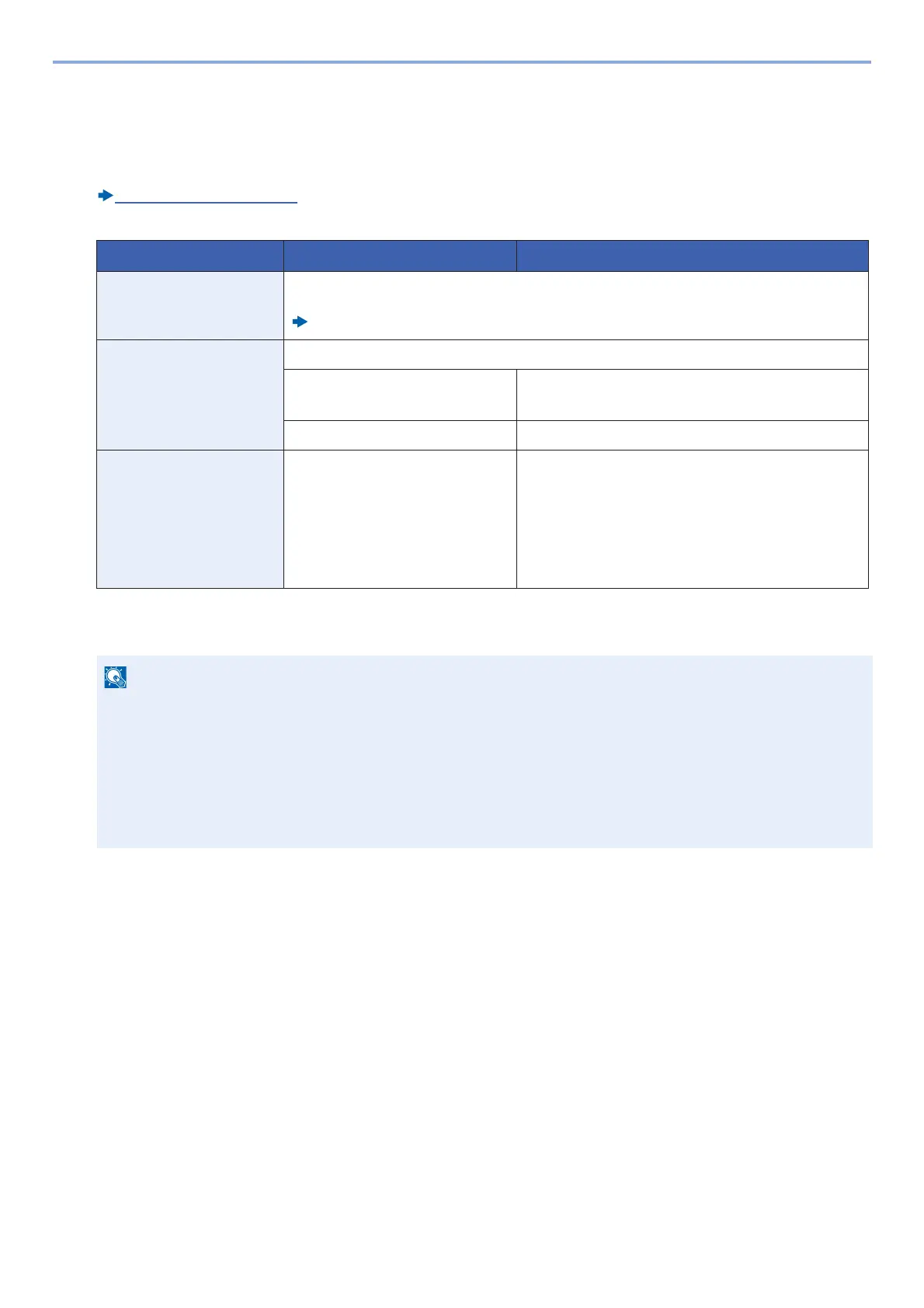
The following settings can be configured in a wizard-style screen.
*1 This function is displayed when [Network Selection] is set to [Wired Network].
*2 This function is not displayed when [On] is selected for the DHCP setting.
Function Item Description
FAX Setup Configures basic fax settings. FAX functions are available only on products with the optional
fax function installed.
FAX Operation Guide
Energy Saver Setup Configures energy saver function settings
1. Sleep Mode Sleep Timer
Sleep Level (models except for Europe)
2. Low Power Mode Low Power Timer
Network Setup 1. Network Wi-Fi
Wired Network
DHCP
*1
IP Address
*2
Subnet Mask
*2
Default Gateway
*2
If the user authentication screen appears, enter your login user name and login password and select [Login].
The factory default login user name and login password are set as shown below.
Login User Name
d-COPIA 255MF:2500
Login Password
d-COPIA 255MF:2500










 To Next Page