xxii
> Menu Map
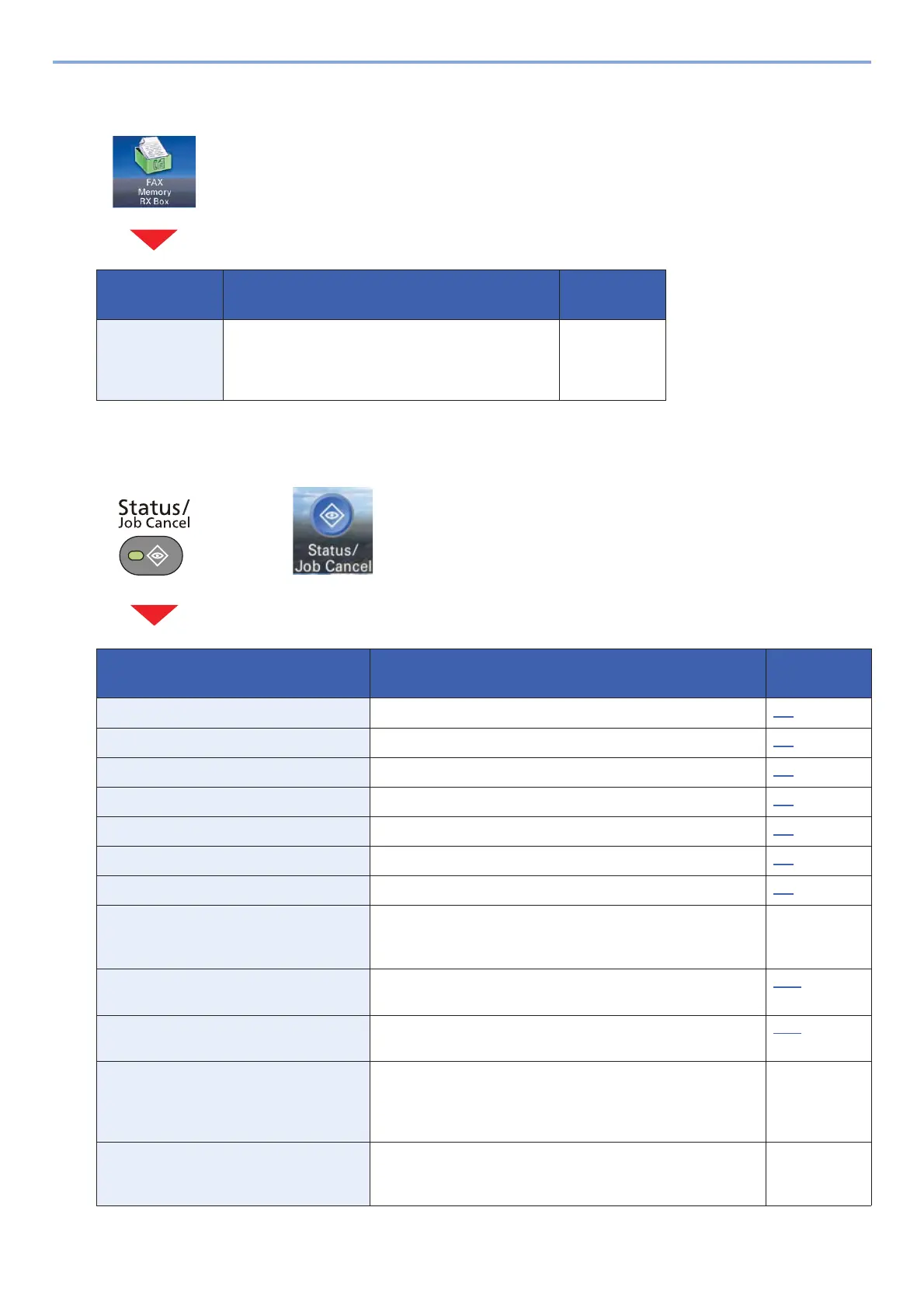
[FAX Memory RX Box]
[Status/ Job Cancel]
Function key Description Reference
Page
FAX Memory RX
Box
Operate the fax memory RX box. Embedded
Web Server
RX User
Guide
or
Function key Description Reference
Page
Print Job Status Displays the Print Job Status screen. 7-3
Send Job Status Displays the Send Job Status screen. 7-4
Store Job Status Displays the Store Job Status screen. 7-5
Scheduled Job Sending Job FAX using Delayed transmission 7-5
Print Job Log Displays the Printing Job Log screen. 7-7
Sending Job Log Displays the Sending Job Log screen. 7-7
Storing Job Log Displays the Storing Job Log screen. 7-7
FAX Job Log Displays the FAX Job Log screen. FAX
Operation
Guide
Scanner The status of an original scanning or the error information
(paper jam, opened cover, etc.) is displayed.
7-10
Printer Error information such as paper jam, out of toner, or out of
paper, and status such as waiting or printing are displayed.
7-10
FAX Memory RX Box Configure settings for FAX Memory RX Box. Embedded
Web Server
RX User
Guide
FAX The information such as sending/receiving and dialing is
displayed. You can also cancel a fax that is currently being
sent/received.
FAX
Operation
Guide










 To Next Page