4-12
Operation on PC > Storing Data in Machine Memory and Printing Data in Machine Memory
4
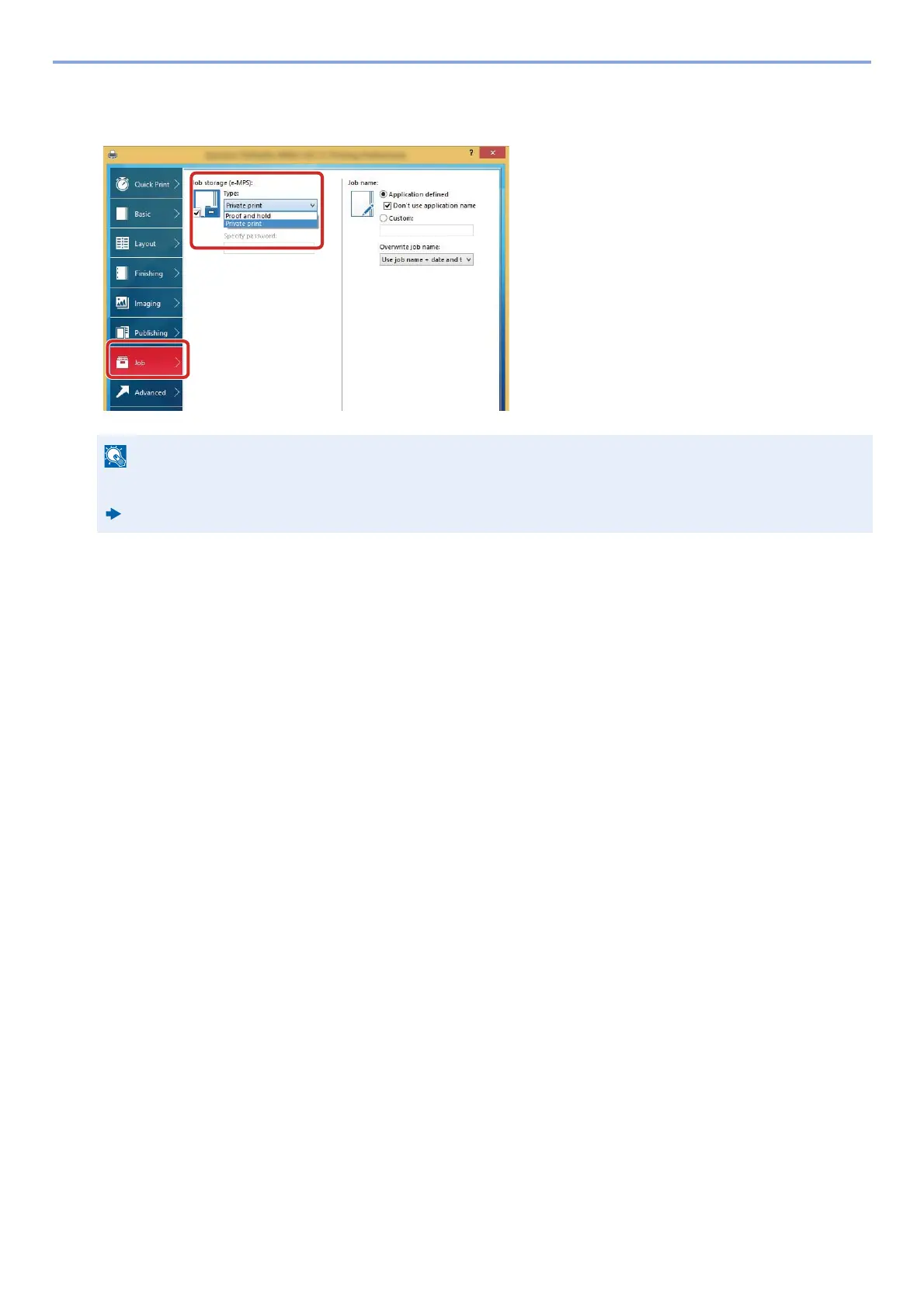
Click the [Job] tab and select the [Job storage (e-MPS)] check box to set the function >
[OK].
5
Click the [Print] button.
The print job is stored.
Using Embedded Web Server RX to Print a Job Stored in a
Custom Box
A document stored in a Custom Box can be printed from Embedded Web Server RX.
1
Display the screen.
1 Launch your Web browser.
2 In the address or location bar, enter the machine's IP address or the host name.
Click in the following order to check the machine's IP address and the host name.
[Device Information] in the home screen > [Identification/Wired Network]
For information on how to use the printer driver software, refer to the following:
Printer Driver User Guide










 To Next Page