8-41
System Menu > [System/Network]
WSD Scan ʊ
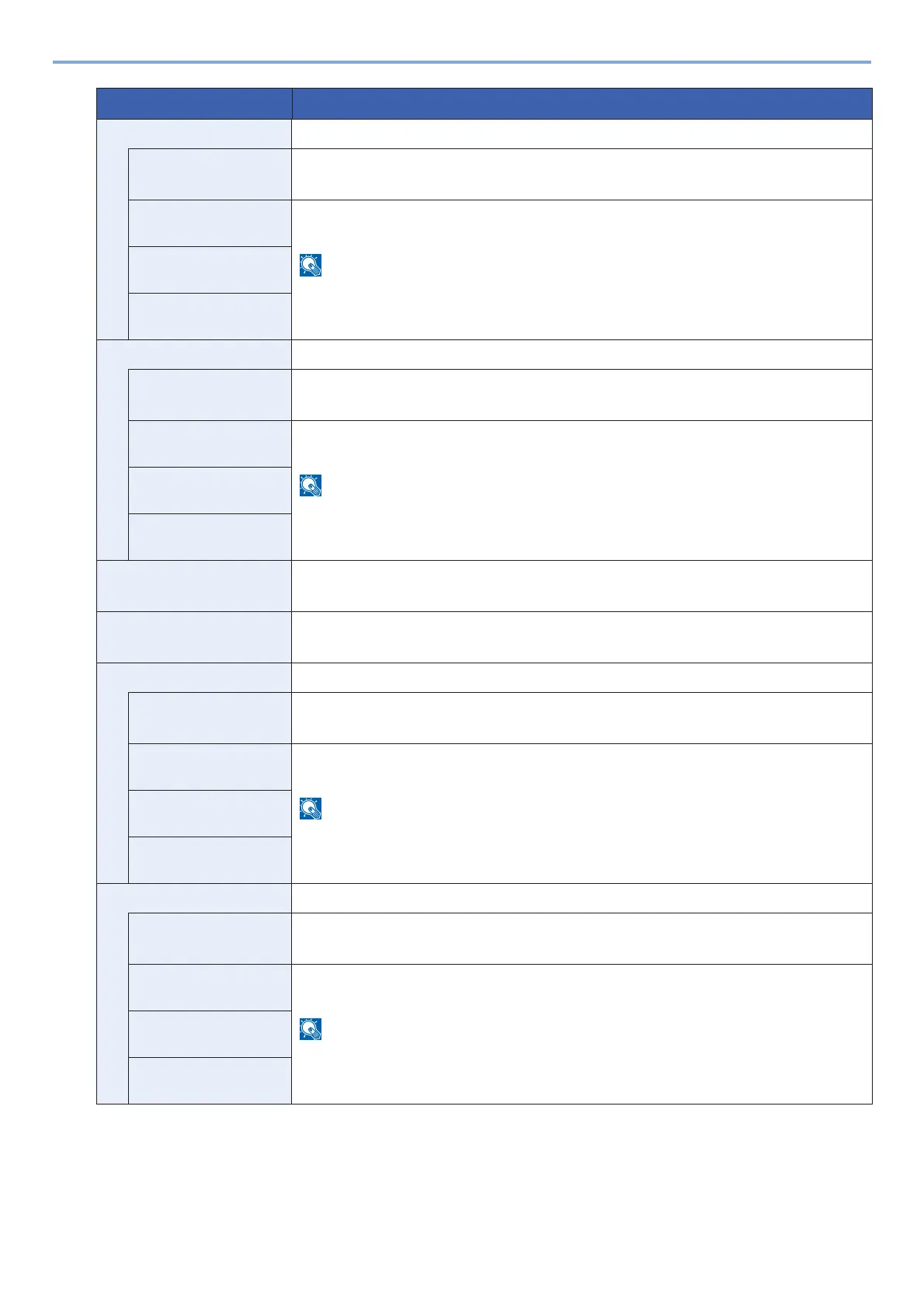
Protocol Settings Select whether to use WSD Scan.
*1
Value: Off, On
Available Network
(Wi-Fi Direct)
Select whether or not each network is enabled.
Value: Disable, Enable
This setting is displayed when the [Protocol Settings] setting is [On].
Available Network
(Wi-Fi)
Available Network
(Wired Network)
WSD Print ʊ
Protocol Settings Select whether or not each network is enabled.
*1
Value: Off, On
Available Network
(Wi-Fi Direct)
Select whether or not each network is enabled.
Value: Disable, Enable
This setting is displayed when the [Protocol Settings] setting is [On].
Available Network
(Wi-Fi)
Available Network
(Wired Network)
DSM Scan Select whether to use DSM scan.
*1
Value: Off, On
LDAP Select whether to use LDAP.
Value: Off, On
SNMP ʊ
Protocol Settings Select whether to communicate using SNMP.
*1
Value: Off, On
Available Network
(Wi-Fi Direct)
Select whether or not each network is enabled.
Value: Disable, Enable
This setting is displayed when the [Protocol Settings] setting is [On].
Available Network
(Wi-Fi)
Available Network
(Wired Network)
SNMPv3 ʊ
Protocol Settings Select whether to communicate using SNMPv3.
*1
Value: Off, On
Available Network
(Wi-Fi Direct)
Select whether or not each network is enabled.
Value: Disable, Enable
This setting is displayed when the [Protocol Settings] setting is [On].
Available Network
(Wi-Fi)
Available Network
(Wired Network)
Item Description










 To Next Page