2-18
Installing and Setting up the Machine > Network settings
5
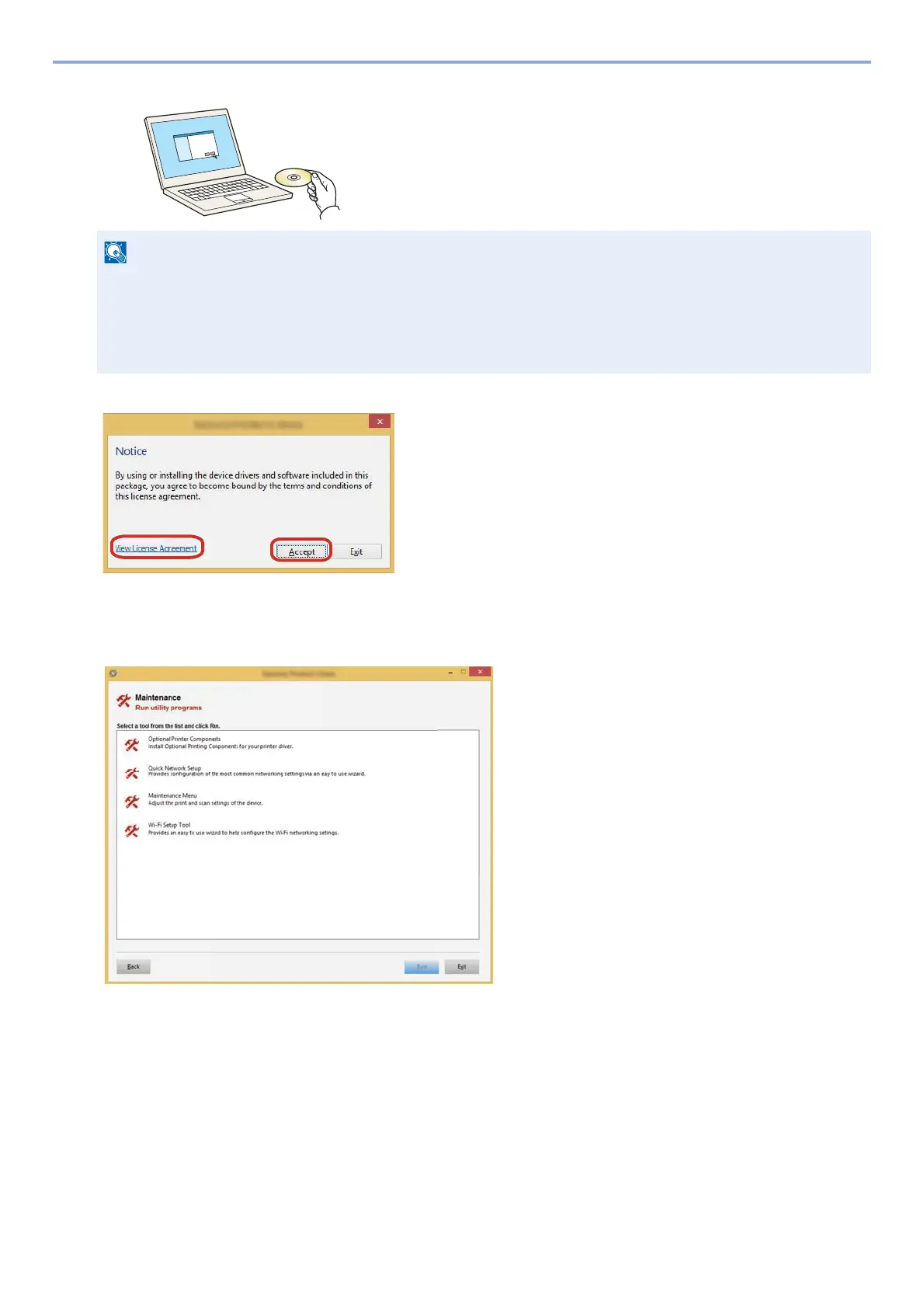
Insert the DVD.
6
Display the screen.
7
Select [Maintenance].
8
[Wi-Fi Setup Tool] > [OK]
9
Configure the settings.
1 [Do not use automatic configuration] > [Next] > [Next]
2 [Wi-Fi Direct] > [Next] > [Next]
3 [Advanced setup] > [Next]
Select [Express] or [Custom] as device discovery method. Specify the IP address or host name to search the machine.
4 Select the machine > [Next].
• Installation on Windows must be done by a user logged on with administrator privileges.
• If the "Welcome to the Found New Hardware Wizard" dialog box displays, select [Cancel].
• If the auto run screen is displayed, click [Run setup.exe].
• If the user account management window appears, click [Yes (Allow)].
1 Click [View License Agreement] and read the
License Agreement.
2 Click [Accept].










 To Next Page