2-17
Before Using the Fax Machine > Registering Destinations in the Address Book
4 Press the [OK] key.
7
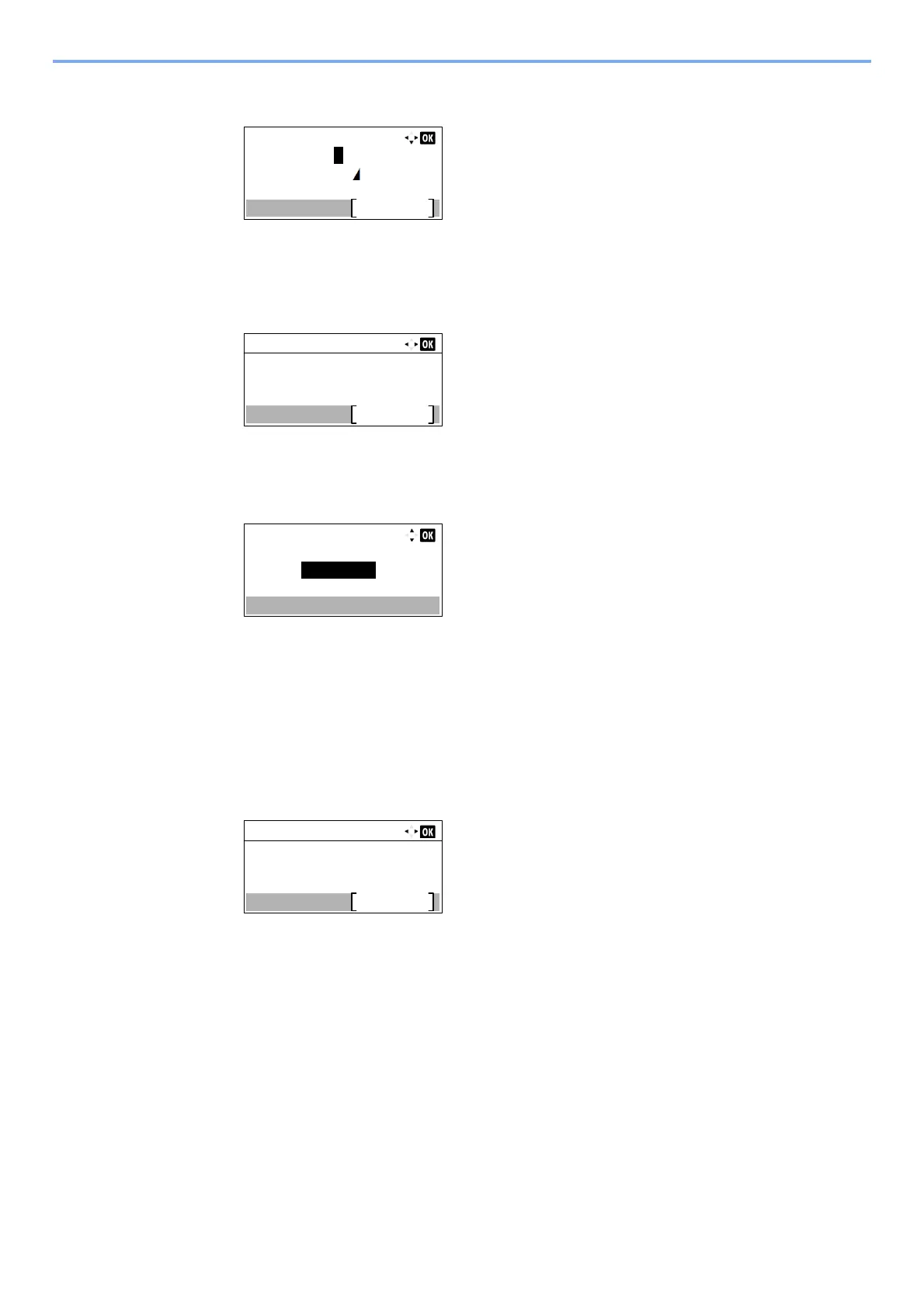
Enter the address number.
1 Press the [] or [] key to select [Address Number].
2 Press [Edit].
3 Enter the address number.
Press the [▲], [▼] key or numeric keys to enter a particular Address Number (001-250).
Address Number is an ID for a destination.
4 Press the [OK] key.
8
Register the destination.
1 Press the [OK] key.
[Completed.] is displayed and the destination is registered.
FAX No. Entry:
Detail
0123456789
Detail:
6/ 6
053
Edit
Address Number:
Address Number:
053
(001 - 250)
Detail:
6/ 6
053
Edit
Address Number:



 To Next Page