2-20
Before Using the Fax Machine > Registering Destinations in the Address Book
7 Press the [OK] key. The fax number and address of the member selected are displayed.
8 Press the [OK] key.
The selected member is added to Group Member.
Members can be added by repeating steps 3 to 8.
6
Delete the members.
1 Press the [▲] or [▼] key to select the member you want to delete.
2 Press [Menu].
3 Press the [▲] or [▼] key to select [Delete].
4 Press the [OK] key.
5 Press [Yes] in confirmation screen.
The selected member is deleted from Group Member.
7
Confirm the registered member.
1 Press the [Back] key when all members are registered.
8
Enter the address number.
1 Press the [] or [] key to select [Address Number].
2 Press [Edit].
When checking information of the destination, press [Menu], select [Details], and then press
the [OK] key.
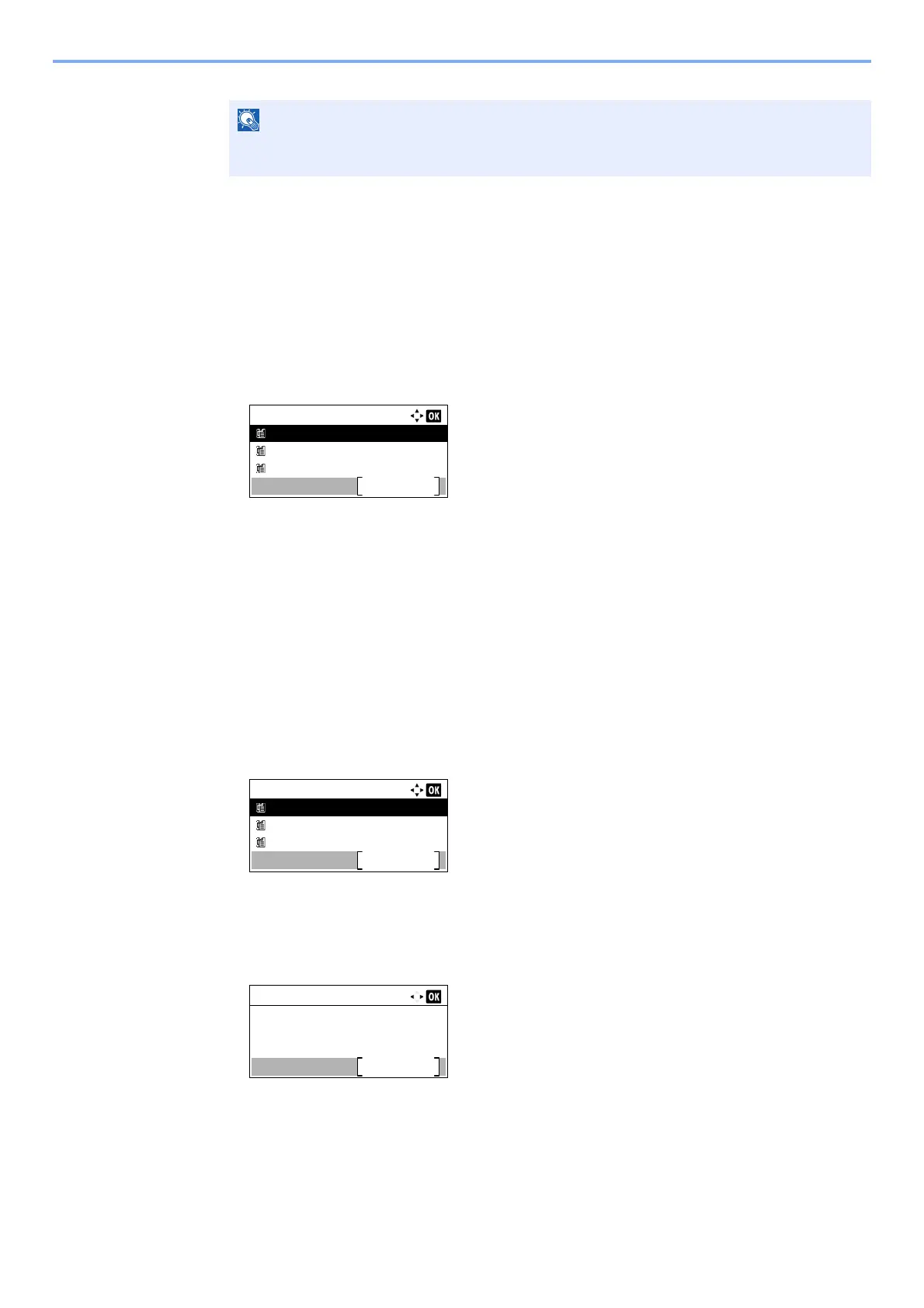
Group Member:
Sales Department 1
Menu
Sales Department 2
Sales Department 3
Group Member:
Sales Department 1
Menu
Sales Department 2
Sales Department 3
Detail:
6/ 6
053
Edit
Address Number:



 To Next Page