2-19
Before Using the Fax Machine > Registering Destinations in the Address Book
4
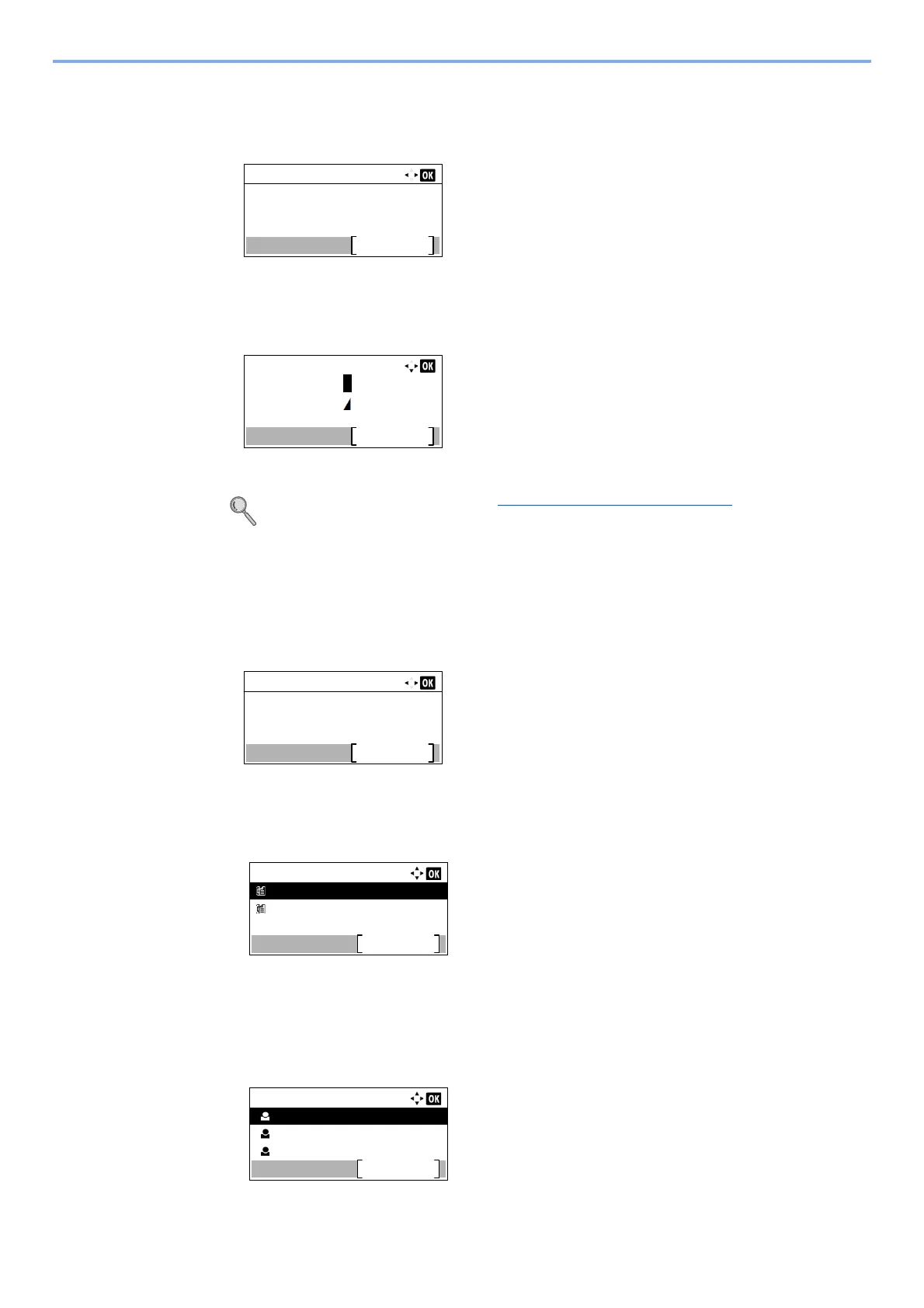
Enter the group name.
1 Press the [] or [] key to select [Group Name].
2 Press [Edit].
3 Enter the group name.
Up to 32 characters can be entered.
For details on character entry, refer to Character Entry Method on page 10-2.
4 Press the [OK] key.
5
Select the members (destinations).
1 Press the [] or [] key to select [Group Member].
2 Press [Edit].
3 Press [Menu].
4 Press the [▲] or [▼] key to select [Add Member].
5 Press the [OK] key.
6 Press the [▲] or [▼] key to select the member you want to add.
Detail:
1/ 3Group Name:
Edit
Group Name:
Text
Common Settings
Sales Group
ABC
Detail:
2/ 3Group Member:
Edit
2
Group Member:
Sales Department 1
Menu
Sales Department 2
Contacts:
Sales Department 1
Menu
Sales Department 2
Sales Department 3



 To Next Page