2-22
Before Using the Fax Machine > Registering Destinations in the Address Book
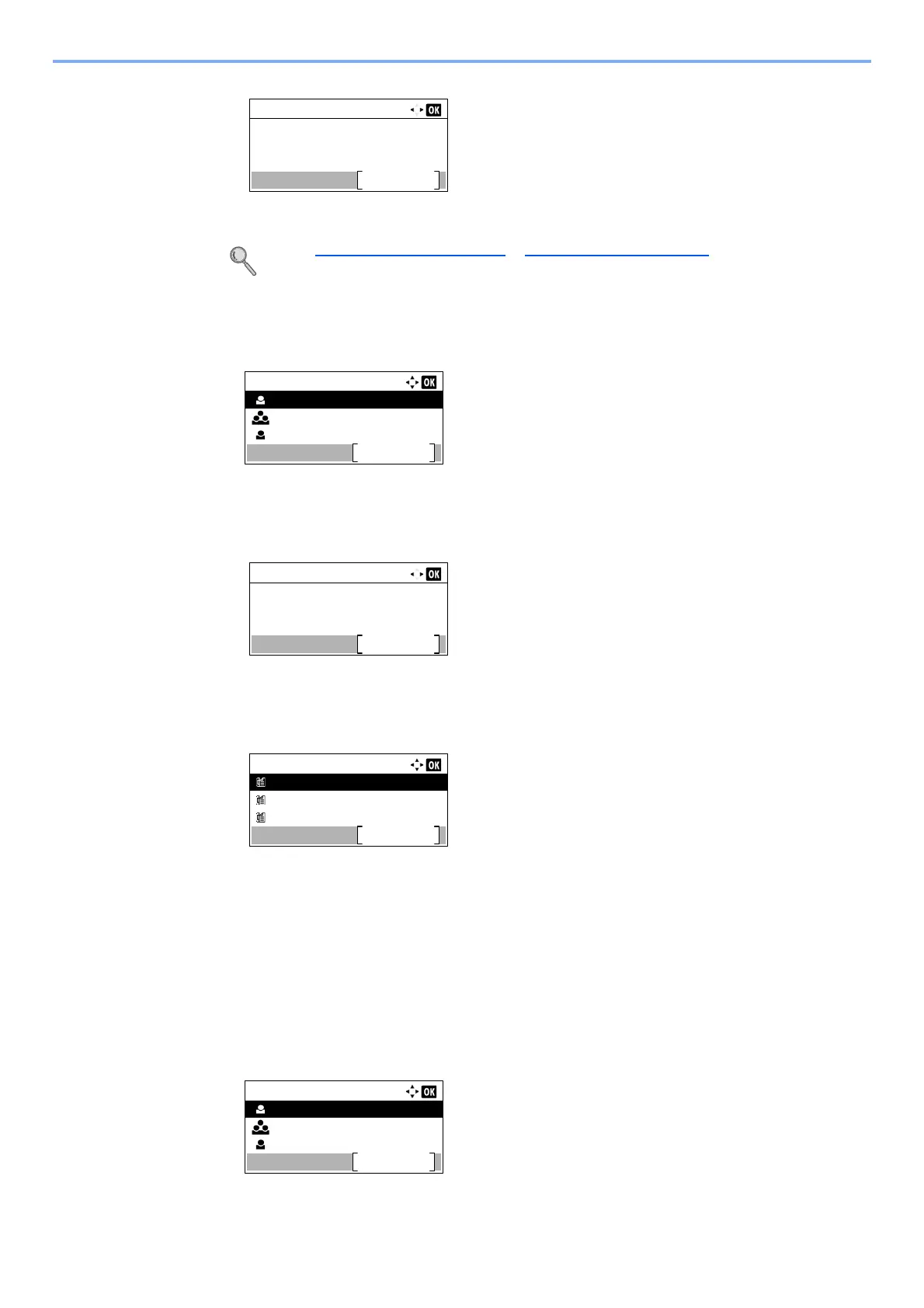
4 Press [Edit].
Refer to Adding a contact on page 2-14 or Adding a Group on page 2-18 for how to change.
To delete a member (group)
1 Press the [▲] or [▼] key to select the group to edit.
2 Press the [OK] key.
3 Press the [] or [] key to select [Group Member].
4 Press [Edit].
5 Press the [▲] or [▼] key to select the member you want to delete.
6 Press [Menu].
7 Press the [▲] or [▼] key to select [Delete].
8 Press the [OK] key.
9 Press [Yes] in confirmation screen.
To delete a destination(contacts) or group
1 Press the [▲] or [▼] key to select the destination (contacts) or group to delete.
2 Press [Menu].
Detail:
1/ 6Contact Name
Edit
Address Book:
Sales Department 1
Menu
Sales Group
Support Department
Detail:
2/ 3Group Member:
Edit
2
Group Member:
Sales Department 1
Menu
Sales Department 2
Sales Department 3
Address Book:
Sales Department 1
Menu
Sales Group
Support Department



 To Next Page