2-23
Before Using the Fax Machine > Registering Destinations in the Address Book
3 Press the [▲] or [▼] key to select [Delete].
4 Press the [OK] key.
5 Press [Yes] in confirmation screen.
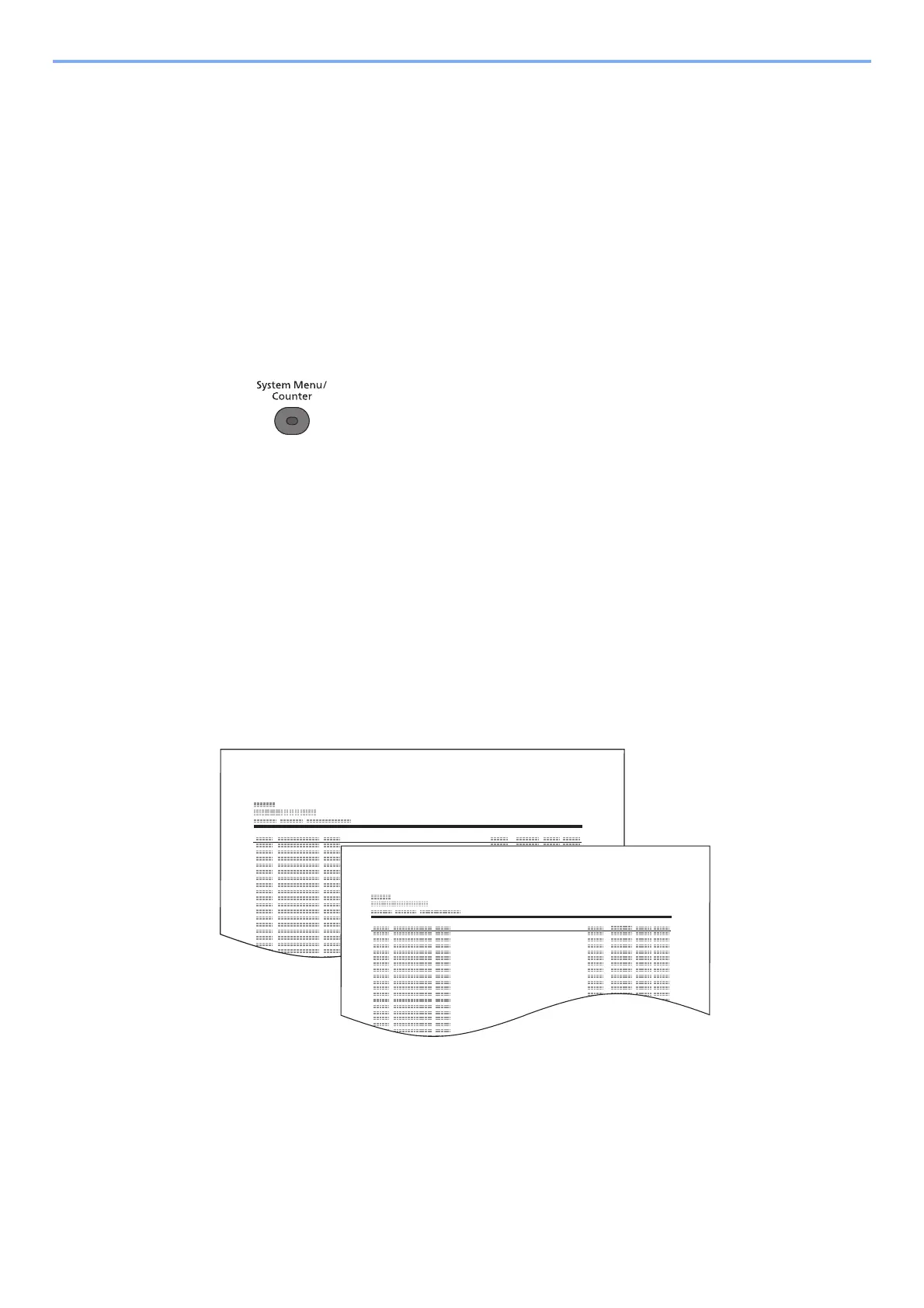
Printing Address List
You can print the list of destinations registered in the Address Book.
You can sort the list in the order of index or address numbers of the destinations.
1
Display the screen.
1 Press the [System Menu/Counter] key.
2 Press the [▲] or [▼] key to select [Edit Destination].
3 Press the [OK] key.
4 Press the [▲] or [▼] key to select [Print List].
5 Press the [OK] key.
2
Print
1 Press the [▲] or [▼] key to select [FAX List (Index)] or [FAX List (No.)].
2 Press the [OK] key.
3 Press [Yes] in confirmation screen. The list is printed.



 To Next Page