FAX Operation (Advanced)
OPERATION GUIDE 4-21
4
13
Press [OK].
Registering Settings by Requirement
To register settings by each reception requirement, follow the steps below. Up to 100 requirements can be
registered.
1 Press the System Menu key.
2 Press [FAX], and then [Next] of RX/Forward
Requirements.
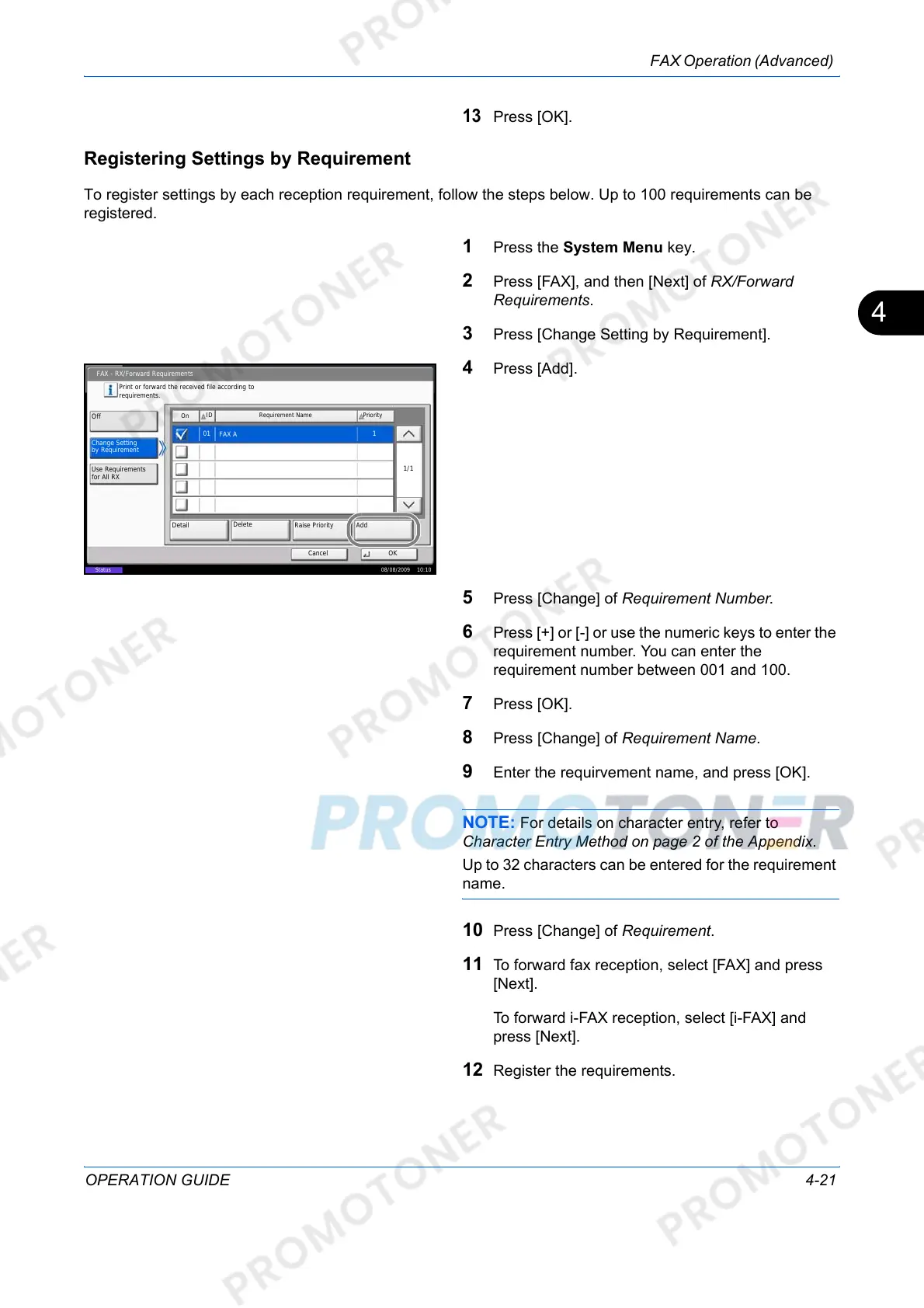
3 Press [Change Setting by Requirement].
4 Press [Add].
5 Press [Change] of Requirement Number.
6 Press [+] or [-] or use the numeric keys to enter the
requirement number. You can enter the
requirement number between 001 and 100.
7 Press [OK].
8 Press [Change] of Requirement Name.
9 Enter the requirvement name, and press [OK].
NOTE: For details on character entry, refer to
Character Entry Method on page 2 of the Appendix.
Up to 32 characters can be entered for the requirement
name.
10 Press [Change] of Requirement.
11 To forward fax reception, select [FAX] and press
[Next].
To forward i-FAX reception, select [i-FAX] and
press [Next].
12 Register the requirements.
FAX - RX/Forward Requirements
Cancel OK
Print or forward the received file according to
requirements.
Raise Priority
Priority
Add
Change Setting
by Requirement
Off
Use Requirements
for All RX
On
Requirement Name
Delete
Detail
FAX A
ID
1/1
08/08/2009 10:10
Status
01
1













 To Next Page