FAX Operation (Advanced)
4-22 OPERATION GUIDE
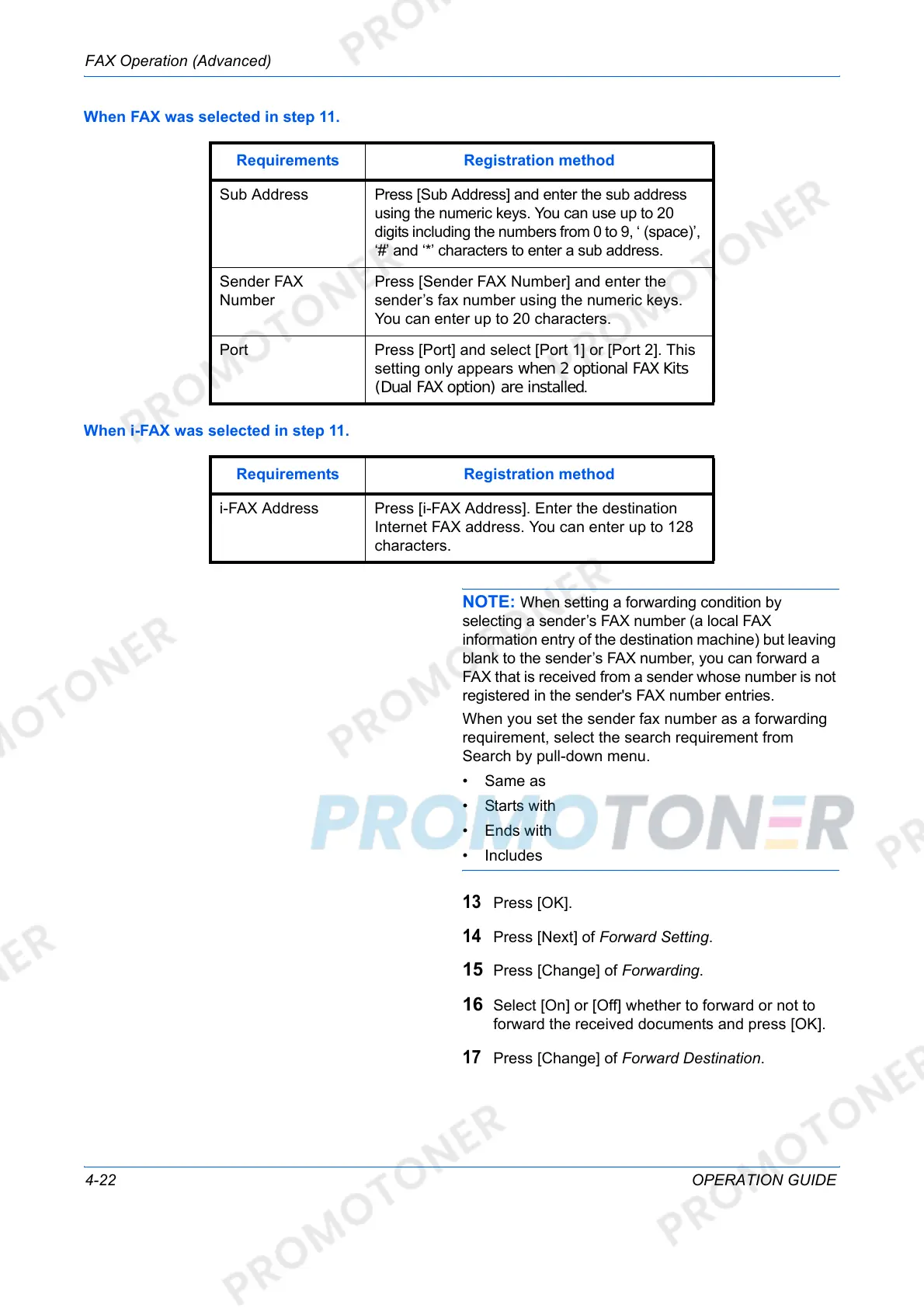
When FAX was selected in step 11.
When i-FAX was selected in step 11.
NOTE: When setting a forwarding condition by
selecting a sender’s FAX number (a local FAX
information entry of the destination machine) but leaving
blank to the sender’s FAX number, you can forward a
FAX that is received from a sender whose number is not
registered in the sender's FAX number entries.
When you set the sender fax number as a forwarding
requirement, select the search requirement from
Search by pull-down menu.
• Same as
• Starts with
• Ends with
•Includes
13
Press [OK].
14
Press [Next] of Forward Setting.
15 Press [Change] of Forwarding.
16 Select [On] or [Off] whether to forward or not to
forward the received documents and press [OK].
17
Press [Change] of Forward Destination.
Requirements Registration method
Sub Address Press [Sub Address] and enter the sub address
using the numeric keys. You can use up to 20
digits including the numbers from 0 to 9, ‘ (space)’,
‘#’ and ‘*’ characters to enter a sub address.
Sender FAX
Number
Press [Sender FAX Number] and enter the
sender’s fax number using the numeric keys.
You can enter up to 20 characters.
Port Press [Port] and select [Port 1] or [Port 2]. This
setting only appears when 2 optional FAX Kits
(Dual FAX option) are installed.
Requirements Registration method
i-FAX Address Press [i-FAX Address]. Enter the destination
Internet FAX address. You can enter up to 128
characters.













 To Next Page