FAX Operation (Advanced)
4-34 OPERATION GUIDE
Checking Details and Renaming Files
You can use the procedure below to check the details of documents forwarded to a FAX Box. You can also use
this procedure to rename files.
1 Follow steps 1 to 4 in Printing Originals from a FAX
Box on page 4-32.
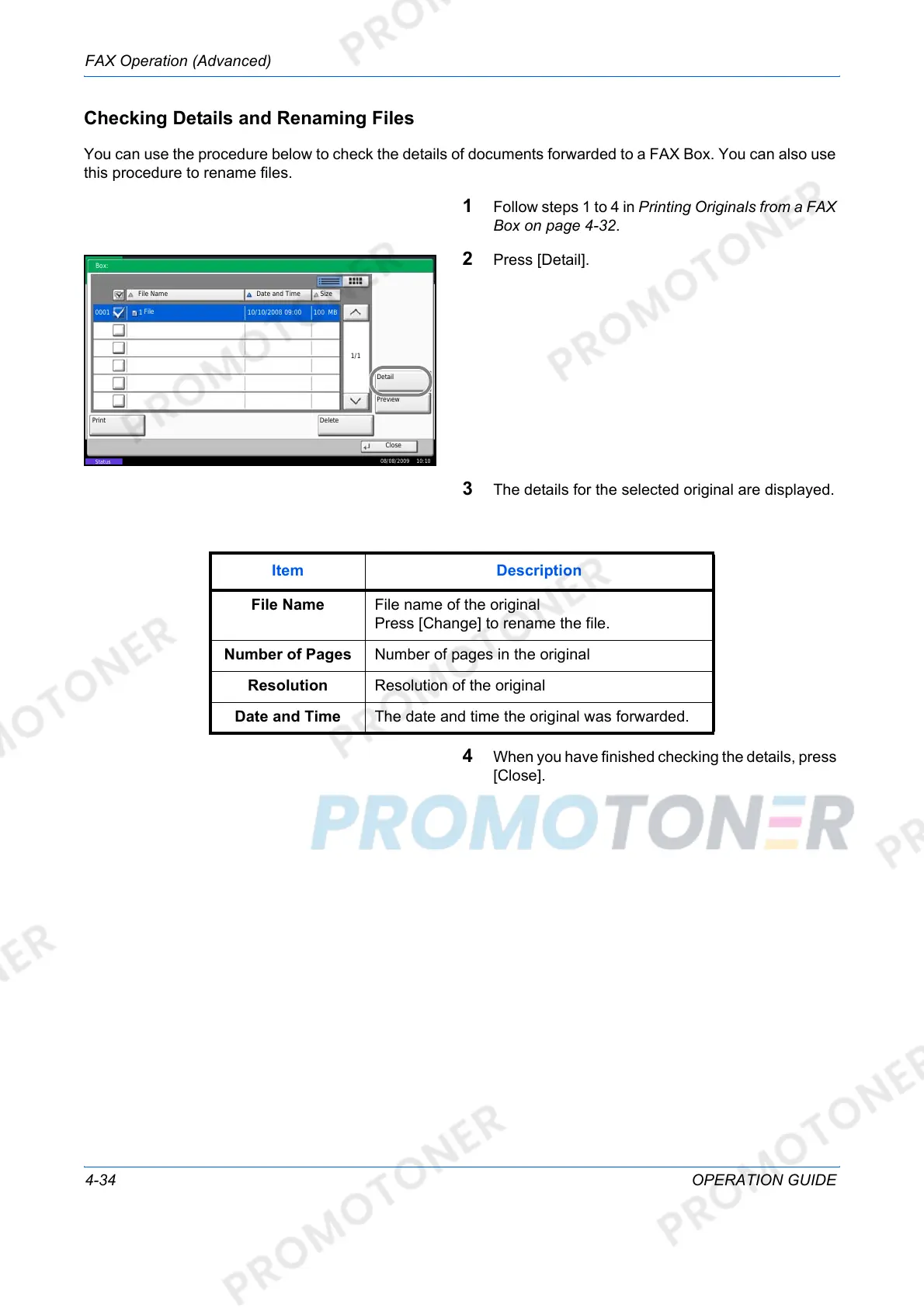
2 Press [Detail].
3 The details for the selected original are displayed.
4 When you have finished checking the details, press
[Close].
Close
File Name
Detail
Date and Time
DeletePrint
Size
1/1
0001 1 10/10/2008 09:00 MB
Box:
Preview
08/08/2009 10:10
Status
100
File
Item Description
File Name File name of the original
Press [Change] to rename the file.
Number of Pages Number of pages in the original
Resolution Resolution of the original
Date and Time The date and time the original was forwarded.













 To Next Page