6-5
Sending Faxes from PC > Setup
4
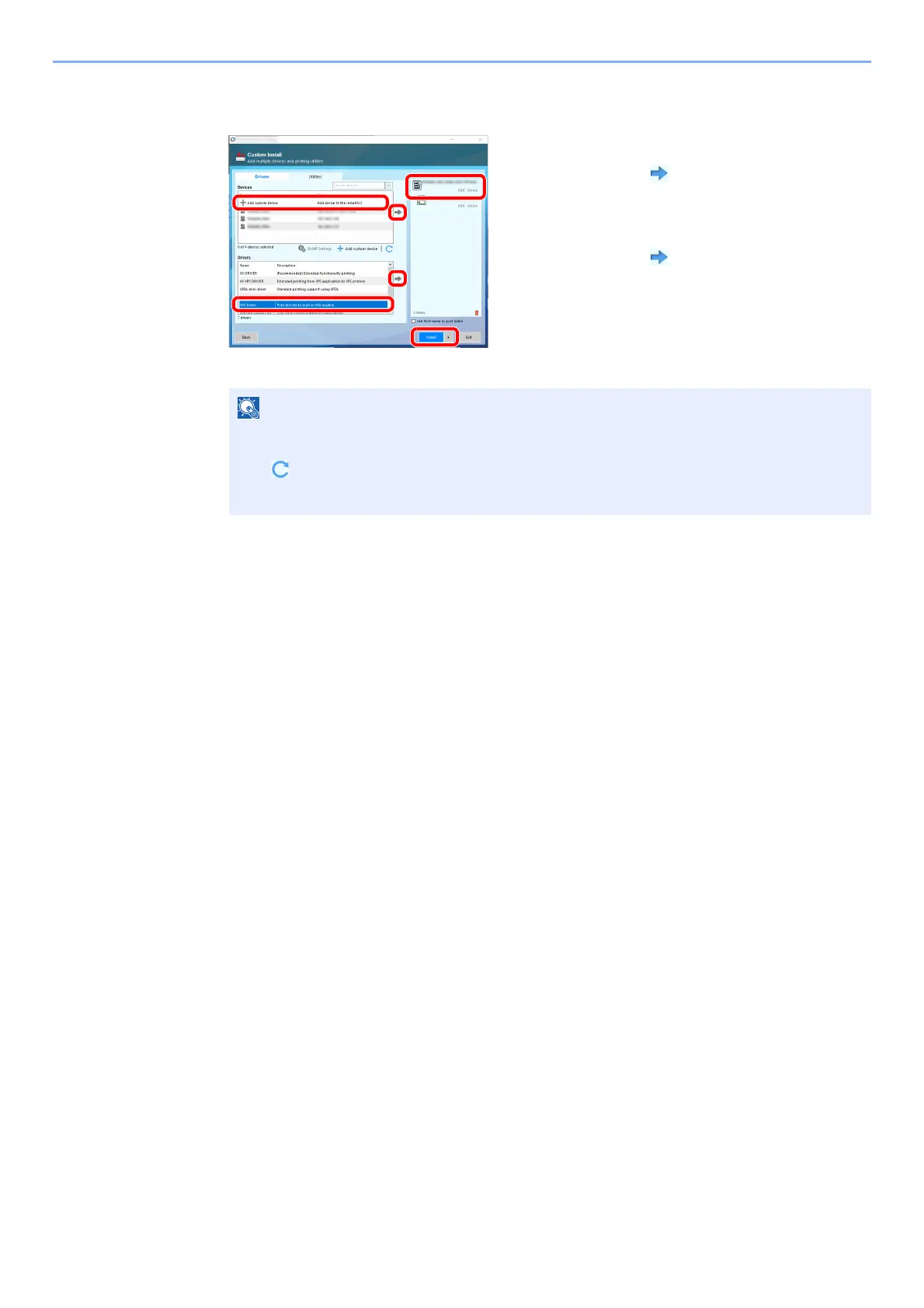
Select FAX Driver.
5
Finish the installation.
If a system restart message appears, restart the computer by following the screen prompts.
This completes the FAX driver installation procedure.
The machine cannot be detected unless it is on. If the computer fails to detect the machine,
verify that it is connected to the computer via a network cable and that it is turned on and
click (Refresh).
If the Windows security window appears, click [Install this driver software anyway].
1 Select the device to be installed.
2Click [ ].
3 Select the product to be installed.
4 Select [FAX Driver].
5Click [ ].
6Click [Install].
1
6
2
3
4
5



 To Next Page