3-32
Sending Faxes > Detect Stapled Originals
Detect Stapled Originals
When reading a document from the document processor, if a stapled document is detected, then the reading stops
automatically.
Manual Send
This method allows you to send originals by pressing the [Start] key after confirming that the telephone line has
connected to the receiving system.
1
Select [Fax] on the Home screen.
2
Place the originals.
3
Select [On Hook].
4
Use the numeric keys to enter the number of the receiving system.
5
Press the [Start] key.
When you hear the fax tone, the telephone line has connected to the receiving system.
Press the [Start] key. Transmission begins.
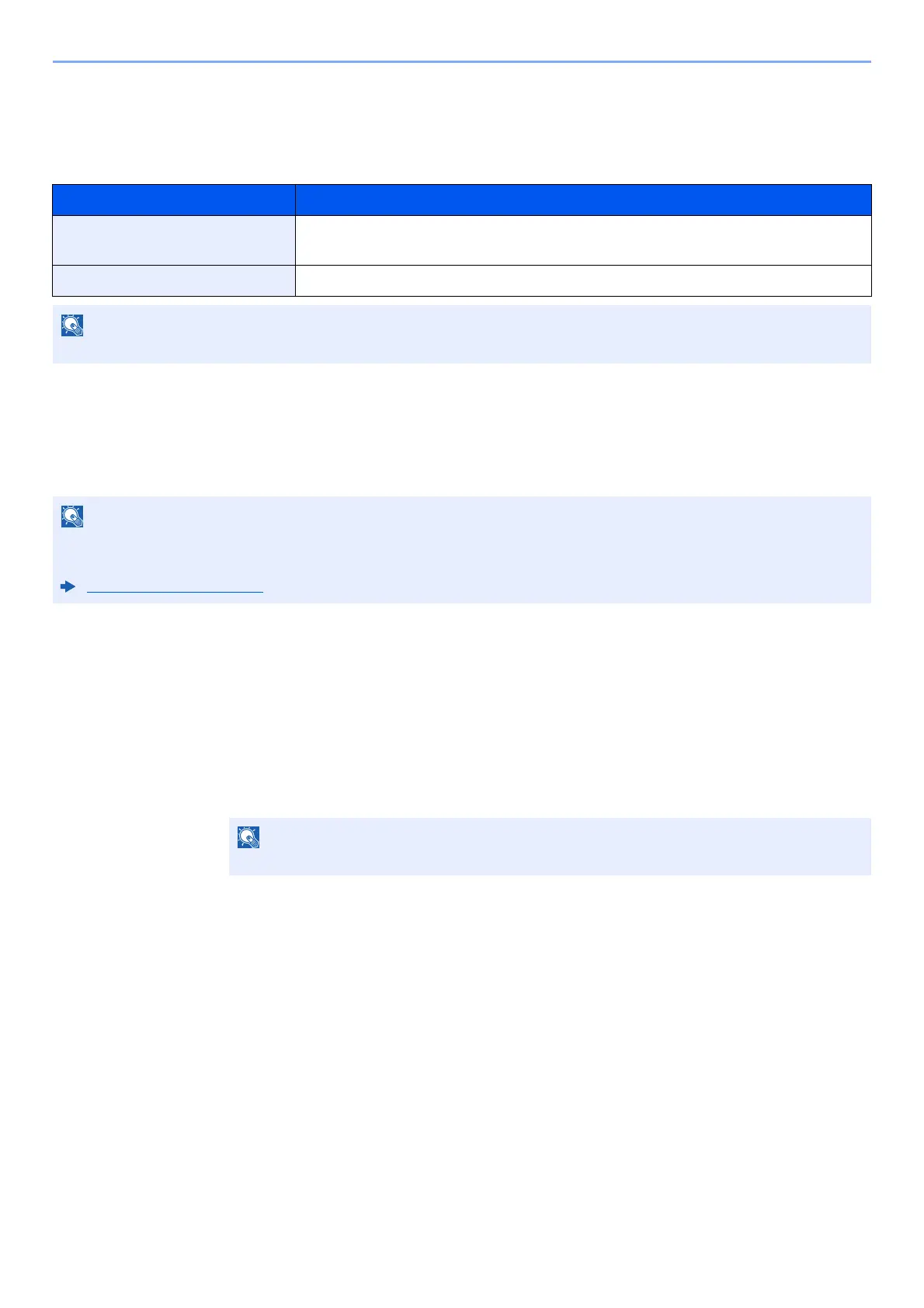
Item Description
On In case of detecting that the original is stapled or the original is fed skewed, the
message is displayed and stop scanning the original.
Off It does not detect.
Requires the optional Document Processor (Dual Scan with Skewed and Multifeed Detection).
Connecting a telephone set (commercially available product) to this machine enables you to talk with the person at the
receiving system before sending originals.
Manual Send (page 5-48)
To cancel the operation, select [Line Off].



 To Next Page