8-18
Fax Settings > Transmission Restriction
Registering Permit FAX No.
1
Display the screen.
[Home] key > [...] > [System Menu] > [Function Settings] > [Fax/iFax] > [Fax
Communication Restriction] > [Permit No. List]
2
Add a permit fax number.
1 Select [Add].
2 Use the numeric keys to enter Permit FAX No. Up to 20 digits can be entered.
3 Select [OK].
3
To register another permit fax number, repeat Steps 2-1 to 2-3.
Prerequisites
Reception Rejection
Requirements
Reception
Rejection
• Register Reject FAX numbers.
*1
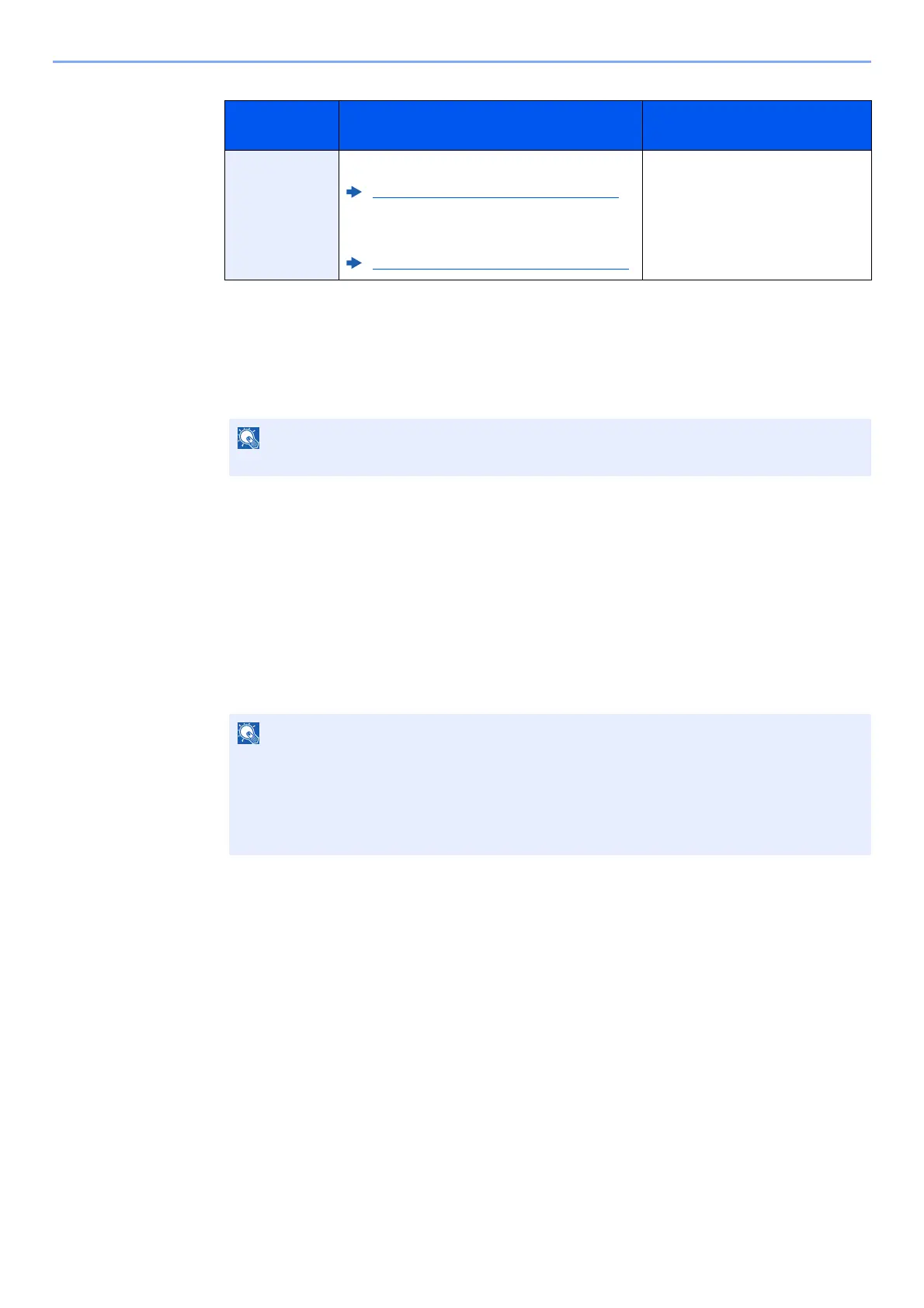
Registering Reject FAX No. (page 8-20)
• Reception restriction settings are specified
in [Reject List] in Reception Restrictions.
Setting Reception Restriction (page 8-23)
*1 If there are no Reject FAX numbers registered, calls are only rejected from senders whose
Local FAX Numbers (Indicates local FAX information entries, not the actual line numbers.)
are not registered.
• The sender’s Local FAX
Number is not registered.
• The sender’s Local Fax
Number matches a Reject FAX
No. registered on the machine.
Up to 50 Permit FAX numbers can be registered.
Select [Pause] to insert a pause (-) between numbers.
Select [Space] to enter a space.
Use [<] or [>] to move the cursor.
Selecting [Backspace] deletes the character to the left of the cursor.



 To Next Page