4-7
Receiving Faxes > FAX Exclusive Paper Source
FAX Exclusive Paper Source
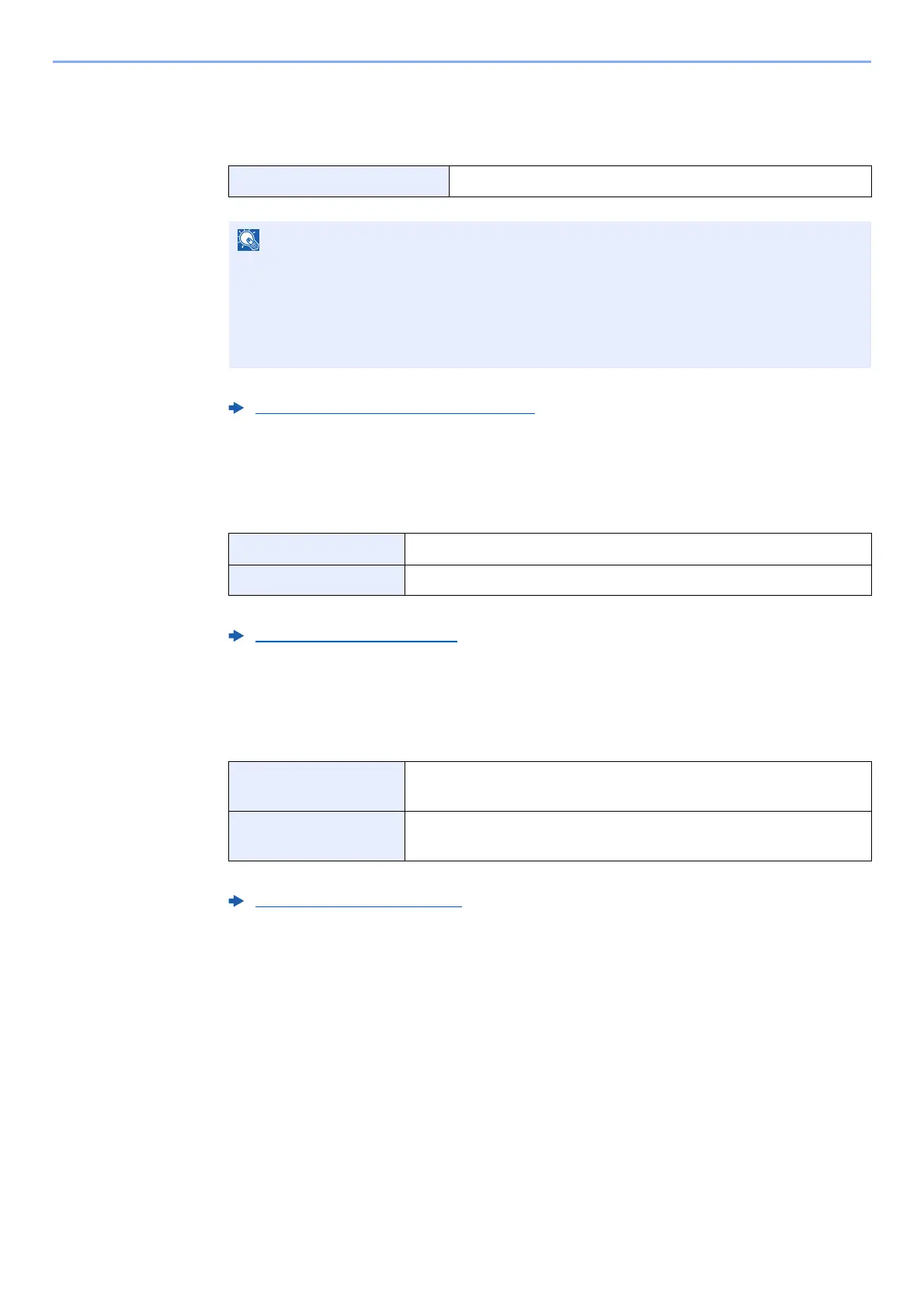
Set fax exclusive paper cassettes.
For more information about configuring settings, refer to the following:
Multipurpose Tray
You can select whether to use the MP tray paper when printing out the received fax.
For more information about configuring settings, refer to the following:
Reduced RX Size
When the reception size is larger than the paper size, you can reduce the print size.
For more information about configuring settings, refer to the following:
Selectable paper source Cassette 1 to 4
Cannot select the cassettes below.
• Paper Size is set to other than Auto.
• Media Type is set to Preprinted, Prepunched, Letterhead.
For FAX related reports, paper is fed from the cassette set as the FAX exclusive paper
source.
Fax Exclusive Paper Source (page 8-10)
On Use the MP tray paper.
Off Do not use the MP tray paper.
MP Tray Settings (page 8-10)
Off Print the received data at 100% of the original size by dividing it
into several sheets of paper.
On Print the received data by reducing the original size according to
the paper size.
Reduced RX Size (page 8-10)



 To Next Page