2-28
Before Using the Fax Machine > Registering Shortcuts
Registering Shortcuts
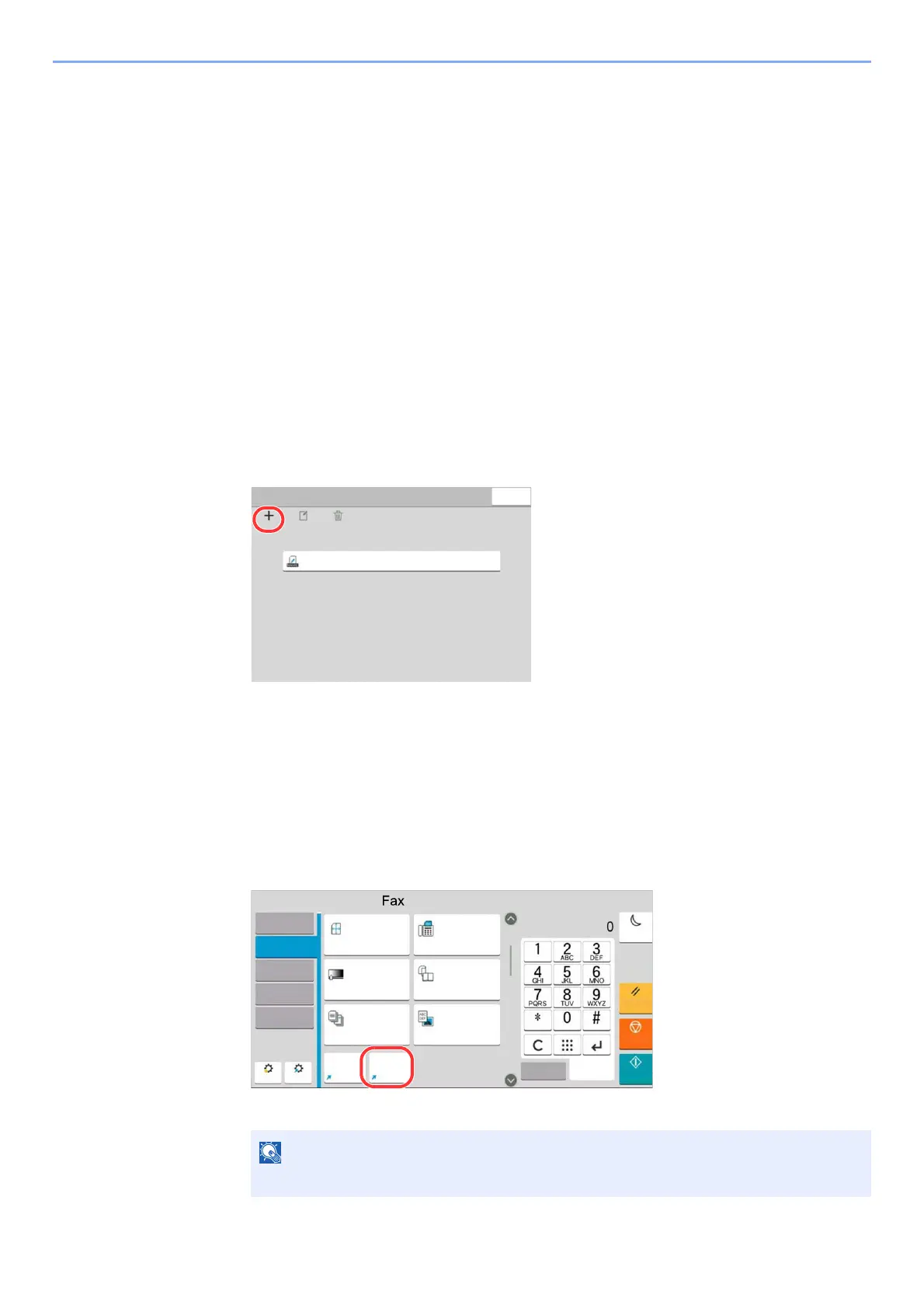
You can register shortcuts in the Quick Setup screen for easy access to the frequently used functions. The settings for the
selected function can also be registered. A function name linked to a registered shortcut can be changed as necessary.
Adding Shortcuts
Shortcut registration is performed in the setup screen of each function.
1
Display the basic screen you want to register.
2
Register the shortcuts.
1 Select [Shortcut].
Display the shortcut menu.
2 Select [Add].
3 Select the settings you want to add > [Next >]
4 Enter the shortcut name > [Next >].
5 Confirm the entry.
Select [Shortcut Name] or [Function] to change the settings.
6 [Finish]
The shortcut is registered.
[Permission] is displayed when the user login administration is enabled.
'HOHWH
$GG
$GG(GLW6KRUWFXW
&ORVH
(GLW
)LOH1DPH(QWU\
)DYRULWHV
3UHYLHZ
6KRUWFXW
'HQVLW\
&RQWLQXRXV6FDQ
2II
VLGHG%RRN2ULJLQDO
2ULJLQDO,PDJH
7H[W3KRWR
(QHUJ\6DYHU
5HVHW
6WDUW
6WRS
1XPHULF
.H\SDG
4XLFN6HWXS
'HVWLQDWLRQ
2UJ6HQG
'DWD)RUPDW
'HVWLQDWLRQ
$GYDQFHG
6HWXS
,PDJH4XDOLW\
2ULJLQDO6L]H
$XWR
[GSL
1RUPDO
1RUPDO
VLGHG
)D[7;5HVROXWLRQ
)LOH1DPH
(QWU\
'HQVLW\



 To Next Page