6-11
Sending Faxes from PC > Basic Transmission
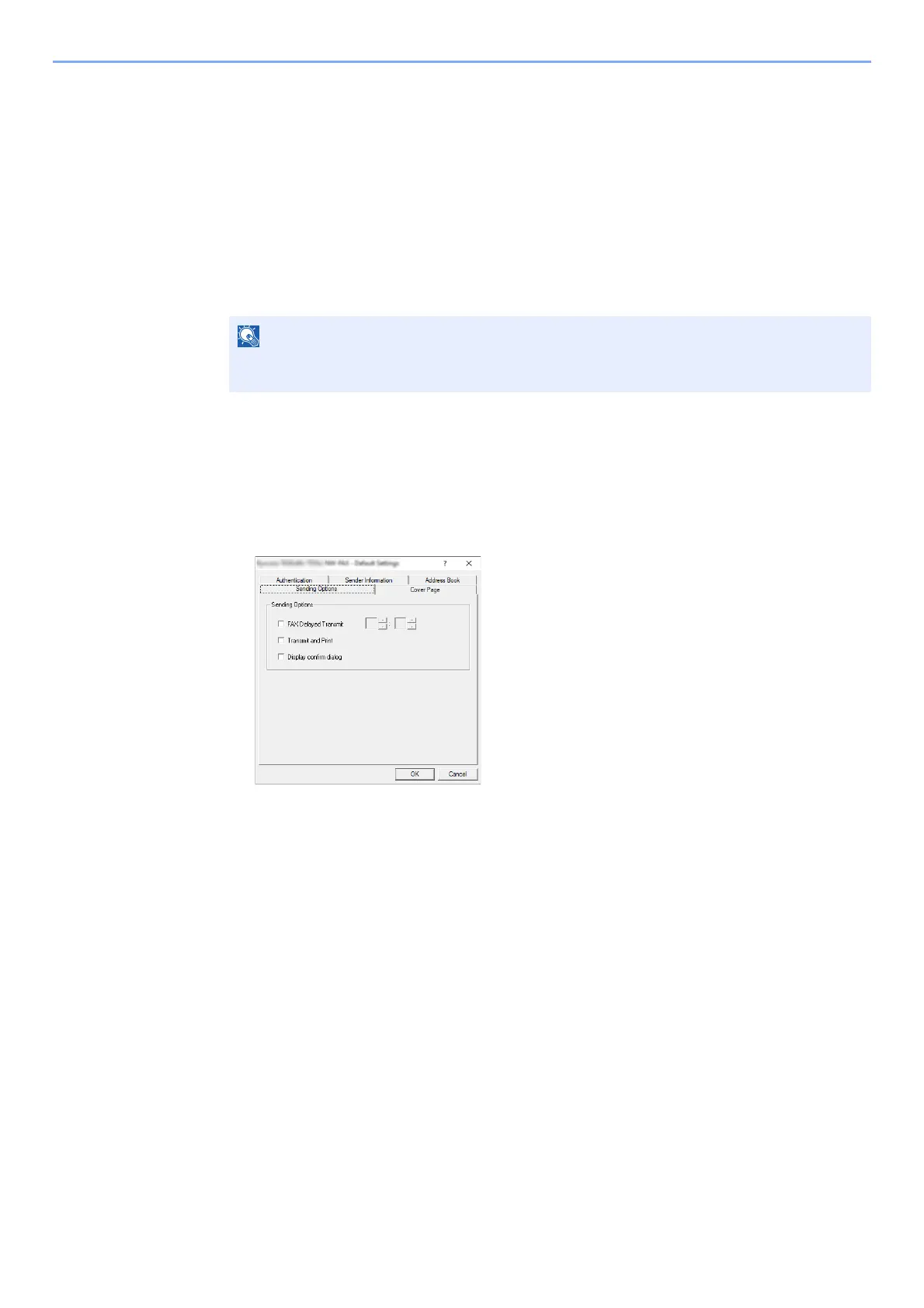
Default Settings Dialog Box
By setting the transmission conditions that you use most in this dialog box, you can minimize the need to change the
settings each time.
The Default Settings dialog box can be accessed by the following procedure:
1
Display the screen.
1 Click [Start] button on the Windows and then select [Windows System], [Control Panel],
and [View devices and printers].
2 Right click the name of the machine to be used as the network fax and select [Printing
preferences] from the resulting drop-down menu. Click the [Fax TX Setting] button in the
[Printing Preferences] window.
2
Configure the settings.
(1) Sending Options Tab
In Windows 8.1, select [Settings] in charms on Desktop, and select [Control Panel], and
then [Devices and Printers].



 To Next Page