3-12
Sending Faxes > Methods For Entering the Destination
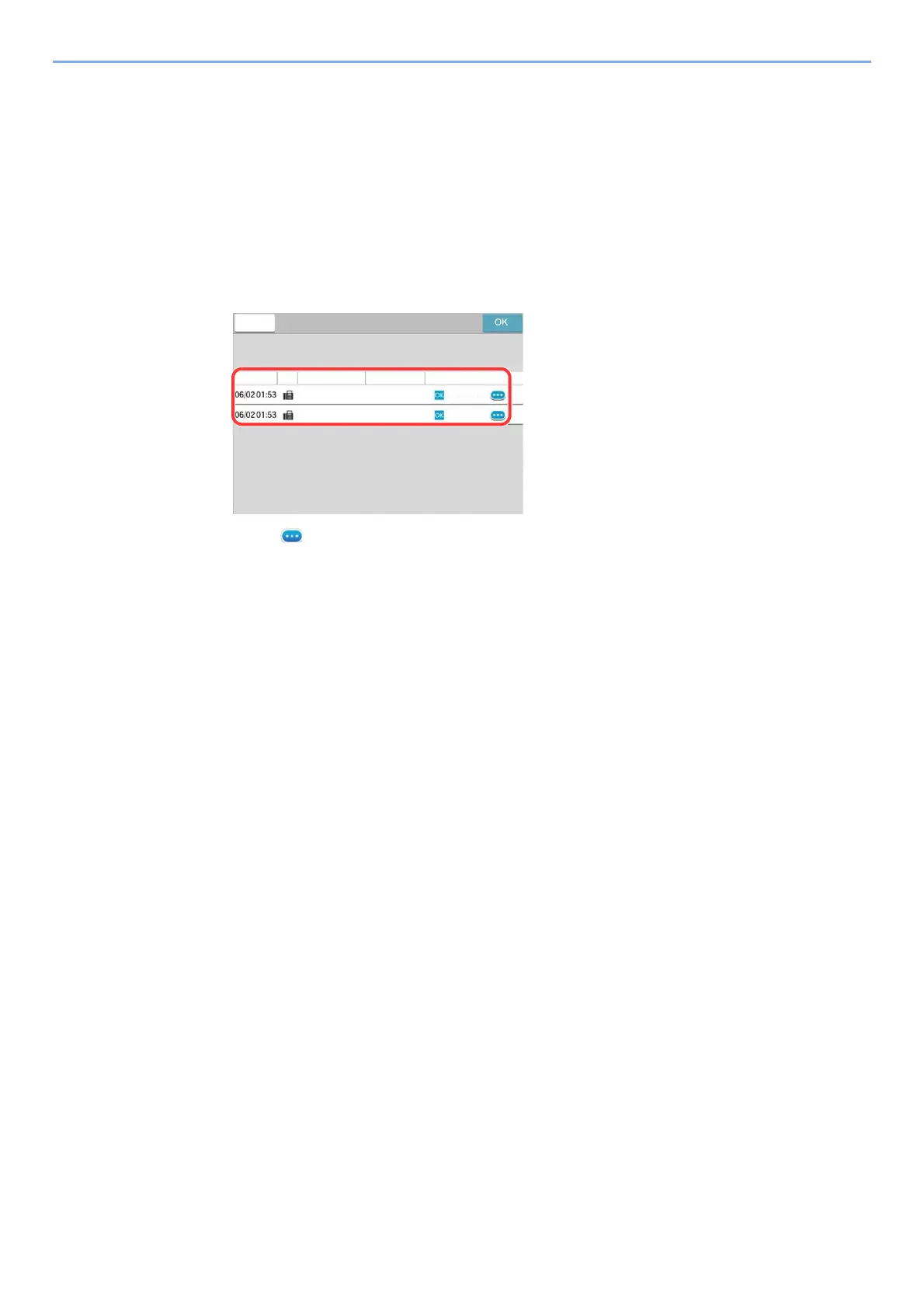
Choosing from the Destination History
If you send a document with this machine, the address will be saved in the history. You can select and address from the
Destination History.
1
In the basic screen for sending, select [Dest. History].
2
Select the destinations.
Select an address from the list displayed.
Select [ ] to display the detailed information of the destination.
3
Select [OK].
&DQFHO
'HVWLQDWLRQ+LVWRU\
$FFHSW7LPH 'HVWLQDWLRQ
6WDWXV5HVXOW
7\SH
8VHU1DPH
$$$
%%%
&RPSOHWHG
&RPSOHWHG



 To Next Page