7-9
Managing Jobs > Printing Administrative Reports (Result Report Setting)
FAX RX Result Reports
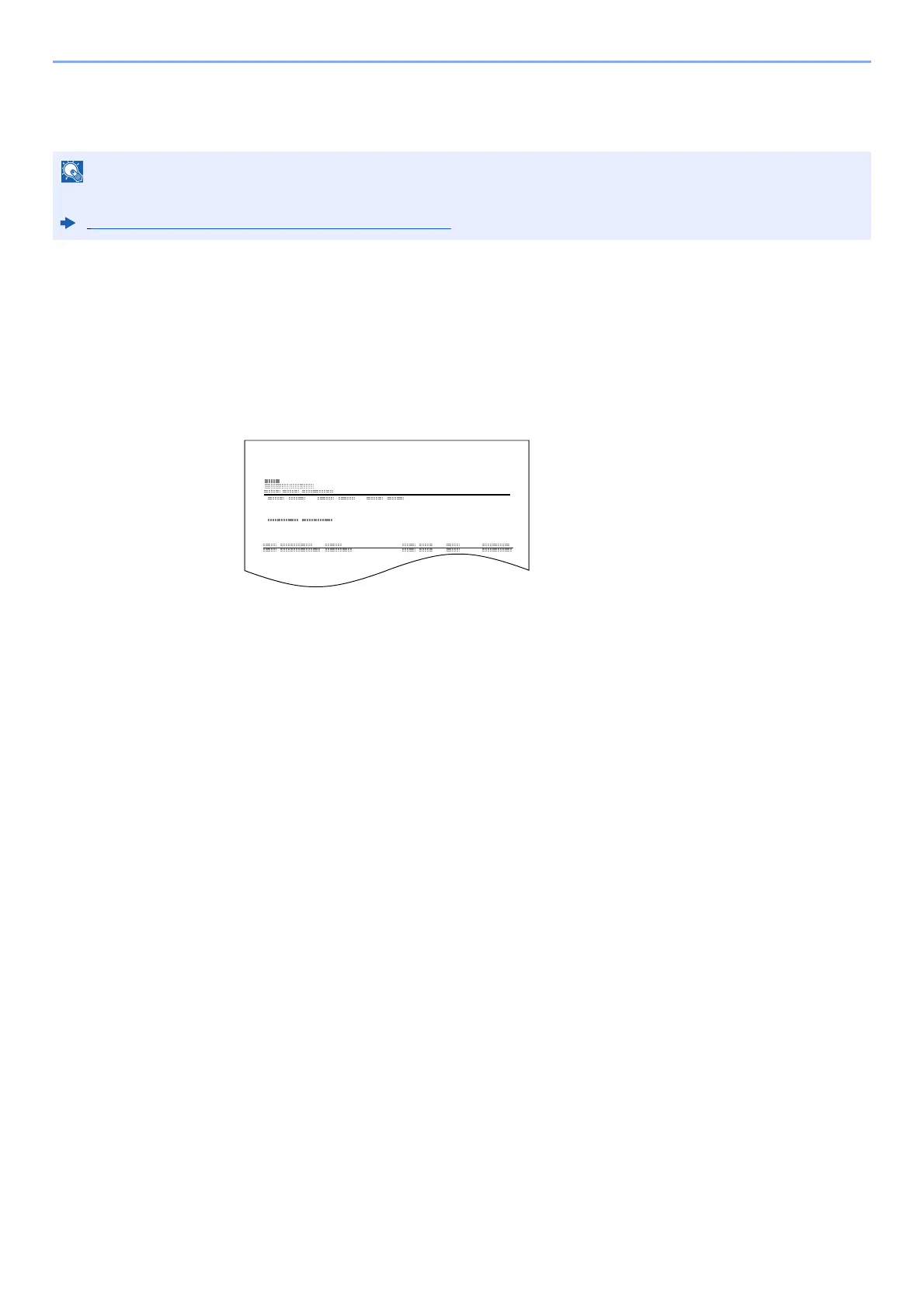
Each time you receive a fax, you can print a report to confirm whether the fax was received successfully.
1
Display the screen.
[Home] key > [...] > [System Menu] > [Notification/Report] > "Result Report Setting" [RX
Result] > [Fax RX Result Report]
2
Configure the function.
Select [Off] (not to print), [On] (to print), or [Error/Storing in Box].
Fax receipt can also be notified by e-mail instead of checking the receipt result report.
Reporting FAX Receipt Result by E-mail (page 7-12)
FAX RX Result Report
Completed



 To Next Page