6-19
Sending Faxes from PC > Basic Transmission
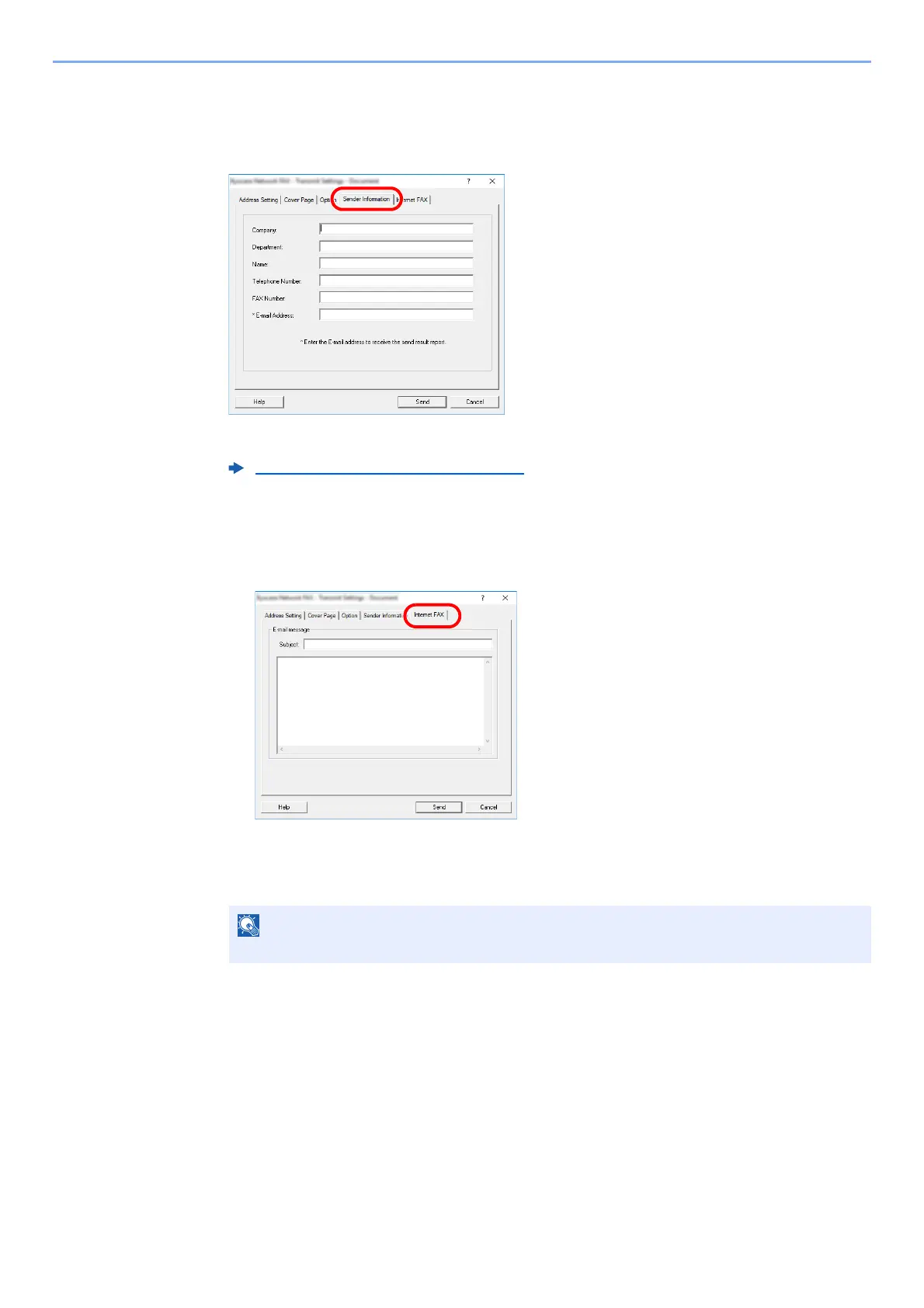
(5) Transmitting Terminal Information Data
The settings that were selected in “(4) Sender Information Tab” can be changed by clicking the
[Sender Information] tab.
.
For the setting procedures, refer to the following:
(6) Internet fax Setting
For Internet fax transmission, click on the [Internet Fax] tab and enter the Subject and the
message.
Subject: A maximum of 60 characters can be entered.
Message: A maximum of 500 characters can be entered.
(4) Sender Information Tab (page 6-17)
If the other machine is set to print a cover page, the subject and message are printed.



 To Next Page