7-6
Managing Jobs > Checking FAX Job History
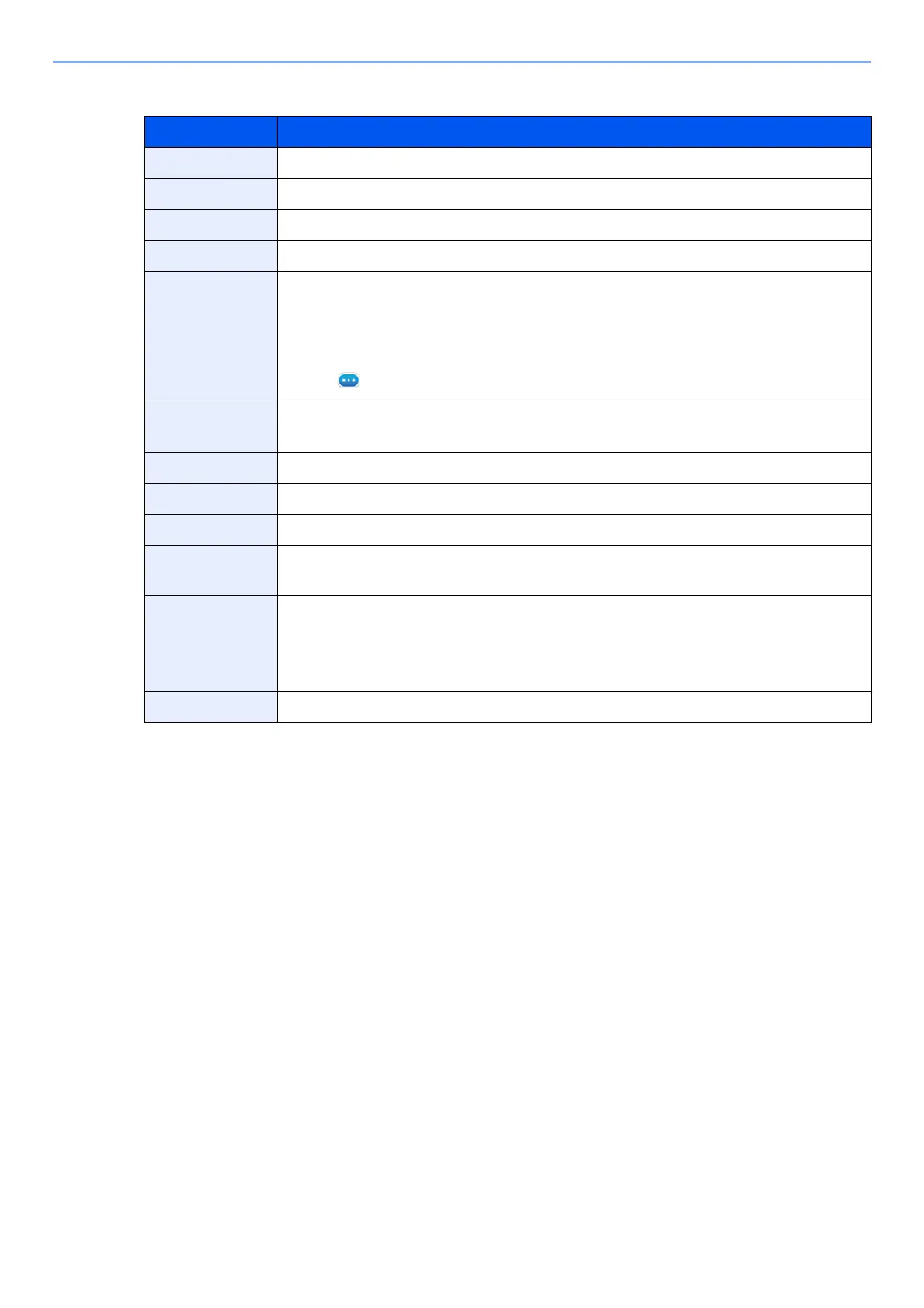
Description of Detailed Information Screen
Item Description
Job No. Job acceptance number
Job Name Job name
Job Type Job type
Destination The number of destinations is displayed.
Result (Result/
Destination)
Result is indicated.
Completed: Job ended properly.
Canceled: Job was canceled.
Error: Job ended improperly due to error.
Select [] (information icon) to check the result for each destination.
User Name User name
Blank if no information is available
Accepted Time Time when job was accepted
End Time Time when job ended
Original Pages Number of pages in the original
Color/Black &
White
Color mode used during scanning
Connected to The Local FAX Name or Local FAX Number registered on the other party’s machine
(for fax reception and manual reception).
i-FAX sender address (in the case of i-FAX reception)
Blank if no information is available
Printed Pages Number of printed pages



 To Next Page