2-15
Before Using the Fax Machine > Registering Destinations in the Address Book
2 Enter an address number.
To have the number assigned automatically, select [Auto](0000).
3
Enter the fax number.
1 Select [ ](Fax icon).
2 Enter the fax number of the receiving system.
4
Set a subaddress.
To use subaddress communication, a subaddress and password must be registered.
1 Select [SubAddress].
2 Enter the subaddress and password, and select [OK].
For the procedure for setting a sub address, refer to the following:
Address Number is an ID for a destination. You can select any available number out of
2,000 numbers for contacts and 500 numbers for groups.
If you specify an address number that is already in use, an error message appears when
you select [Register] and the number cannot be registered. If you set [Auto] (0000) as
the address number, the address is registered under the lowest available number.
Up to 32 digits can be entered.
Use the numeric keys to enter a number.
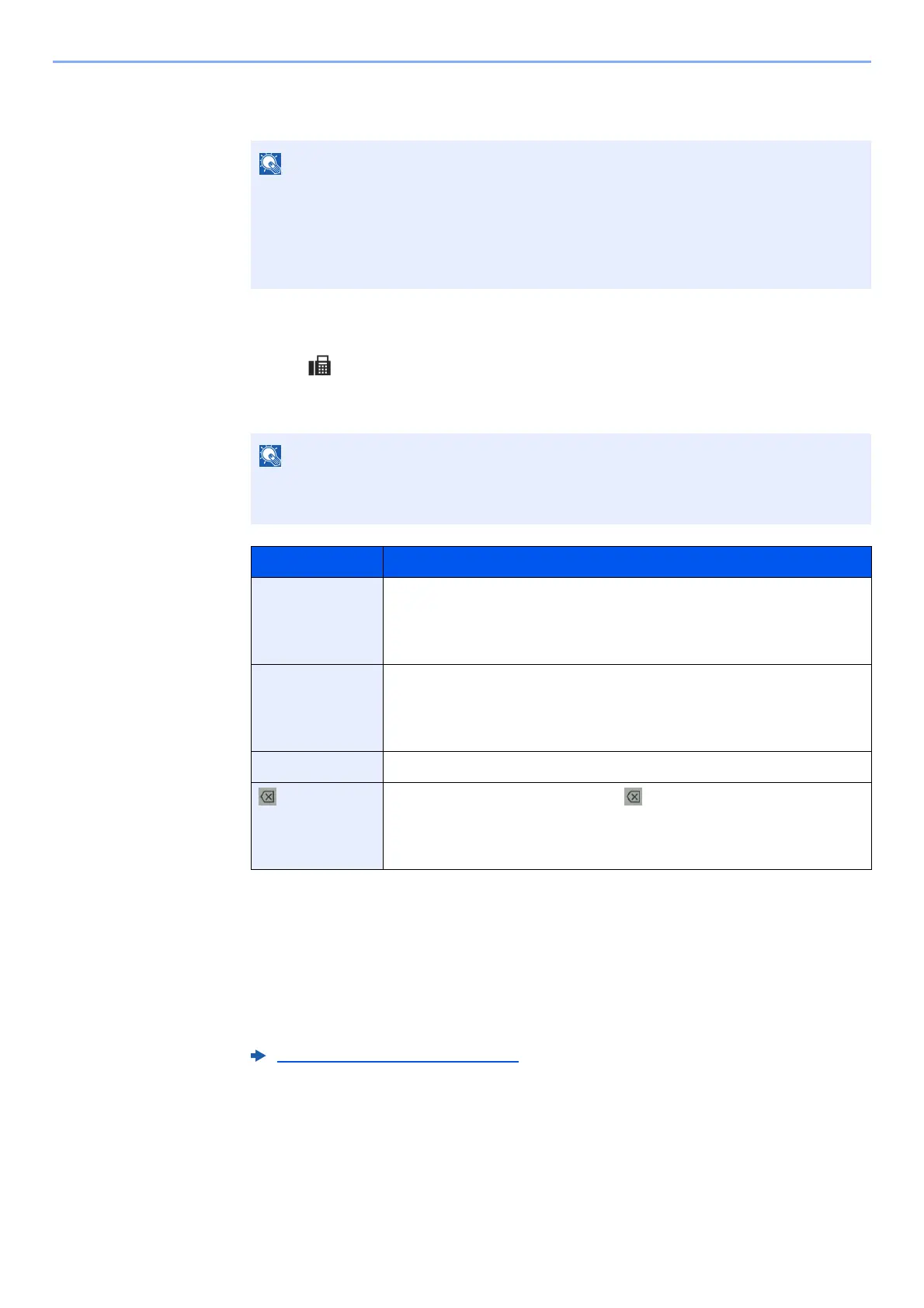
Key Description
- Selecting this key adds about three seconds of waiting time during
dialing. For example, when dialing the receiving system on an
external line, you can use this method to insert a pause before
resuming dialing after you dial a specific number.
Space It is possible to enter half-width spaces in the entry of the destination
number.
This is useful when checking if the destination number has been
entered correctly.
< > Moves the cursor.
(Backspace) To correct the fax number, select [ ](Backspace) on the touch
panel, and delete the digits one by one before reentering the fax
number. To delete the number entirely, select the [C](Clear) key on
the numeric keys.
Sub Address Transmission (page 5-26)



 To Next Page