2-21
Before Using the Fax Machine > Registering Destinations in the Address Book
Deleting Address Book Entries
Delete the destinations (contacts) you added to the Address Book.
1
Display the screen.
1 [Home] key > [...] > [System Menu] > [Function Settings] > [Address Book] > [Add/Edit
Machine Address Book]
2 Select a destination or group to delete.
2
[Delete] > [Delete]
Delete the contact or group.
Printing Address List
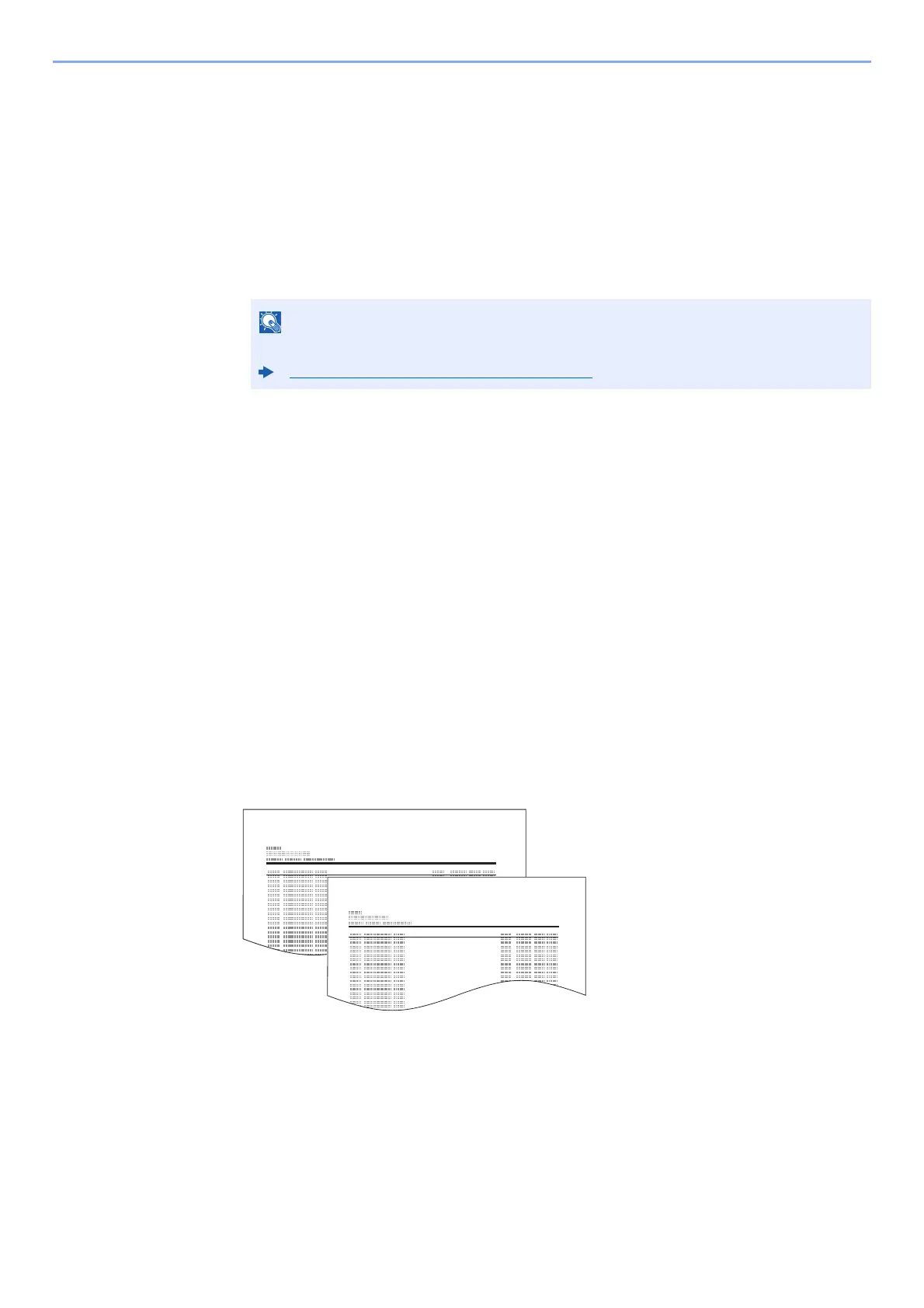
You can print the list of destinations registered in the Address Book.
You can sort the list in the order of index or address numbers of the destinations.
1
Display the screen.
[Home] key > [...] > [System Menu] > [Notification/Report] > "Print Report/List"[Print
Report/List]
2
Print.
[Fax List (Index)] or [Fax List (No.)] > [Print]
The list is printed.
Destinations can be sorted or searched by destination name or address number.
Choosing from the Address Book (page 3-9)



 To Next Page