3-21
Sending Faxes > FAX transmission functions
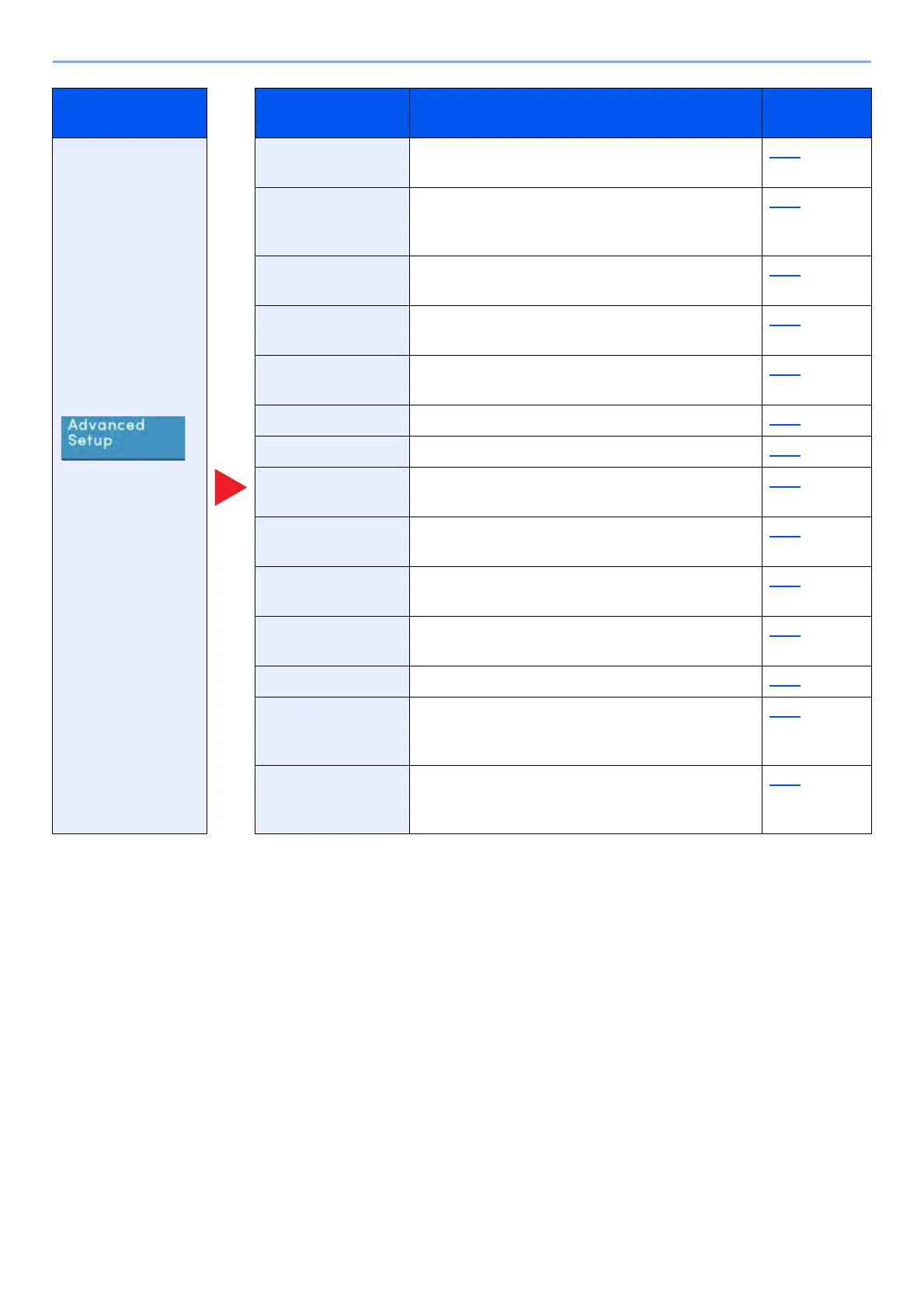
Configure settings
such as send and
print, delayed
transmission and
polling reception.
Zoom Scan originals by automatically zooming them
according to the sending size.
3-25
Centering Centers the original image on the paper when
copying onto paper different from the original
size.
3-25
Border Erase/Full
Scan
Erases the black border that forms around the
image.
3-26
Fax Delayed
Transmission
Set a send time. 3-27
Continuous Scan Scans a large number of originals in separate
batches and then produce as one job.
3-29
Job Finish Notice Sends E-mail notice when a job is complete. 3-29
File Name Entry Adds a file name. 3-30
Fax Direct
Transmission
Sends FAX directly without reading original data
into memory.
3-30
Fax Polling RX Dial the destination and receive documents for
Polling Transmission stored in the polling box.
5-33
Send and Print Allows you to print a copy of the document being
sent.
3-30
Send and Store Allows you to store a copy of the document being
sent in a Custom Box.
3-31
Fax TX Report Print a report of FAX transmission results. 3-31
Detect Multi-fed
Originals
When reading a document from the document
processor, if the multiple feeding of documents is
detected, then the reading stops automatically.
3-31
Detect Stapled
Originals
When reading a document from the document
processor, if a stapled document is detected,
then the reading stops automatically.
3-32
Global Navigation Function key Description
Reference
page



 To Next Page