101
EN
6
Metronome Menu
Metronome menu [Metronome Menu]
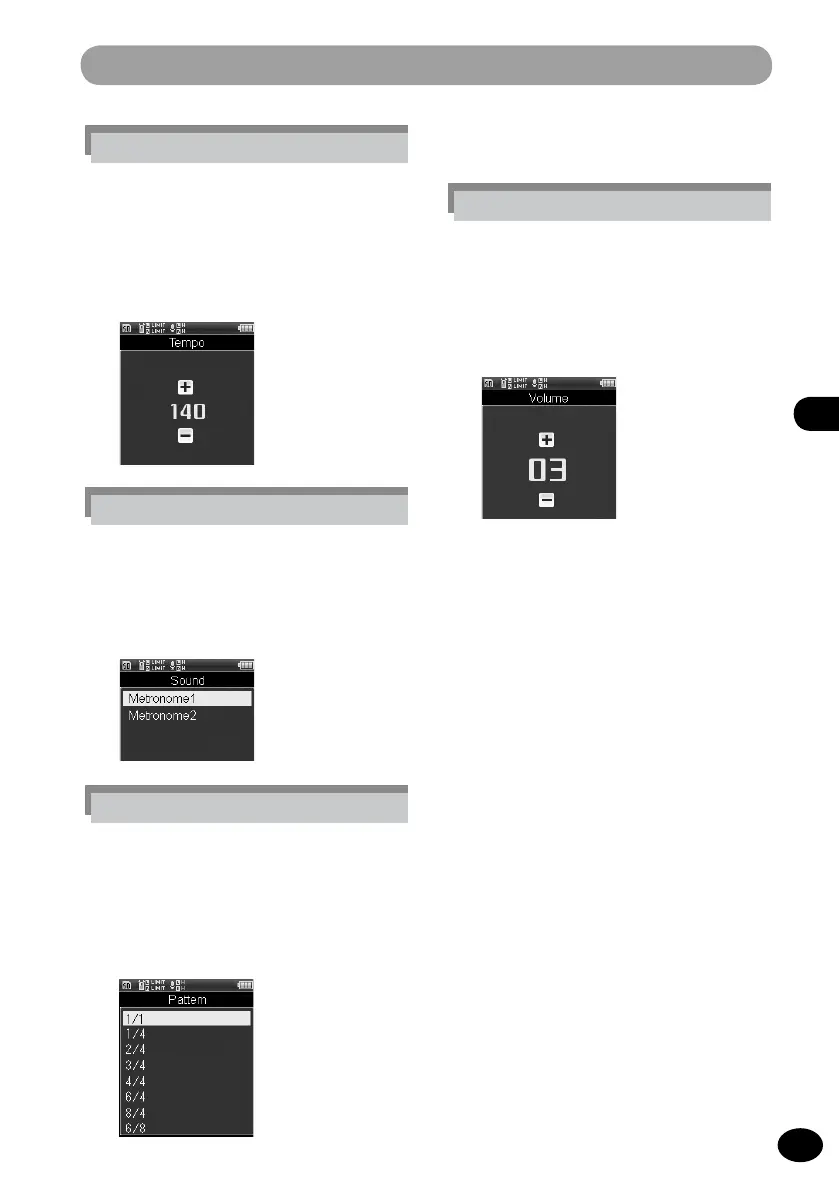
[Tempo] setting
The metronome speed can be adjusted
between [40] and [208].
1
Press the
+
/
−
button to select
the speed and then press the
OK
button.
[Sound] setting
The setting sets the metronome tone.
1
Select a menu item by pressing
the
+
/
−
button and then the
OK
button.
[Pattern] setting
The metronome pattern can be
selected from [1/1] through [8/4] as
well as [6/8].
1
Select a menu item by pressing
the
+
/
−
button and then the
OK
button.
[Volume] setting
The metronome volume can be
adjusted between [01] and [10].
1
Select the volume by pressing
the
+
/
−
button and then the
OK
button.



 To Next Page