91
EN
6
File Menu
File menu [File Menu]
4
Press the
+
/
−
button to select a
menu item.
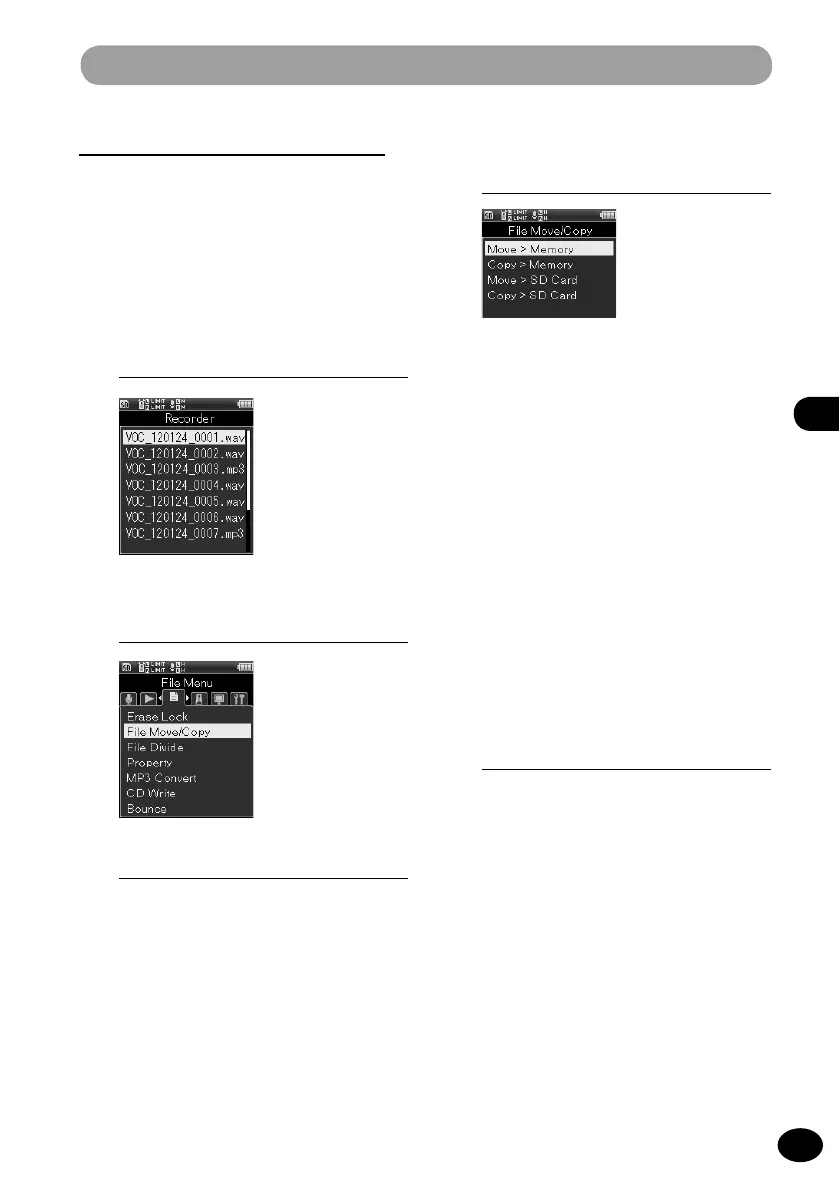
[Move to memory]
This menu item moves the files in the
built-in memory or the SD card into a
different folder in the built-in memory.
[Copy to memory]
This menu item copies the files in the
built-in memory or the SD card into a
different folder in the built-in memory.
[Move to SD]
This menu item moves the files in the
built-in memory or the SD card into a
different folder in the SD card.
[Copy to SD]
This menu item copies the files in the
built-in memory or the SD card into a
different folder in the SD card.
5
Press the
OK
button.
•
The screen for selecting the number of
files to be moved or copied opens.
File Move/Copy [Move/Copy]
This setting can move or copy a file saved in
the built-in memory or the SD card within the
memory. In addition, it can also move/copy a
file between memories.
1
Select the folder where the file to
be moved or copied is stored. (
☞
P.34)
2
[Menu]
{
[File Menu]
{
[Move/Copy]
3
Press the
OK
button.



 To Next Page