103
EN
6
LCD/Sound Menu
LCD/Sound menu [LCD/Sound Menu]
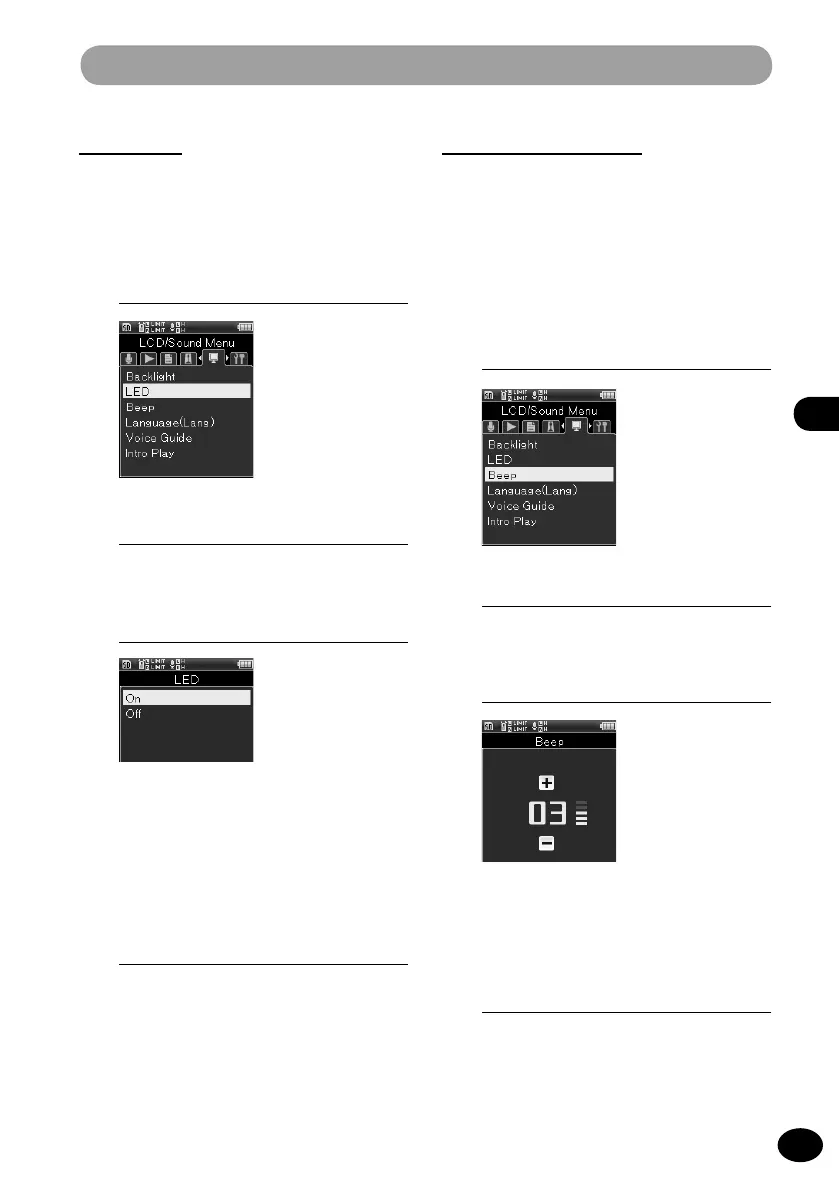
LED [LED]
This function can be set so that the LED lamp
does not turn on.
1
[Menu]
{
[LCD/Sound Menu]
{
[LED]
3
Press the
+
/
−
button to select a
menu item.
[ON]
LED turns on.
[OFF]
LED does not turn on.
4
Press the
OK
button to finish the
setting.
Beep sound [Beep]
This recorder outputs a beep sound to
indicate that a button is being operated and
to warn you in case of erroneous operation.
You can also set up the recorder so that no
beep sound is output.
1
[Menu]
{
[LCD/Sound Menu]
{
[Beep]
3
Press the
+
/
−
button to adjust the
volume.
•
The volume can be adjusted between
[00] and [05].
4
Press the
OK
button to finish the
setting.
2
Press the
OK
button.
2
Press the
OK
button.



 To Next Page