A
in the choices field indicates the default setting.
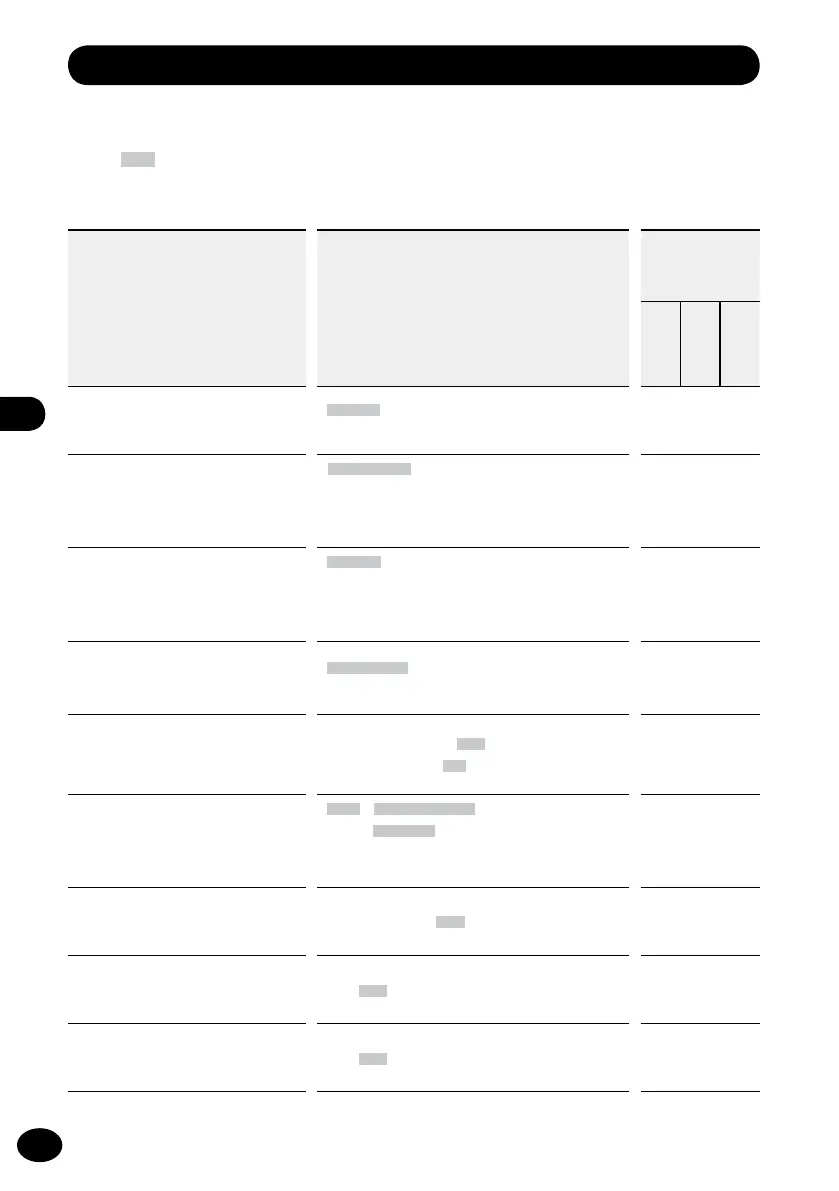
List of menus
* In the Multi track mode, [Rec Mode] and [Pre-Recording] do not function.
Recording Menu [Rec Menu]: Menu settings for recording
Set items Choices
Operation mode
: Setting OK
×
: Setting NG
Stopped
Playing
Recording
Recording mode*
[Rec Mode]
☞
P.79
[Normal][Overdub]
[Play Sync][V-Sync. Rec]
×
Mic gain
[Mic Gain]
☞
P.80
[Built-in Mic]: [HI][MID][LO]
[External Mic]: [HI][MID][LO]
[XLR(L)]: [HI][LO]
[XLR(R)]: [HI][LO]
Recording level
[Rec Level]
☞
P.81
[Manual]
You can adjust the limiter/compressor settings
for each input source.
[Auto]
Input selection
[Input Select]
☞
P.82
[Built-in Mic][External Mic][LINE][XLR/
PHONE]
×
Mic power
[Mic Power]
☞
P.83
[
Phantom Power
]: [
48V
][
24V
]
[
Plug-in Power
]: [
ON
][
OFF
]
Recording format
[Rec Format]
☞
P.84
[
PCM
]: [
44.1kHz/16bit
]
[
MP3
]: [
128kbps
]
You can set the recording rate for each recording
format.
×
Low cut filter
[Low Cut Filter]
☞
P.85
[300Hz][100Hz][OFF]
Pre-recording
[Pre-Recording]
☞
P.86
[ON][OFF]
×
Recording monitor
[Rec Monitor]
☞
P.87
[ON][OFF]
▌



 To Next Page