95
EN
6
File Menu
File menu [File Menu]
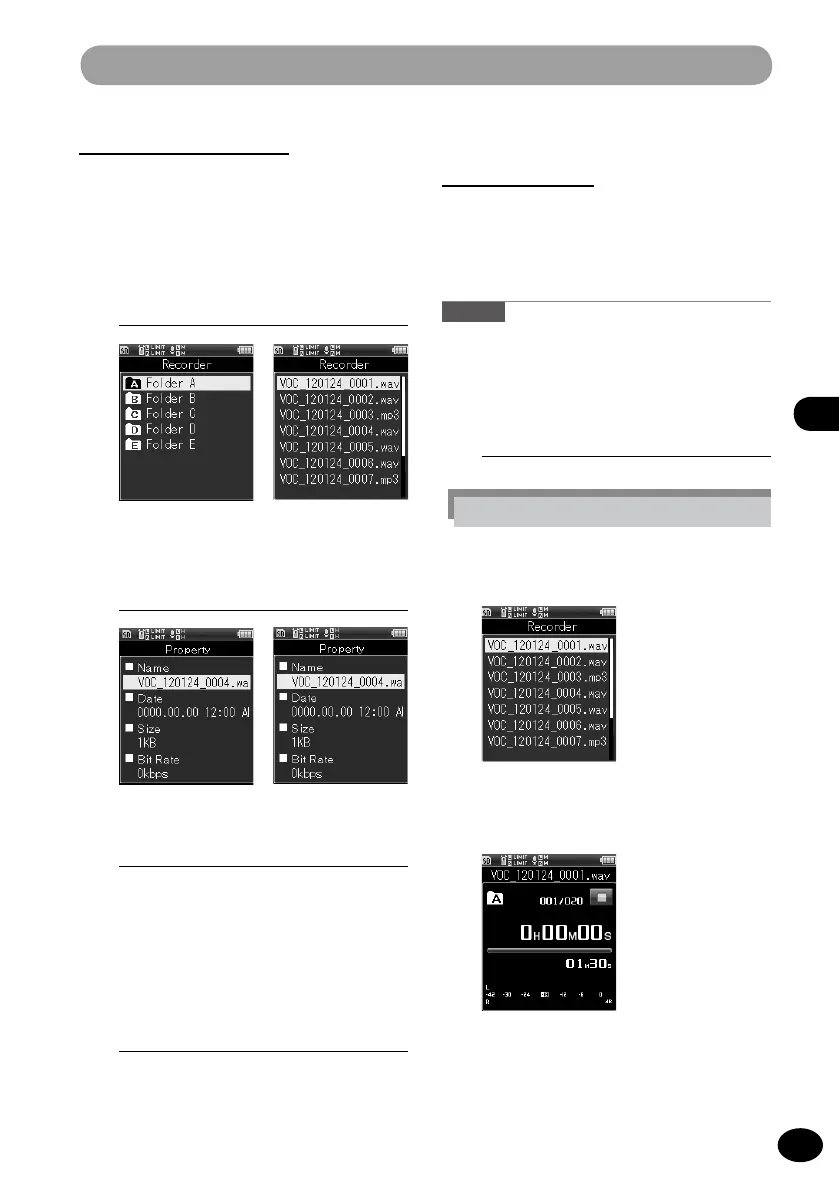
Folder Select File Select
Property [Property]
This function enables you to check
information about a file or folder.
1
Select the file or folder for which
you want to display information.
(
☞
P.34, P.45)
2
[Menu]
{
[File Menu]
{
[Property]
Folder Select File Select
MP3 Convert
[MP3 Convert]
This function converts an already-saved PCM
format WAV file into a bit rate 128 kbps MP3
file. A large-sized WAV file can be downsized.
Caution
•
Files that can be converted are PCM format
[44.1kHz/16bit] files only.
1
Select a WAV file to be converted.
(
☞
P.34, P.45)
3
Press the
OK
button.
•
If a file is selected, [
Name], [Date],
[Size], and [Bit Rate] are displayed. If
a folder is selected, [Name], [Folder],
and [File] are displayed.
4
After checking the information,
press the
OK
button.
In the recorder mode:
1
Press the
+
/
−
button to select the
file from the file list screen.
2
Press the
9
button to switch to
the file screen
•
It will set the recorder in the stop
mode without playing back the file.



 To Next Page