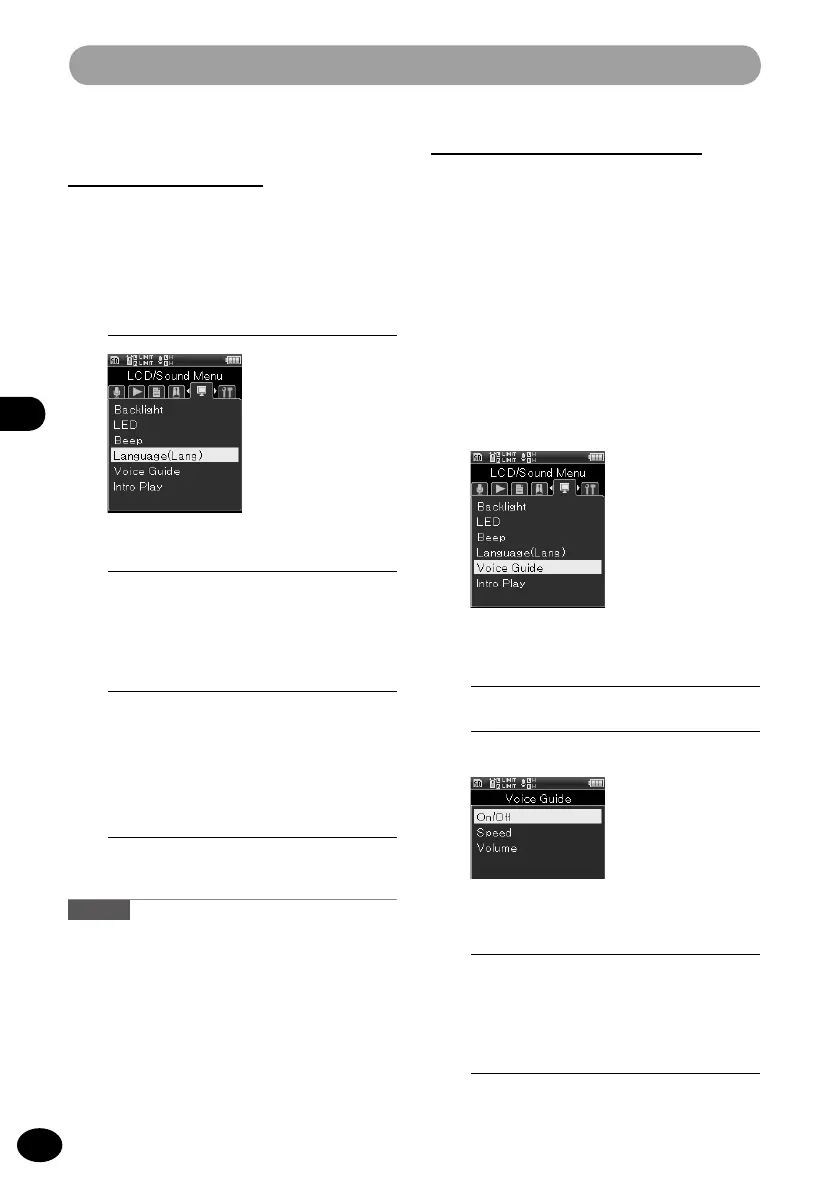
LCD/Sound menu [LCD/Sound Menu]
Language switch (Lang)
[Language (Lang)]
Either Japanese or English can be selected as
the display language.
1
[Menu]
{
[LCD/Sound Menu]
{
[Language(Lang)]
Voice guide [Voice Guide]
This is a function that provides audio guidance
of the operating condition. Control this function
this function by setting On/Off of the audio
guidance and by adjusting the speed and the
volume.
A
•
You can use the Voice Guide function on this
recorder in the language you have downloaded
from our website. For more information, please
refer to the support page.
2
Press the
OK
button.
3
Press the
+
/
−
button to select a
menu item.
•
Select an item to be set from [
ON/
OFF], [Speed], and [Volume].
4
Press the
OK
button.
•
The selected menu screen appears.
2
Press the
OK
button.
3
Press the
+
/
−
button to select a
menu item.
•
The selectable languages differ
depending on the region.
4
Press the
OK
button to finish the
setting.
Caution
•
Switching the language setting does not
change the current folder name or file name
that is already input.
1
[Menu]
{
[LCD/Sound Menu]
{
[Voice Guide]



 To Next Page