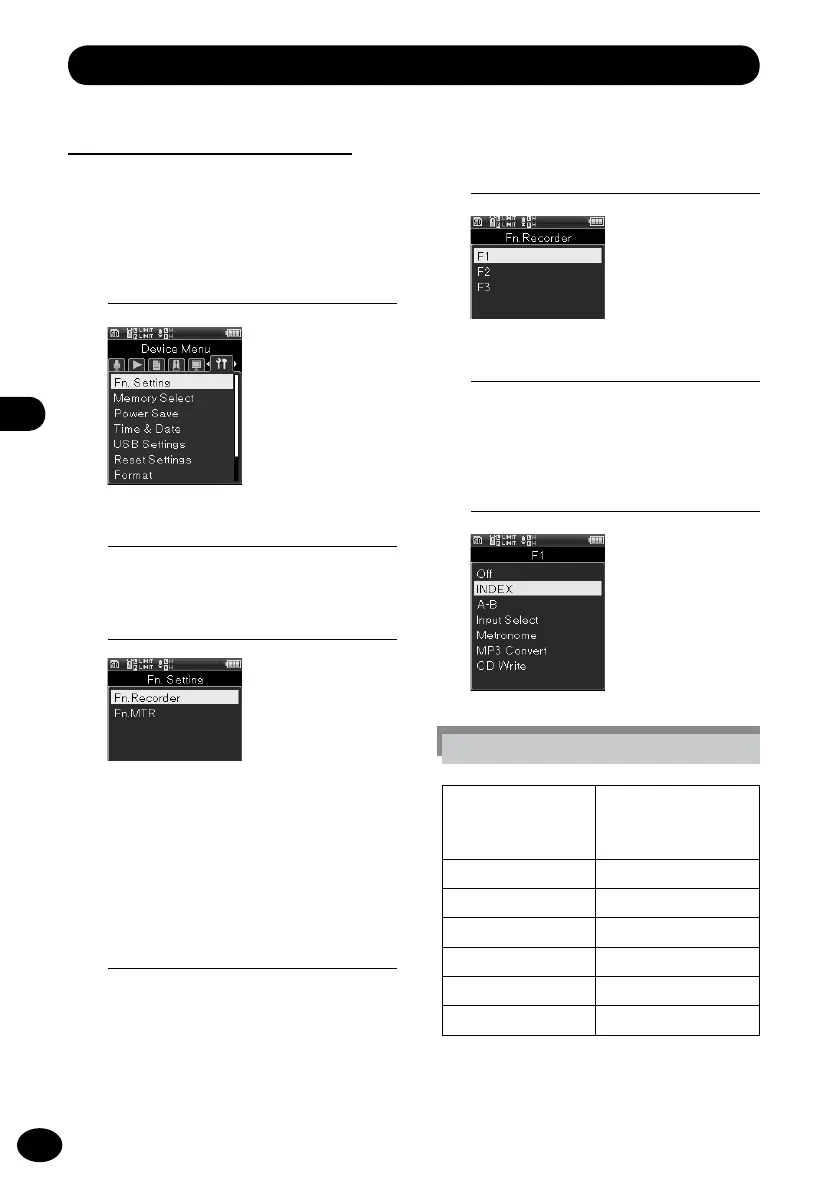
Device menu [Device Menu]
Fn key setting [Fn. Setting]
The
Fn
buttons (F1, F2, and F3) of the devicecan
be allocated to the desired operations.
1
[Menu]
{
[Device Menu]
{
[Fn. Setting]
3
Press the
+
/
−
button to select a
menu item.
[Fn. Recorder]
Fn
button allocation in the recorder
mode.
[Fn. MTR]
Fn
button allocation in the multi track
mode.
4
Press the
OK
button.
•
The selected menu screen appears.
5
Press the
+
/
−
button to select a
Fn
button for allocation.
6
Press the
OK
button.
•
The registration window for the
selected
Fn
button.
7
Press the
+
/
−
button to select a
function for registration.
[Fn. Recorder] setting
OFF
A function cannot be
allocated to the
Fn
button.
INDEX
☞
P.48
A-B
☞
P.49
Input Select
☞
P.82
Metronome
☞
P.100
MP3 Convert
☞
P.95
CD Write
☞
P.96
2
Press the
OK
button.



 To Next Page