44
EN
3
Recording
Recording
Important Notes on Recording
•
When you have an SD card inserted in the
recorder, make sure to check if your memory
selection is set to [Internal memory] or [SD
card] (
☞
P.107).
•
To prevent losing the beginning of your record
-
ing, make sure the PEAK indicator light (R) is lit
before recording.
•
When the remaining recording time is down to
60 seconds, the PEAK indicator light (R) starts
flashing; as the time winds down (to 30 seconds,
10 seconds, etc.), the light starts to flash faster.
•
No more recordings can be made when [
Folder
full] appears. Select another folder, or delete
unnecessary files before continuing to record
(
☞
P.50).
•
No more recordings can be made when
[Memory full] appears. Delete unnecessary
files before continuing to record (
☞
P.50).
•
The performance of the recording medium may
decrease after repeated writing and erasing.
When this occurs, try formatting the recording
medium (
☞
P.113).
▌
Recording using the metronome
You can use the metronome to help you keep
accurate tempo during recording.
1
Set
[REC Mode] to [
Normal
]
(
☞
P.79).
2
Select [Detail] from [Metronome
Menu], and set [Display] to [ON]
(
☞
P.100).
•
You can change the tempo and
pattern of the metronome in [Detail]
under [Metronome Menu] (
☞
P.100).
3
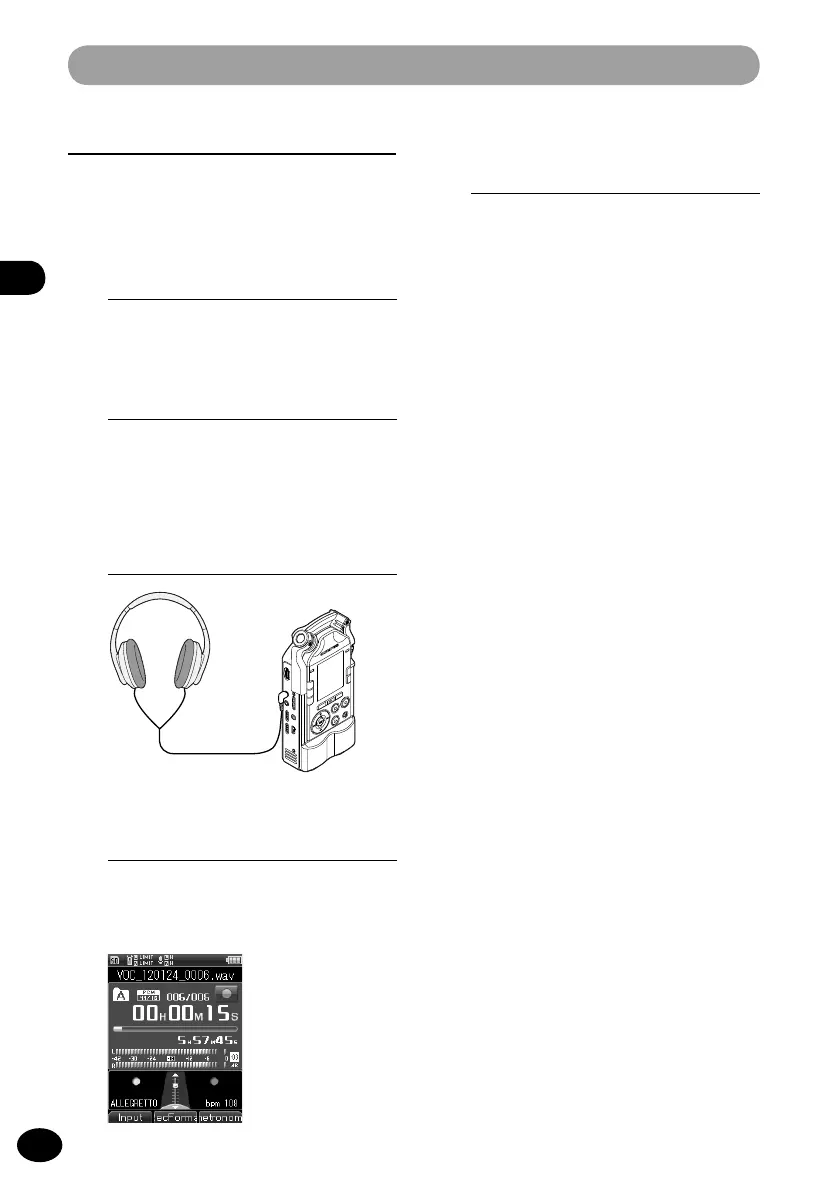
Connect headphones to the EAR
jack of the recorder.
4
Press the REC button to start
recording.
•
If [
Countdown] is set, recording starts
after the set count.
5
Press the STOP button to stop
recording.
•
When you stop recording, the
metronome will stop as well.



 To Next Page