113
EN
6
Device Menu
Device menu [Device Menu]
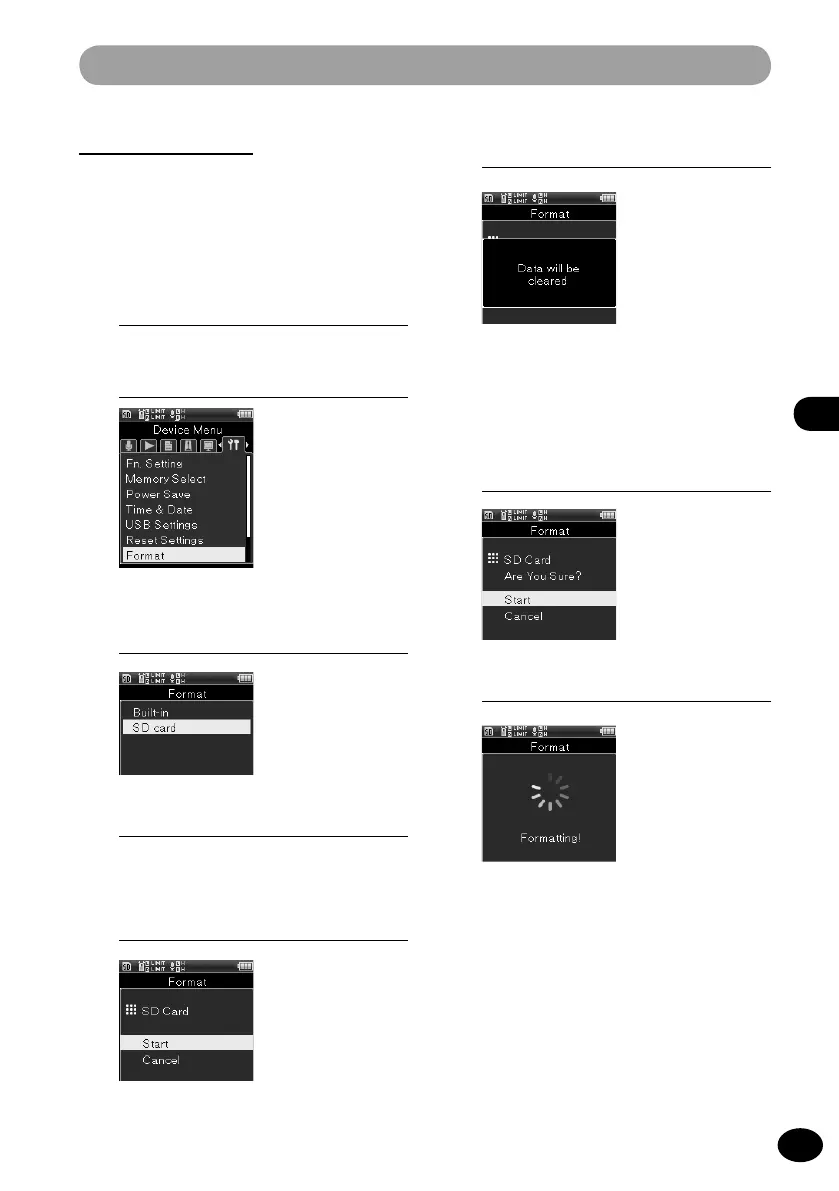
Format [Format]
When the recorder is formatted, all stored files
are deleted. Before conducting formatting, be
sure to transfer important files to your PC.
1
[Menu]
{
[Device Menu]
{
[Format]
2
Press the
OK
button.
3
Press the
+
/
−
button to select the
recording medium to format.
4
Press the
OK
button.
•
The screen shifts to the [
Format]
screen.
5
Press the
+
button to select [Start].
6
Press the
OK
button.
•
[
All data will be erased] is displayed
for two seconds, and [Start], [Cancel]
light up.
7
Press the
+
button to select [Start]
again.
8
Press the
OK
button.
•
[
Formatting] is displayed, and
formatting starts. When [Format
done] blinks, formatting is completed.



 To Next Page