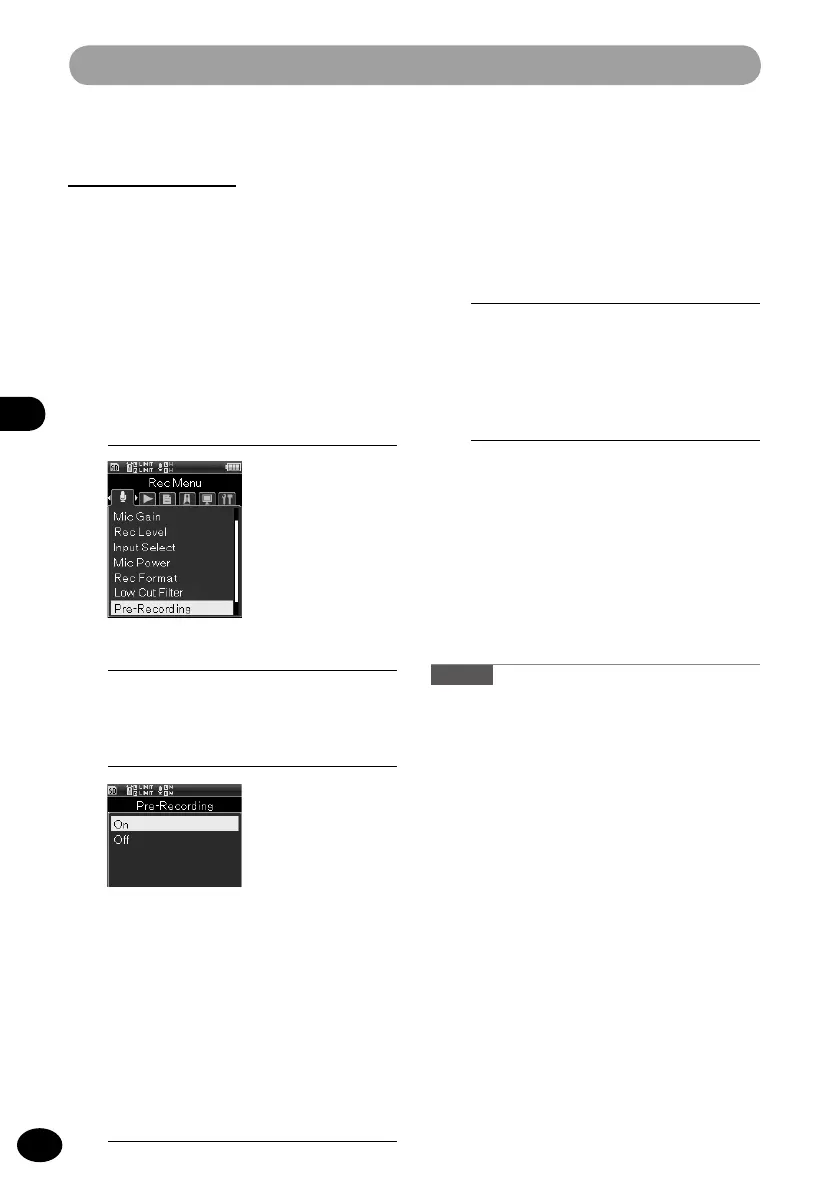
Recording menu [Rec Menu]
3
Press the
+
/
−
button to select a
menu item.
[ON]
Recording starts a maximum of
two seconds* prior to the start of
recording.
[OFF]
This setting stops the function.
4
Press the
OK
button to finish the
setting.
Pre-recording
[Pre-Recording]
The pre-recording function starts recording a
maximum of two seconds* prior to the start of
recording. For example, if you want to record
the sound of a bird singing and you press
the
RECORD
button when the bird sings,
recording starts a maximum of two seconds*
prior to the bird singing.
1
[Menu]
{
[Rec Menu]
{
[Pre-Recording]
How to use Pre-Recording
To record sound using Pre-Recording, set
[Pre-Recording] to [ON].
1
Press the REC button during
recording.
•
The recorder shifts into the record
wait status. It constantly records a
maximum of two seconds* of sound.
2
Press the REC button.
•
The recorder resumes recording. It
starts recording from a maximum of
two seconds
*
prior to the resumption
of recording.
* The length depends on the [
Rec
Mode] setting.
Caution
•
When the [
Pre-Recording] function is used, the
following functions cannot be used.
•
[
V-Sync. Rec] (
☞
P.43)
•
[
Metronome] (
☞
P.100)
▌
2
Press the
OK
button.



 To Next Page