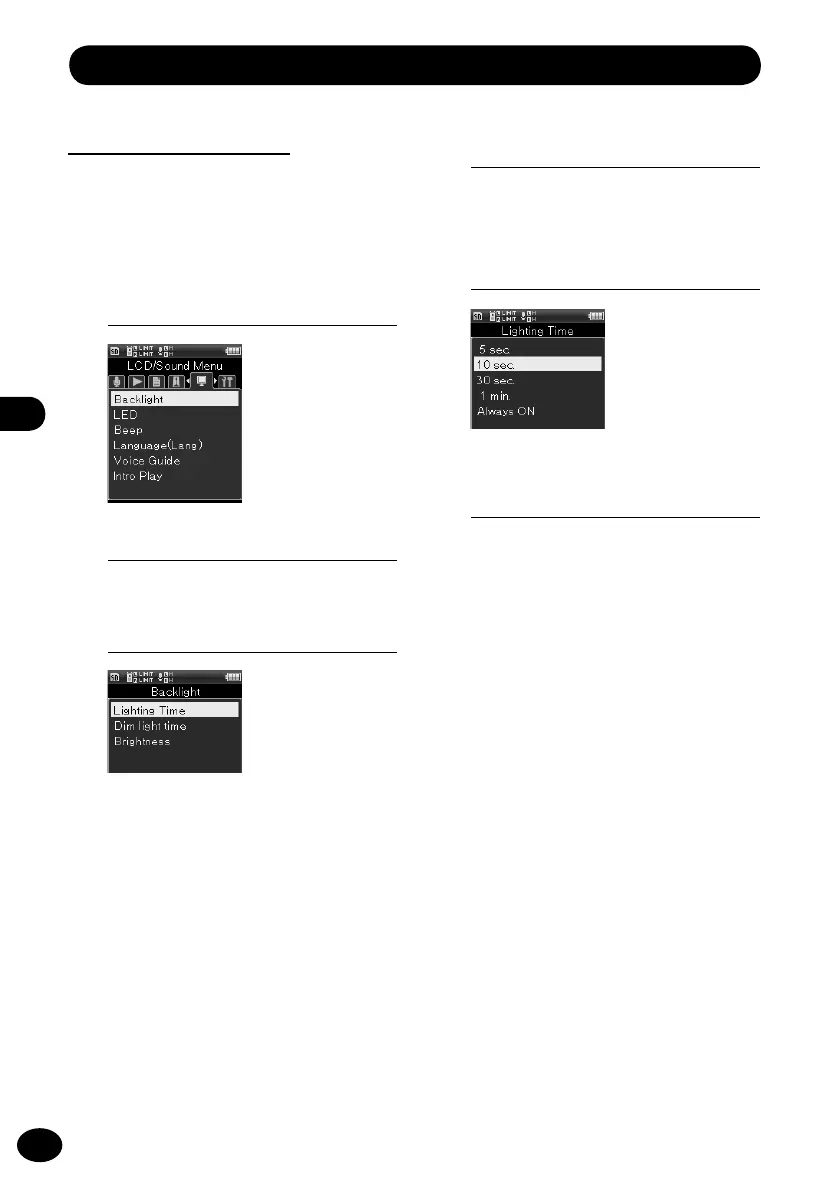
LCD/Sound menu [LCD/Sound Menu]
Backlight [Backlight]
Every time a button is pressed, the display
backlight turns on for approximately 10
seconds (default).
1
[Menu]
{
[LCD/Sound Menu]
{
[Backlight]
3
Press the
+
/
−
button to select a
menu item.
[Lighting time]
This setting sets the lighting time of
the backlight.
[Dim light time]
When the lighting time of the back-
light elapses, the backlight changes to
the dim light. This setting sets the time
of the dim light.
[Brightness]
This setting can adjust the backlight
brightness in three levels.
5
Press the
+
/
−
button to select a
menu item.
6
Press the
OK
button to finish the
setting.
4
Press the
OK
button.
•
The selected menu screen appears.
2
Press the
OK
button.



 To Next Page