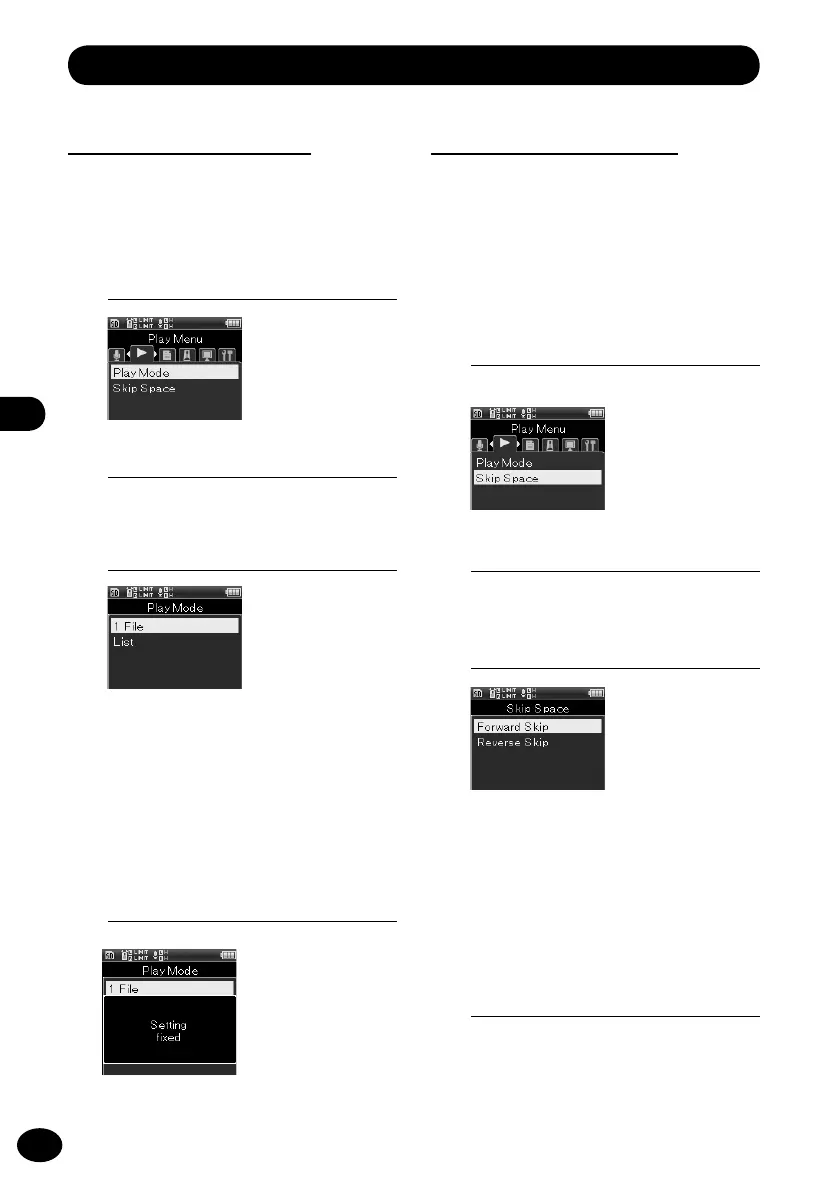
Play menu [Play Menu]
3
Press the
+
/
−
button to select a
menu item.
Play mode [Play Mode]
This setting enables you to select your
preferred play mode.
1
[Menu]
{
[Play Menu]
{
[Play Mode]
[One file]
Playback stops right after the current
file is played.
[List]
This setting plays the files in a folder.
4
Press the
OK
button to finish the
setting.
3
Press the
+
/
−
button to select a
menu item.
Skip space [Skip Space]
This function skips (forwards) or reverse skips
(reverses) by the set time while playing a file.
It is convenient for moving quickly to the
playing position or for playing short phrases
repeatedly.
1
[Menu]
{
[Play Menu]
{
[Skip Space]
[Forward Skip]
Playback starts after the set time is
skipped.
[Reverse Skip]
Playback starts after the set time is
reverse skipped.
2
Press the
OK
button.
2
Press the
OK
button.
4
Press the
OK
button.
•
The selected menu screen appears.



 To Next Page