89
EN
6
Play Menu
Play menu [Play Menu]
5
Press the
+
/
−
button to select a
menu item.
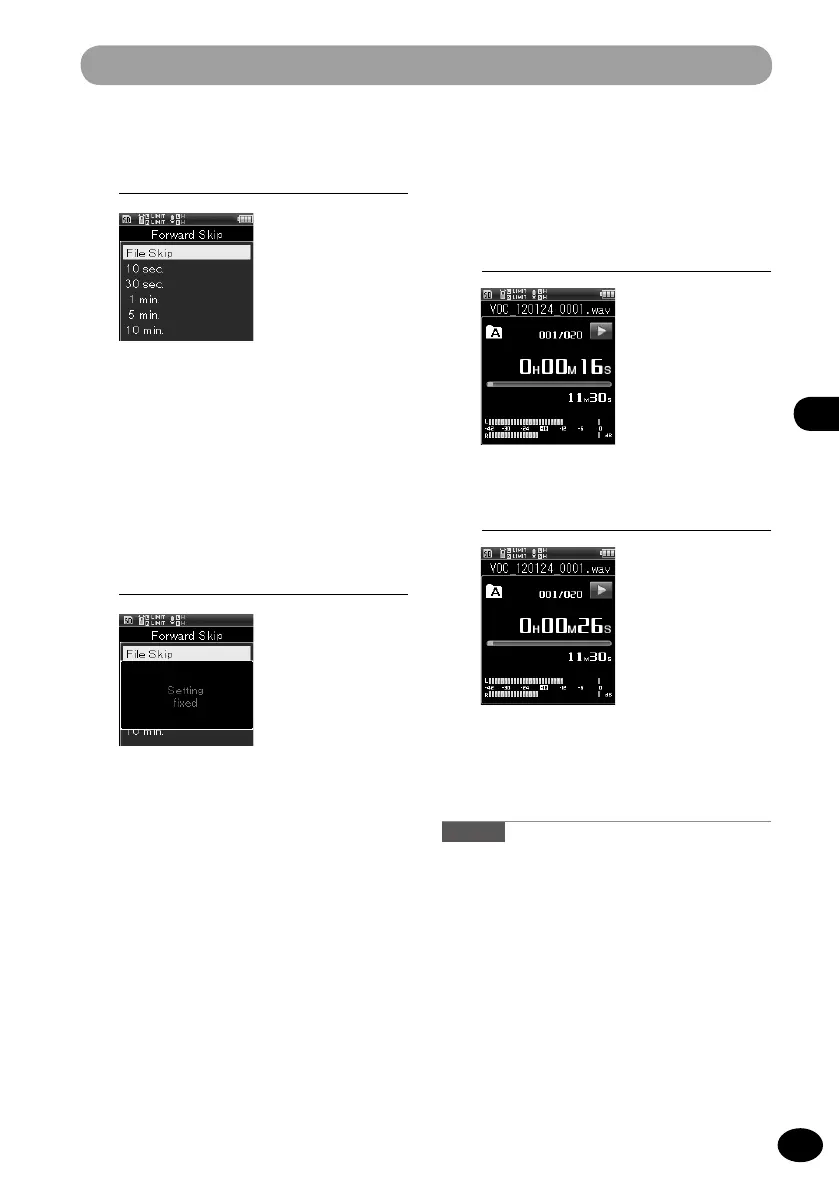
[Forward Skip]
[File skip] [10 sec.] [30 sec.] [1 min.]
[5 min.] [10 min.]
[Reverse Skip]
[File skip] [1 sec.] to [5 sec.] [10 sec.] [30
sec.] [1 min.] [5 min.]
6
Press the
OK
button to finish the
setting.
How to play with skipping and
reverse skipping
1
Press the PLAY button to start
playing.
▌
2
Press
9
/
0
button during
playback.
•
The set space is skipped or reverse
skipped and then playback starts.
Caution
•
If there is an index mark or a cue position that is
nearer than the skip space position, the recorder
skips or reverse-skips to that position.



 To Next Page