Limiter/
Compressor
Recording menu [Rec Menu]
3
Press the
+
/
−
button to select the
Input source.
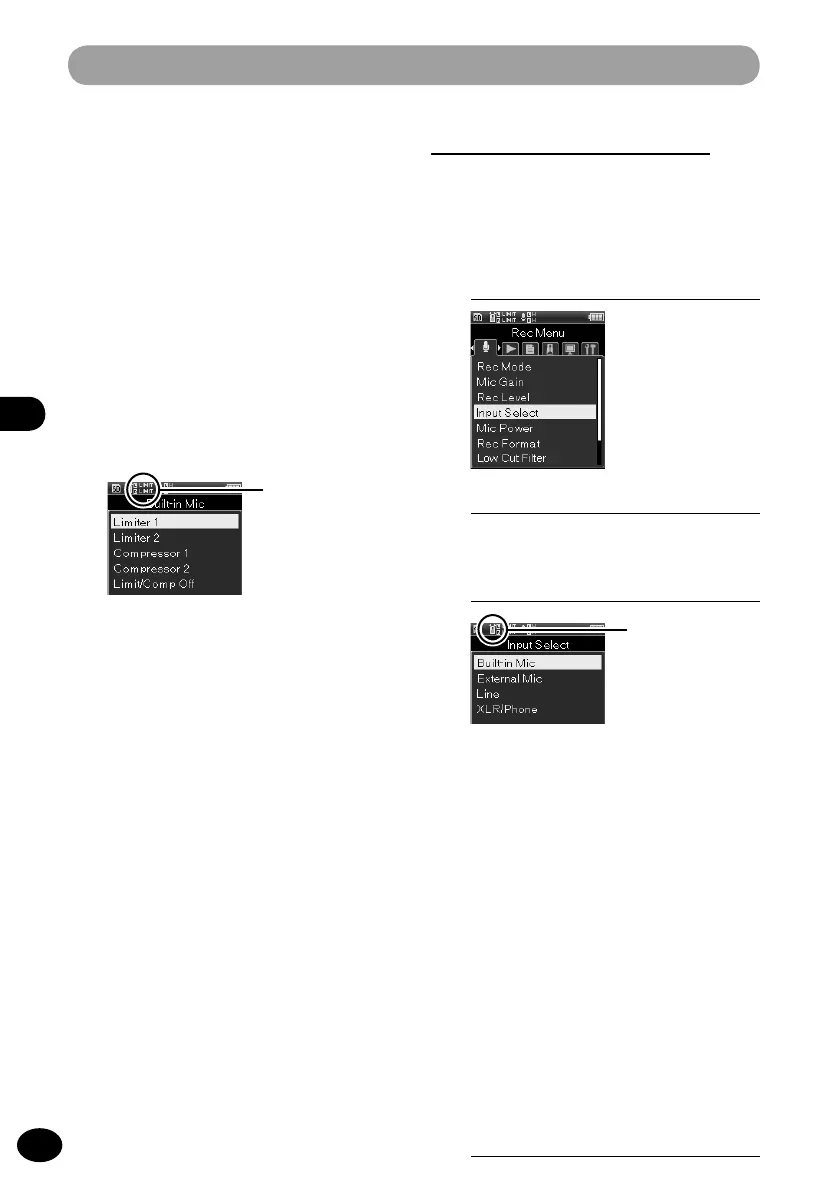
[Built-in Mic]
Sound is input through the built-in stereo
microphone.
[External Mic]
Sound is input by connecting an
external microphone to the MIC jack.
[Line]
Sound is input by connecting an
external unit to the MIC jack.
[XLR/Phone]
Sound is input through a musical
instrument or the microphone con-
nected to the XLR/standard phone
combo jack.
4
Press the
OK
button to finish the
setting.
Input switch [Input Select]
This setting sets the input channel of the
audio source.
1
[Menu]
{
[Rec Menu]
{
[Input Select]
Input source
2
Press the
OK
button.
[Limiter 2]
[Compressor 2]
Select these settings to equalize the
sound, which is suitable for voice
recording. Your recording will have a
consistent sound level and a sense of
integrity. With these settings, you can
capture the attack sound but not the
lingering sound.
[OFF]
This setting is used when adjusting
the input level without using the
correction function.



 To Next Page