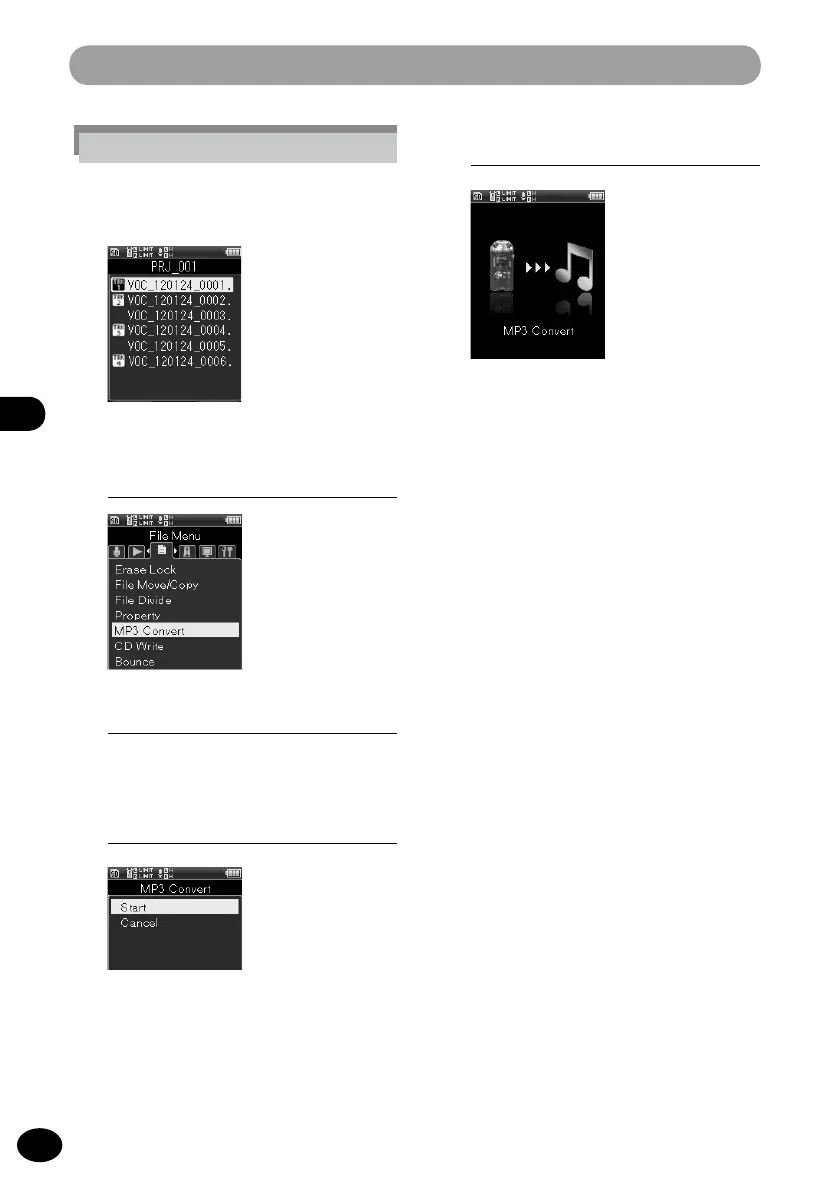
File menu [File Menu]
4
Press the
+
button to select [Start].
5
Press the
OK
button.
•
The animation is displayed on the
screen, and MP3 conversion starts.
When [Done] is displayed, conversion
is finished.
•
The converted file becomes the [
MP3
128kbps] format.
A
•
When [MP3 Convert] (
☞
P.106) is set to the
Fn
button, pressing the allocated button starts the
conversion.
2
[Menu]
{
[File Menu]
{
[MP3 Convert]
3
Press the
OK
button.
•
The convert check screen appears.
In the multi-track mode:
1
Press the +/− button to select the
file from the file list screen.



 To Next Page